
Knowledge Popularization
Learn proxy fundamentals including residential, ISP and datacenter IPs, setup methods and real-world usage scenarios.

What Are Web Bots? Crawlers, Scrapers, and Bot Traffic Explained
A crawler that discovers product pages, a scraper that extracts prices, an uptime checker that tests a URL every few minutes, and a browser script that clicks through a QA flow can all be called web bots. The label is broad because it describes automation, not one specific job. A more useful way to understand bots is to ask three questions: what task is being repeated, what request pattern the software creates, and what output it produces. That framework makes it easier to tell a crawler from a scraper, understand bot traffic, and diagnose where a workflow is actually failing....
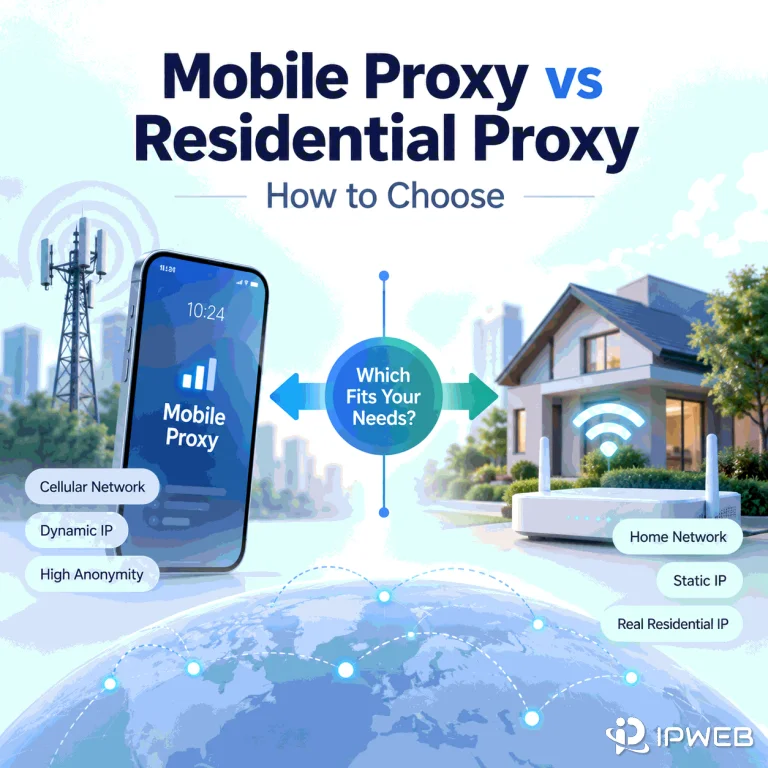
Mobile Proxy vs Residential Proxy: How to Choose
Choosing between a mobile proxy and a residential proxy starts with one question: what network identity does your workflow actually need to reproduce? Use a mobile route when the cellular carrier network itself matters. Start with residential when you need a consumer ISP path, broader residential geography, or repeatable web QA across residential locations. The important difference is not which proxy type sounds more “trusted.” Look at what the destination can observe instead: the ASN and organization behind the IP, how the public address is shared, how sessions change, and whether the location signal matches the test. Quick Answer Choose...
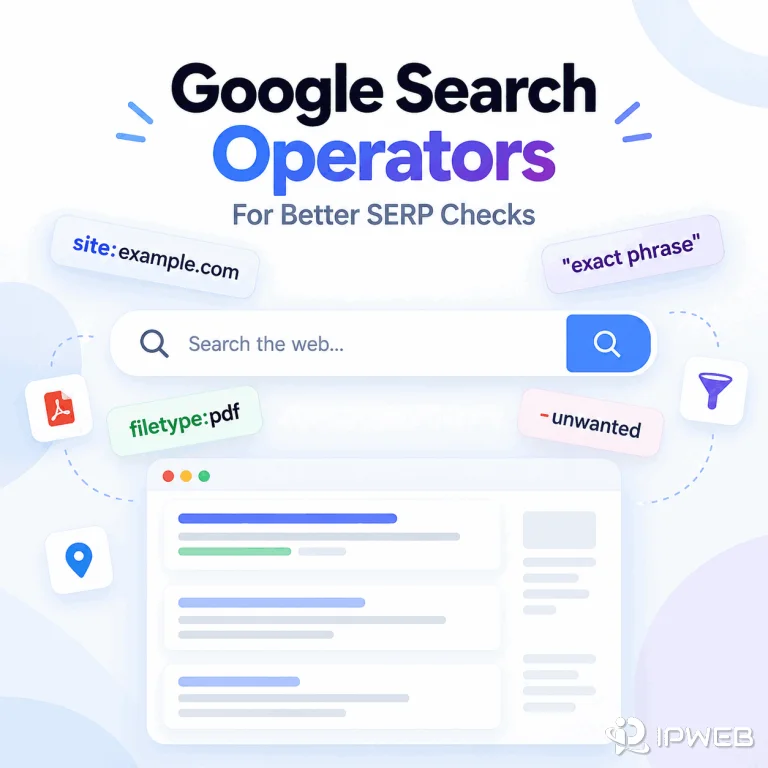
Google Search Operators for Better SERP Checks
Google search engine syntax includes operators and query patterns that make a search more specific, such as quotation marks for exact phrases, site: for a domain or URL prefix, minus signs for exclusions, before: and after: for date limits, and filetype: for document types. Used well, these operators help SEO teams, analysts, and developers answer a narrower search question before they compare Google results or move to a structured SERP workflow. The important distinction is that search operators control the query, not the entire result environment. They can make a manual check clearer and easier to document, but they do...
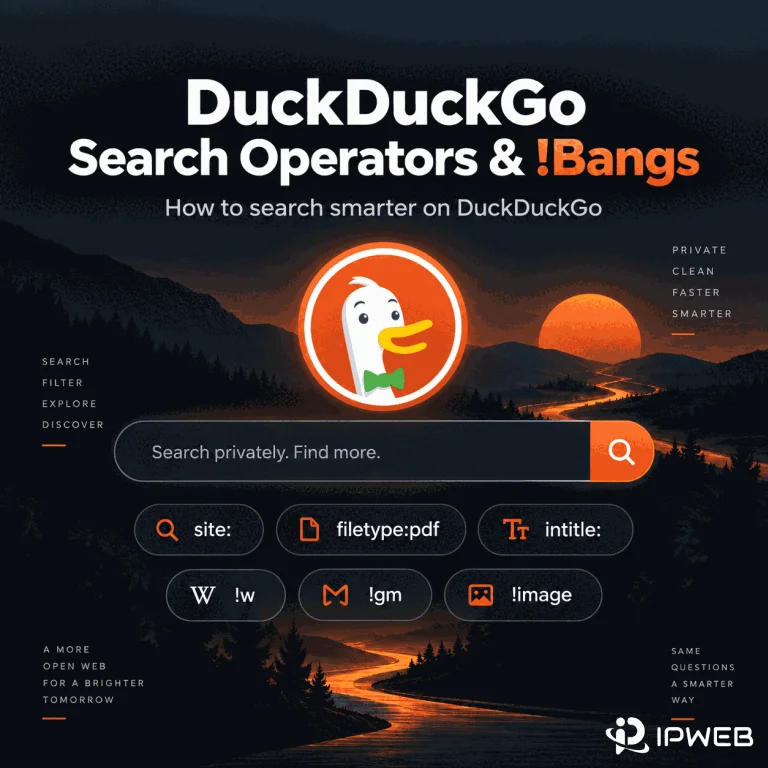
How to Use DuckDuckGo Search Operators and !Bangs
DuckDuckGo supports advanced search syntax for narrowing results by domain, file type, page title, URL, and phrase. It also has !bangs, a separate shortcut system that sends a query to another website's own search engine. The useful part is not memorizing every command. It is knowing which tool matches the search task, how far you can trust the syntax, and what to change when a query becomes too restrictive. This guide focuses on that practical workflow rather than treating DuckDuckGo operators as a list of commands. Quick Answer Use site:, filetype:, intitle:, inurl:, quoted phrases, and term modifiers when you...
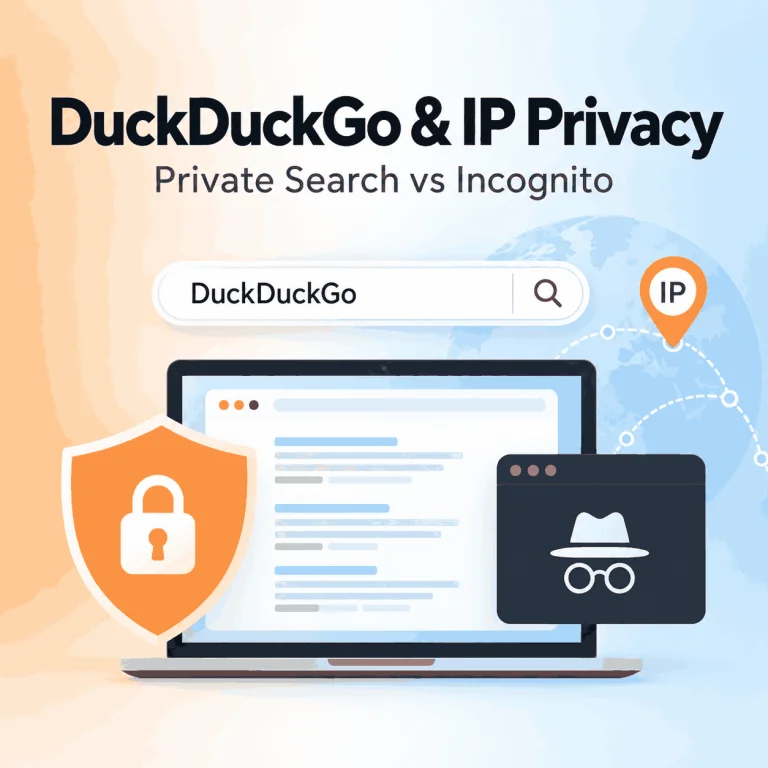
DuckDuckGo Private Search vs Incognito Mode: Does It Hide Your IP?
DuckDuckGo is widely associated with private search, so it is easy to assume that searching with DuckDuckGo also hides your IP address or works like browser incognito mode. Those are different privacy layers. DuckDuckGo says it does not save your IP address alongside your searches or build a personal search history from them. It also encrypts DuckDuckGo Search traffic with HTTPS. But using DuckDuckGo Search by itself does not replace the public IP address that other websites receive when you visit them. Quick Answer DuckDuckGo Search itself does not hide or replace your public IP. DuckDuckGo says it does not...
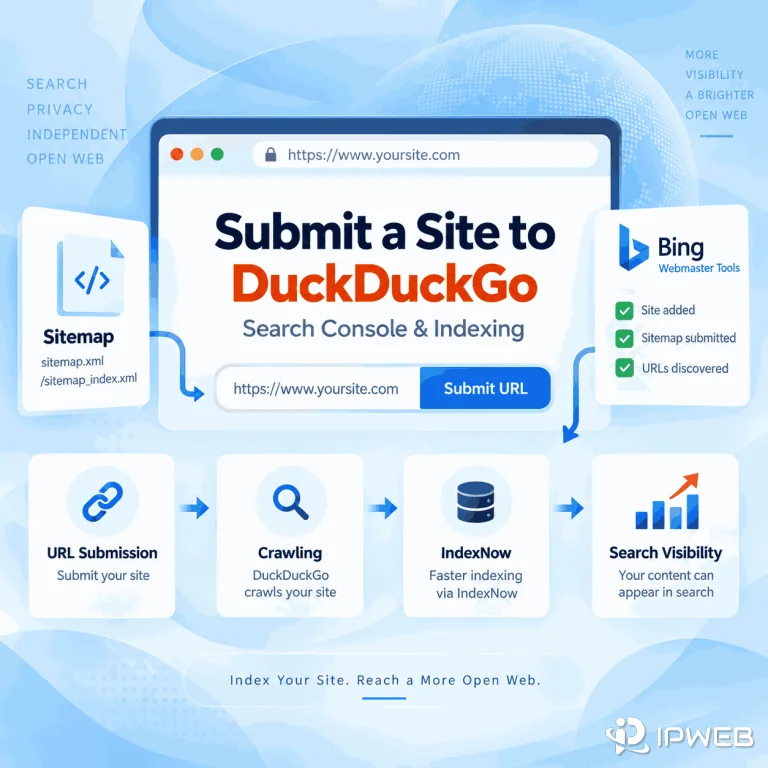
How Do You Submit a Website to DuckDuckGo?
You published a new page, searched for it on DuckDuckGo, and then discovered there is no obvious place to submit the URL. Unlike Google Search Console or Bing Webmaster Tools, DuckDuckGo's public help documentation does not currently provide a dedicated webmaster console or direct site-submission workflow. That does not mean site owners have no practical path. DuckDuckGo says it maintains its own crawler and indexes, while most traditional links and images in its search results are largely sourced from Bing. The useful question is therefore not simply "Where is the DuckDuckGo submit URL form?" but "Which discovery signals can help...
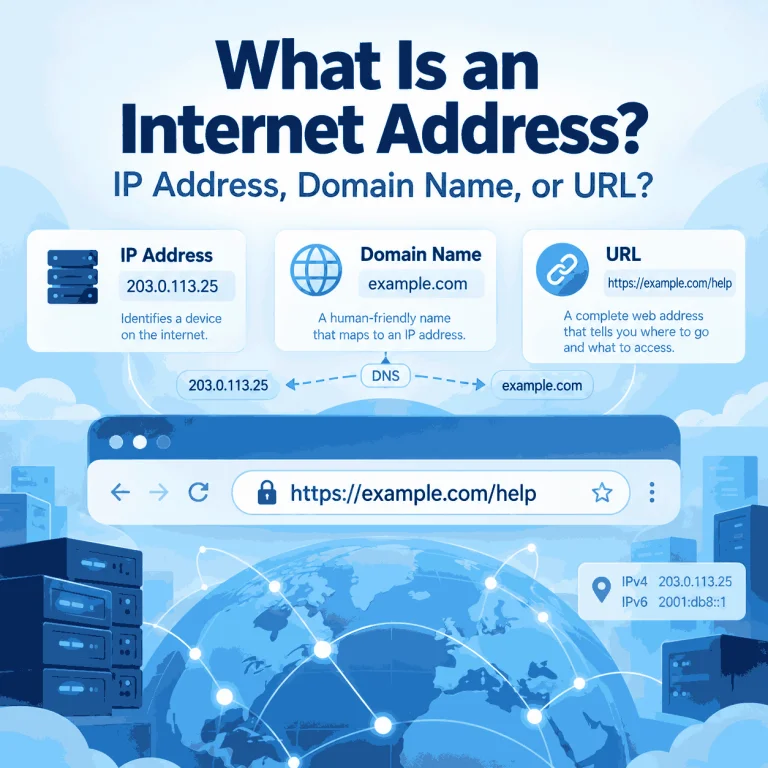
What Is an Internet Address?
The phrase “internet address” is easy to misunderstand because it is used in more than one way. In networking, it usually points to an IP address. In everyday web use, someone may use the same phrase for a domain name, a full URL, or even an email address. Those terms are related, but they describe different parts of how the Internet identifies destinations and resources. Knowing the difference matters when you are checking a network connection, reading browser settings, troubleshooting DNS, or trying to understand which address a website can actually see. Quick Answer In networking terminology, an internet address...
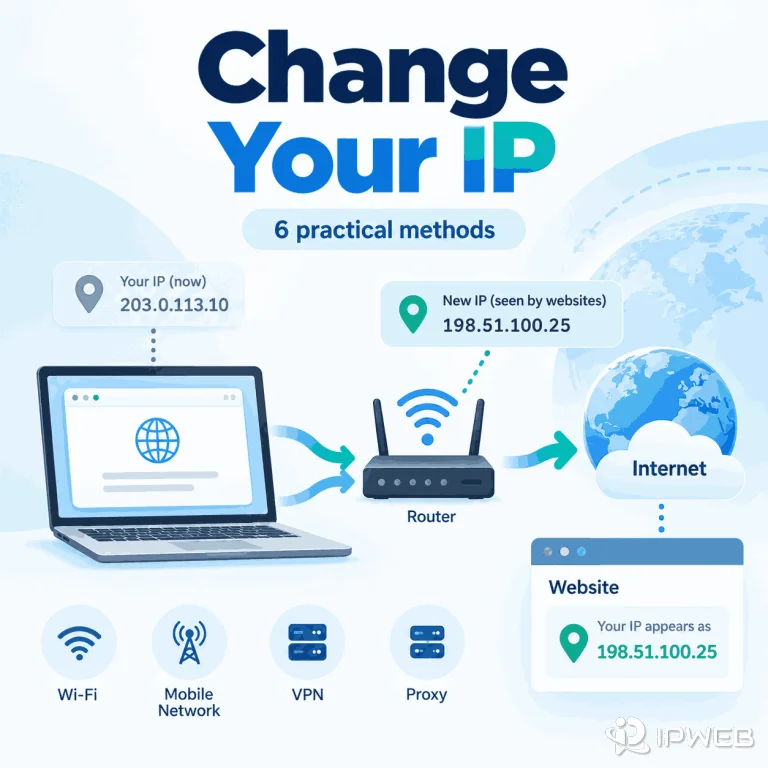
How Can You Change Your IP Address?
You may want a different IP when troubleshooting a connection, switching networks, testing how a website responds from another network, or making one browser, app, or script use a different IP than the rest of your device. Before choosing a method, identify which address you need to change: the public IP associated with your internet connection, the private IP assigned inside your local network, or simply the IP that a website sees. Different methods affect different addresses. Quick Answer You can make websites see a different IP by using a different internet connection, reconnecting mobile data, using a VPN, or...
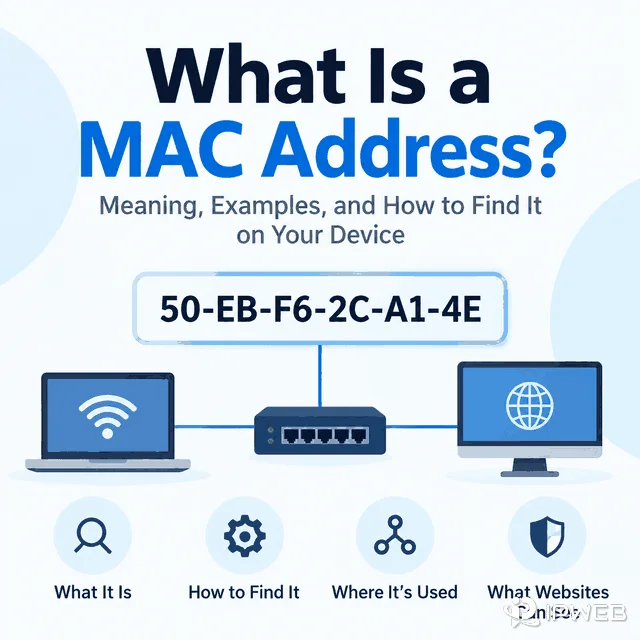
What Is a MAC Address? What Websites and Proxies Can See
People often ask about MAC addresses after a website shows the wrong location, detects automation, or ties activity to a device. The useful starting point is to separate local network identity from internet-visible request signals. When a remote website behaves differently, the MAC address is usually not the first signal to inspect. Start with the public IP, proxy route, DNS behavior, browser profile, cookies, headers, and account/session state. Quick Answer A MAC address is a hardware or software-assigned identifier used on a local network link. A normal public website does not receive your raw MAC address across the internet. It...
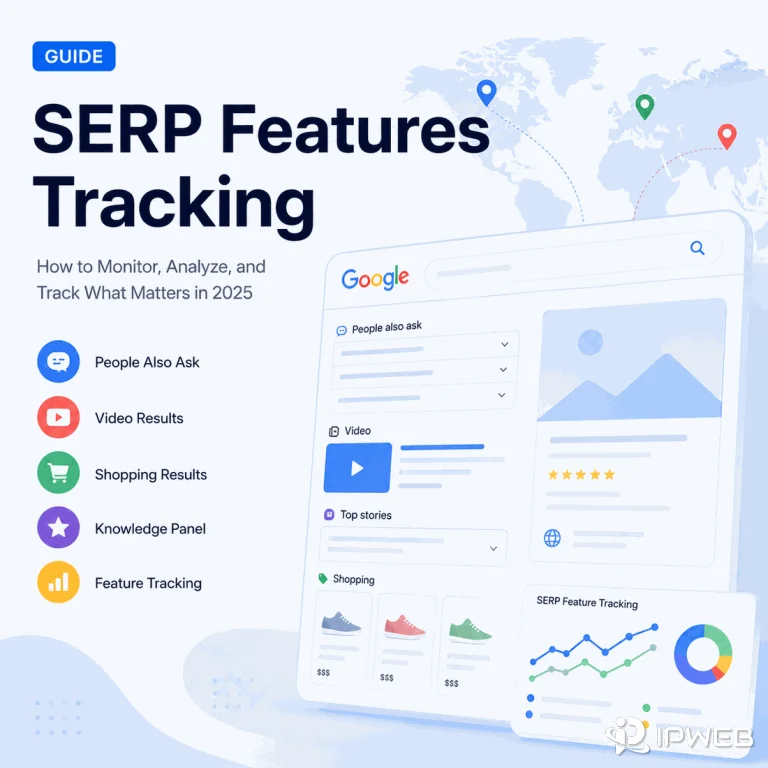
What Are SERP Features? Types, SEO Impact, and Regional Checks
SERP features can change what users see before they ever reach a traditional organic listing. For teams comparing search visibility across countries or cities, the important question is not only which features appear, but whether those observations were collected under consistent location, language, device, and timing conditions. Quick Answer SERP features are search-result elements beyond a standard organic listing, such as featured snippets, People Also Ask, local packs, shopping results, videos, knowledge panels, Top Stories, and AI Overviews. For regional SEO checks, track both feature presence and feature ownership while keeping the search environment consistent. A region-targeted proxy can help...
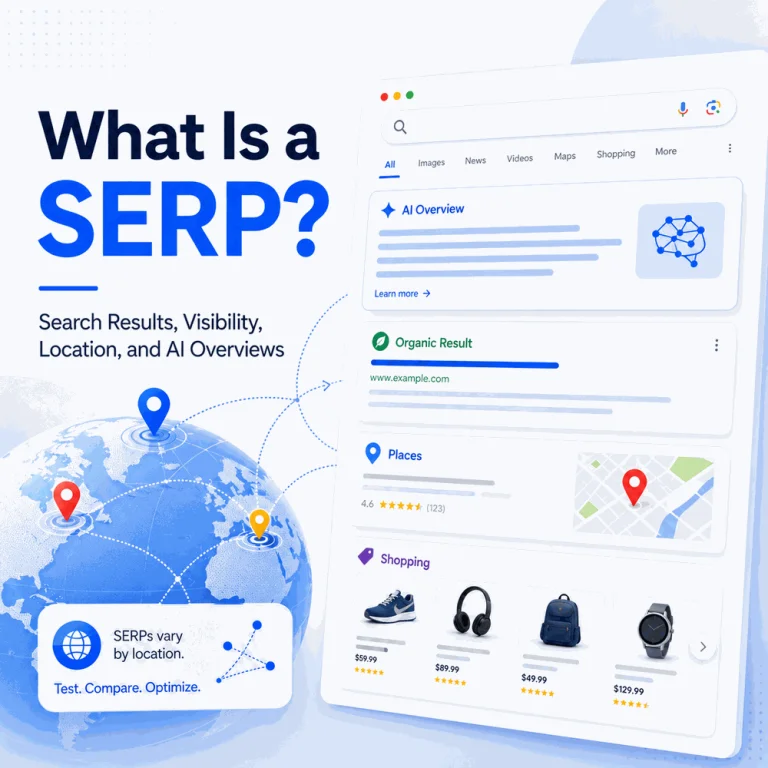
What Is a SERP?
A search engine results page can look different even when the query stays the same. Location, language, device type, time, and search context can change the results and the features shown around them. That makes SERPs important not only for SEO analysis, but also for regional search testing and repeatable visibility checks. Quick Answer A SERP, or search engine results page, is the page a search engine returns after a query. It can contain organic links, ads, local packs, featured snippets, videos, shopping results, People Also Ask boxes, knowledge panels, and AI-generated answers. Because search results can vary by location...
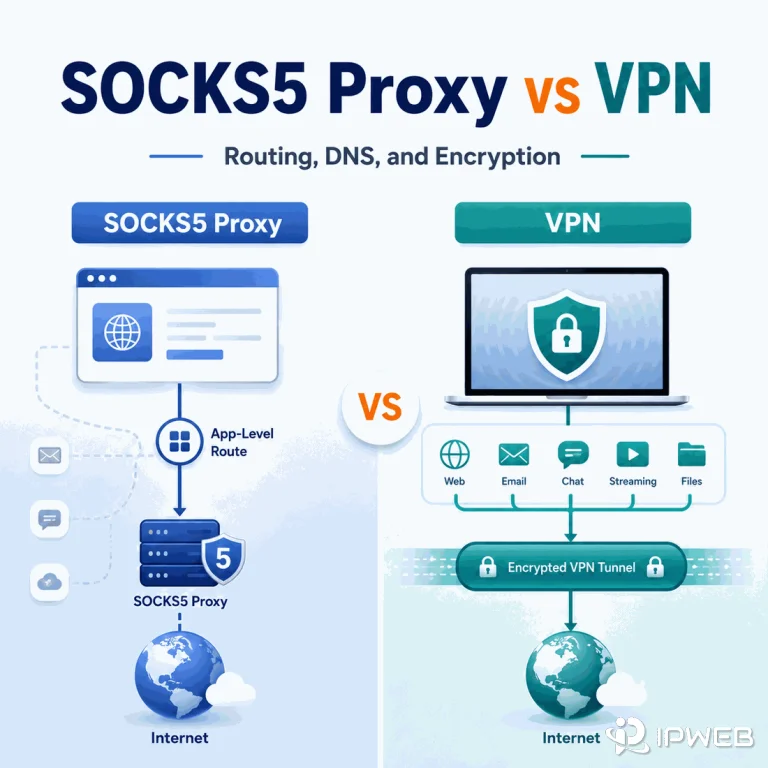
SOCKS5 Proxy vs VPN: What’s the Difference?
SOCKS5 proxies and VPNs can both change the network path between an application and the internet, but they solve different problems. The practical SOCKS5 proxy vs VPN difference is routing scope: SOCKS5 is usually configured for a specific browser, script, crawler, profile, or application, while a VPN normally creates an encrypted tunnel that can carry traffic for an entire device or a defined set of apps. Quick Answer A SOCKS5 proxy forwards traffic from a configured application through a SOCKS5 server. A VPN creates an encrypted tunnel between the device or VPN client and a VPN server, then routes traffic...