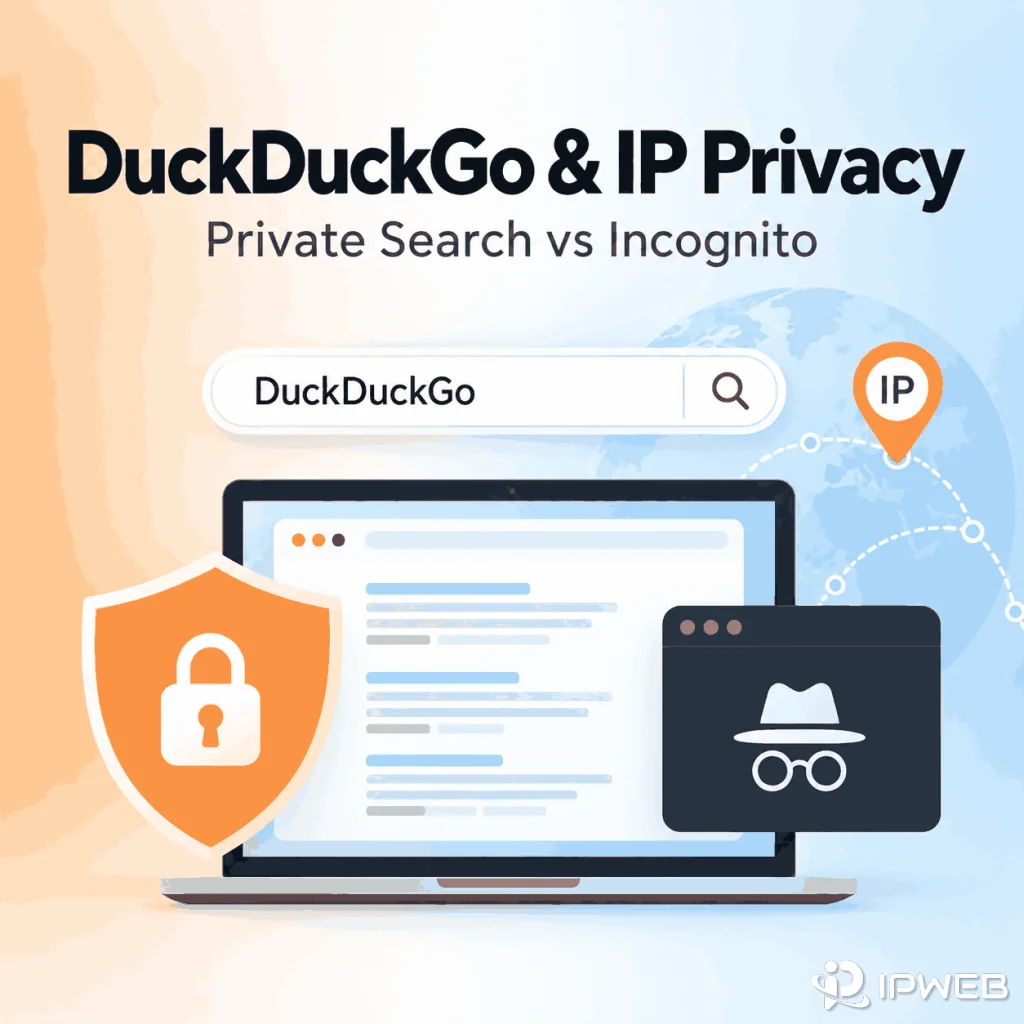
DuckDuckGo is widely associated with private search, so it is easy to assume that searching with DuckDuckGo also hides your IP address or works like browser incognito mode. Those are different privacy layers.
DuckDuckGo says it does not save your IP address alongside your searches or build a personal search history from them. It also encrypts DuckDuckGo Search traffic with HTTPS. But using DuckDuckGo Search by itself does not replace the public IP address that other websites receive when you visit them.
DuckDuckGo Search itself does not hide or replace your public IP. DuckDuckGo says it does not save your IP address alongside searches or create an individual search history, and HTTPS prevents your internet provider from reading the specific searches you make on DuckDuckGo. Websites you open afterward can still receive the public IP used by your current network route. The important exception is DuckDuckGo's separate subscription VPN: when enabled, traffic routed through its VPN tunnel uses a VPN server rather than exposing your device's normal public IP to destination websites. Search privacy, private browsing, and VPN routing are separate features.
- DuckDuckGo Search is designed not to build a personal search history tied to you.
- DuckDuckGo receives connection information such as an IP address temporarily, but says it does not save that IP alongside searches.
- DuckDuckGo Search does not replace the public IP address other websites see after you leave the search page.
- DuckDuckGo VPN is a separate subscription feature that can hide your device's normal IP from websites by routing traffic through a VPN server.
- HTTPS protects DuckDuckGo search terms from being read by your internet provider, but encryption is different from changing the network route.
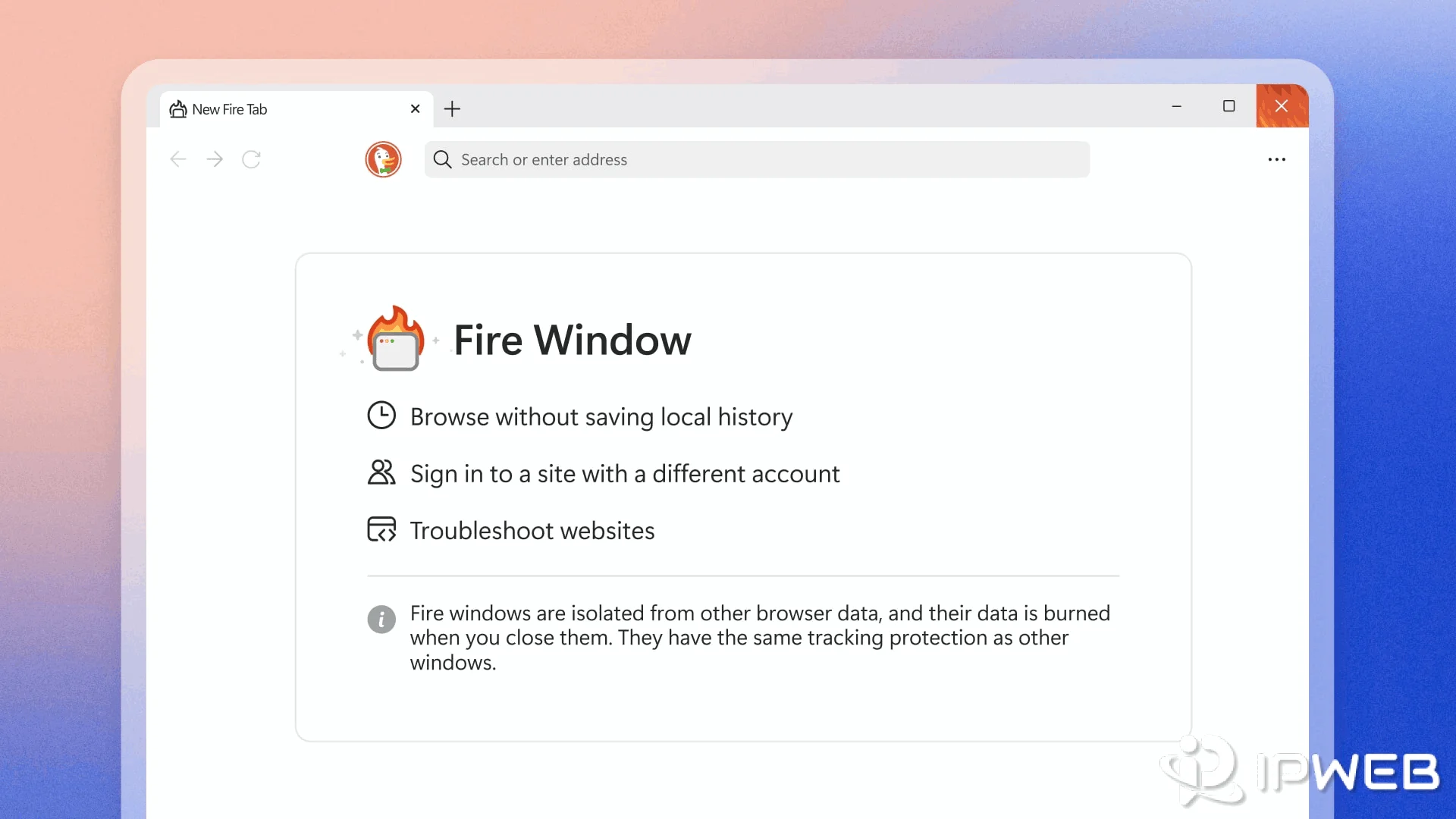
- DuckDuckGo Browser offers Fire Windows on desktop and Fire Tabs on mobile for isolated browsing sessions, which is different from IP masking.
- DuckDuckGo can use IP-based GeoIP information to estimate local search context without saving the IP address on its servers.
Does DuckDuckGo Hide Your IP Address?
DuckDuckGo Search does not hide your public IP from every website you visit. DuckDuckGo's Privacy Policy says that when you visit its services, your device automatically sends information such as its IP address, browser type, and language. DuckDuckGo says it uses this information temporarily to deliver content and for security, but does not save your IP address alongside your searches or log IP addresses to disk in a way that can be tied back to you.
That privacy model is different from network routing. If you search on DuckDuckGo and then open another website over your normal internet connection, that destination can still receive the public IP associated with the network route used for the connection. DuckDuckGo Search does not sit in front of all later web traffic as a general-purpose routing service.
DuckDuckGo VPN is the separate exception. DuckDuckGo now offers a subscription VPN that encrypts traffic across the device and hides the device's normal IP address from websites by routing traffic through DuckDuckGo VPN servers. This behavior comes from the VPN, not from ordinary DuckDuckGo Search or Fire Windows / Fire Tabs.
| Observer | What matters | What DuckDuckGo Search changes |
|---|---|---|
| DuckDuckGo Search | Receives the request needed to serve search results | DuckDuckGo says it does not save the IP alongside searches or build an individual search history |
| Your internet provider | Carries the connection between your device and DuckDuckGo | HTTPS protects the specific search terms from being read in transit |
| A website you open afterward | Receives a connection from your current network route | DuckDuckGo Search does not replace that route's public IP |
The practical takeaway is that DuckDuckGo reduces the amount of search activity tied to a personal identifier, while a VPN or proxy changes a different layer: the network path used to reach a destination.
If your question is about programmatic access to DuckDuckGo search data rather than privacy behavior, see our guide to whether DuckDuckGo has a Search API. That is a separate developer workflow from IP visibility or private browsing.
Does DuckDuckGo Have an Incognito Mode?
DuckDuckGo Search itself is not the same thing as an incognito browser window. Search privacy describes how DuckDuckGo handles search requests. Incognito or private browsing describes how a browser isolates or retains local session data such as cookies, history, open tabs, and site storage.
In the DuckDuckGo Browser, the closest equivalent is Fire Windows on desktop and Fire Tabs on mobile. DuckDuckGo says these sessions are isolated from regular browsing data and that their browsing data is deleted when the session is closed. The browser also provides the Fire Button for deleting selected local browsing data.
If you use DuckDuckGo Search inside Chrome, Edge, Firefox, or another browser's private mode, both layers are active at the same time: the browser controls local session retention, while DuckDuckGo controls how the search service handles your search request. Neither layer automatically replaces the external IP address.
Does DuckDuckGo Save Your Search History?
DuckDuckGo says it does not save or share an individual search, chat, or browsing history when you use its search engine, apps, or extensions. Its privacy design avoids storing IP addresses or other unique identifiers alongside searches in a way that could create a personal search history.
That does not mean every trace of activity disappears from the device you are using. Your browser can still maintain local history, cookies, cached files, downloaded files, bookmarks, or site storage depending on the browser and session mode. DuckDuckGo's own browser provides controls for deleting local browsing data, while third-party browsers use their own private-browsing behavior.
DuckDuckGo's statement about not creating an individual search history describes data on the search-service side. Browser history is local data controlled by the browser. Clearing or isolating one does not automatically change the other.
Can Your ISP See DuckDuckGo Searches?
DuckDuckGo says no: its search connection is encrypted with HTTPS, so the internet provider carrying the connection cannot read the specific searches you make on DuckDuckGo. DuckDuckGo's ISP privacy help page explains this directly.
HTTPS encryption should not be confused with changing the network route. Encryption protects the contents of the search request in transit. It does not, by itself, make the public IP disappear or make the device communicate through a different exit network.
Why Does DuckDuckGo Still Use Your IP for Local Results?
Private search does not mean a search engine receives no network context at all. DuckDuckGo explains that devices automatically send an IP address when connecting to its service. For local searches, it uses a GeoIP lookup to estimate a location from that IP, then says it discards the IP instead of saving it on its servers.
DuckDuckGo's anonymous local-results documentation also explains why the estimate can be wrong. Mobile networks and centralized routing can make an IP-based location appear far from the user's actual location. Users can optionally share browser location for more accurate local results, with DuckDuckGo describing additional safeguards intended to keep precise location anonymous.
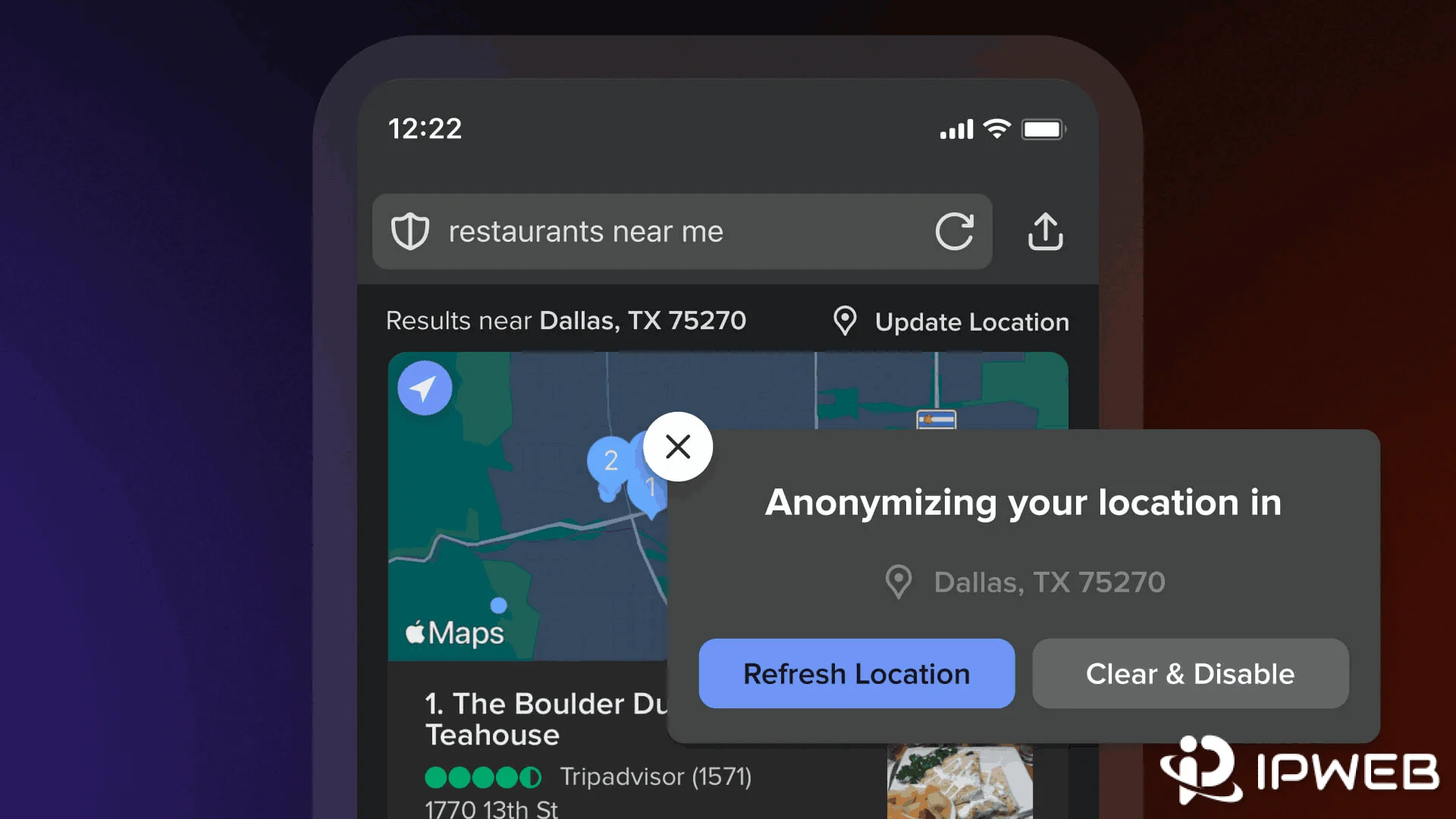
This is an important distinction: an IP address can be used temporarily as network or location context without being saved as part of a personal search profile. If the country or city shown by an IP lookup does not match the location you expect, our guide to why an IP location can be wrong explains how geolocation databases, carrier routing, and network ownership can affect the result.
How to Test Whether DuckDuckGo Changes Your Public IP
You can verify the network-layer behavior instead of relying on a privacy label. The key is to check the visible IP in the same browser or application before and after using DuckDuckGo Search.
- Open an IP lookup page in the same browser you will use for DuckDuckGo and record the visible public IP, country, ISP, and ASN.
- Open DuckDuckGo Search and run a normal search without changing any VPN, proxy, or network settings.
- Return to the IP lookup in the same browser and refresh it.
- Compare the visible IP with the value you recorded. DuckDuckGo Search by itself should not create a new network exit.
- If you intentionally enable a VPN or proxy route for an authorized test, check the visible IP again in that same browser or application.
- If the IP changes but the city looks unexpected, verify the geolocation separately instead of assuming the route failed.
IPWeb's What Is My IP guide explains how to check the visible public IP, ISP, ASN, and approximate location before and after a network change.
For an authorized regional QA workflow that specifically requires a different network exit, dynamic residential proxies can provide country- or city-targeted residential routes for the browser, script, or application being tested. Verify the visible IP in the same environment before interpreting any regional search-result difference.
Does DuckDuckGo VPN Hide Your IP?
Yes, when the separate DuckDuckGo VPN is enabled. DuckDuckGo's VPN documentation says the service creates an encrypted tunnel between the device and a DuckDuckGo VPN server. For traffic that passes through that tunnel, destination websites do not receive the device's normal public IP address.
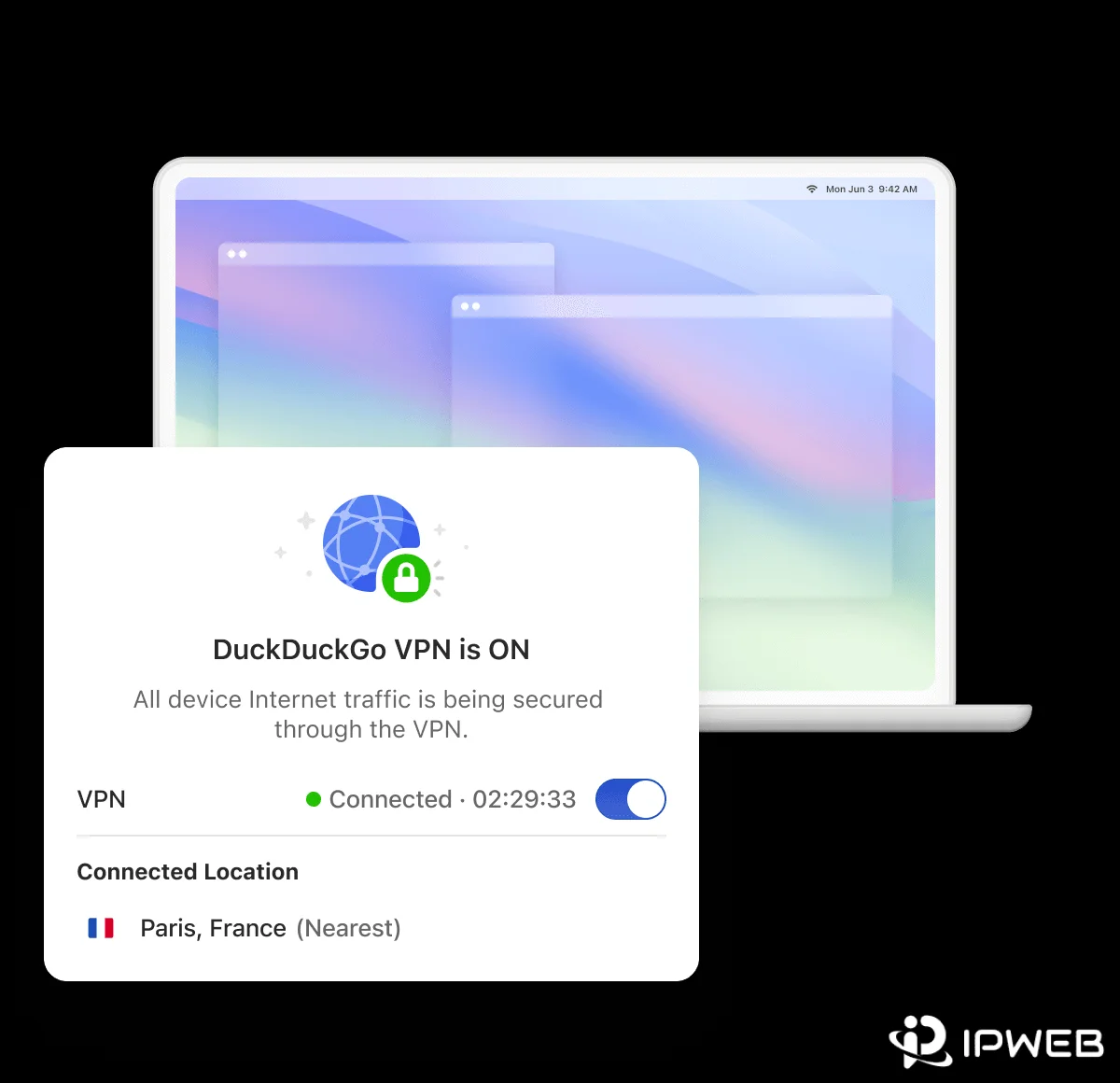
The VPN is part of a DuckDuckGo subscription and is different from ordinary DuckDuckGo Search, Fire Windows, Fire Tabs, and !bang shortcuts. DuckDuckGo Search changes how search activity is handled. The VPN changes the network route.
If someone asks, "Does DuckDuckGo hide my IP?", the accurate answer depends on the feature: DuckDuckGo Search does not change the public IP, while DuckDuckGo VPN can.
DuckDuckGo also recommends verifying the VPN by searching What is my IP? with the VPN connected, then disabling the VPN and comparing the result. Its VPN status guide says the IP address and location shown while connected should match the VPN location rather than the device's normal connection.
DuckDuckGo vs Incognito vs Proxy vs VPN
These tools are often grouped together under the word "privacy," but they solve different problems.
| Tool or mode | Main layer | What it primarily changes | Does it normally change the public IP seen by a destination? |
|---|---|---|---|
| DuckDuckGo Search | Search-service privacy | How search requests are logged, profiled, and associated with users | No |
| Incognito / private browsing | Browser session | How local history, cookies, and session storage are retained or isolated | No |
| Proxy | Application or request routing | The network route used by configured traffic | Usually yes for traffic that uses the proxy |
| DuckDuckGo VPN / other VPNs | Device or application tunnel | The network route for traffic that enters the VPN tunnel | Usually yes for tunneled traffic |
If you need the network-layer explanation in more detail, IPWeb's guide to whether a VPN hides your IP address explains what changes when traffic enters a VPN tunnel and what can remain visible.
If you need to compare routing scope rather than privacy labels, our Proxy vs VPN guide explains the practical difference between application-level proxy routing and broader VPN tunneling.
What Can Websites Still See?
Choosing DuckDuckGo as the search engine does not remove the signals that a destination website normally receives when you connect to it. Depending on the website and browser, those signals can include the public IP, request headers, cookies, logged-in account state, browser characteristics, language, time zone, and any permissions you explicitly grant.
That is why "DuckDuckGo does not track my searches" and "a website cannot identify anything about my visit" are not equivalent claims. The first describes DuckDuckGo's search-privacy design. The second would depend on the destination website, browser state, account state, and network route.
- If you care about search profiling, review the search engine's data-handling policy.
- If you care about local browser traces, review private browsing, Fire Windows, Fire Tabs, or history-clearing behavior.
- If you care about the public IP a destination sees, verify the network route used by that exact browser, app, or request.
- If you care about precise location, review browser and device location permissions separately from IP-based location.
- If you are signed in to an account, remember that the account itself can identify the session regardless of the search engine used.
Frequently Asked Questions
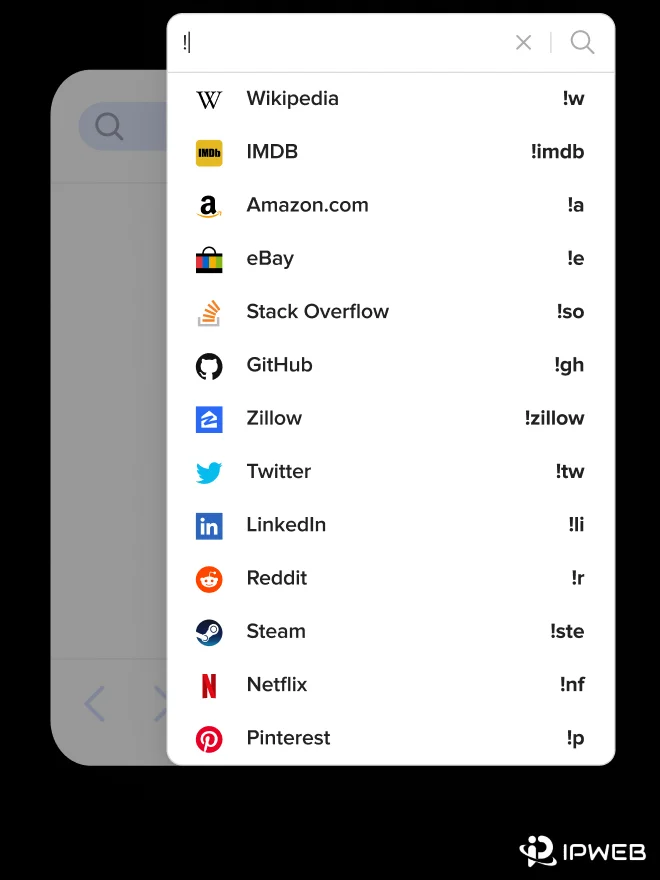
!proxy command, note that !proxy is not listed in DuckDuckGo's current supported Bang directory and should not be treated as a current DuckDuckGo browsing feature.Final Thoughts
DuckDuckGo Search is designed to reduce search tracking and avoid building a personal search history, but ordinary DuckDuckGo Search does not hide the public IP from every website you visit. DuckDuckGo VPN is a separate subscription feature that does change the network-routing layer. Search privacy, local browser history, HTTPS encryption, device location, and VPN routing should therefore be evaluated separately.
The simplest way to avoid confusion is to ask which layer you are trying to control. Use DuckDuckGo for private search and private-browser features for local session isolation. Use network-routing tools only when the workflow specifically requires a different route.
Then verify the exact browser, app, or request path instead of assuming one privacy feature changes everything.