
Guides
Includes step-by-step tutorials and practical guides for proxies, scraping, APIs, and automation tools.
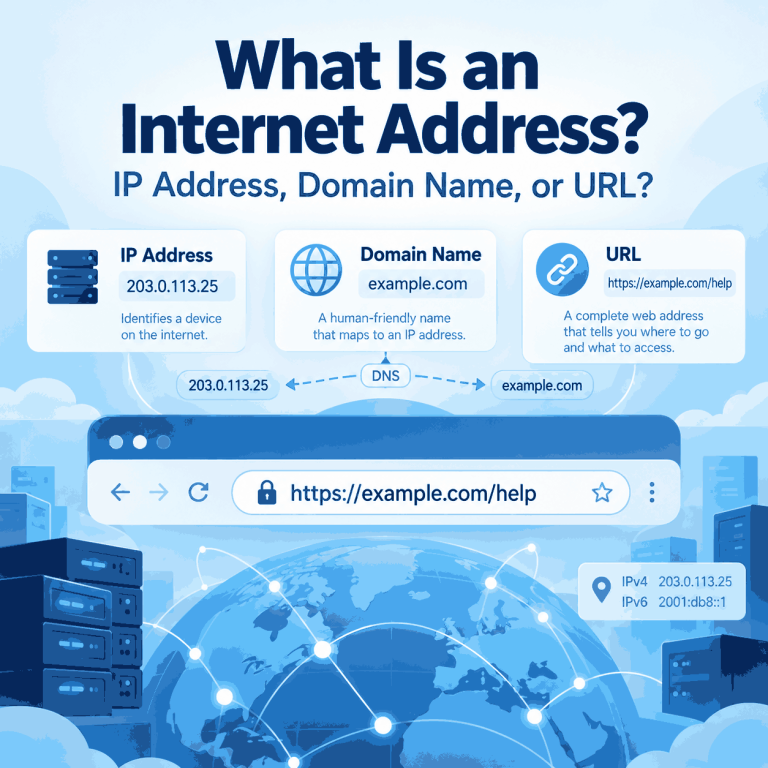
What Is an Internet Address?
The phrase “internet address” is easy to misunderstand because it is used in more than one way. In networking, it usually points to an IP address. In everyday web use, someone may use the same phrase for a domain name, a full URL, or even an email address. Those terms are related, but they describe different parts of how the Internet identifies destinations and resources. Knowing the difference matters when you are checking a network connection, reading browser settings, troubleshooting DNS, or trying to understand which address a website can actually see. Quick Answer In networking terminology, an internet address...
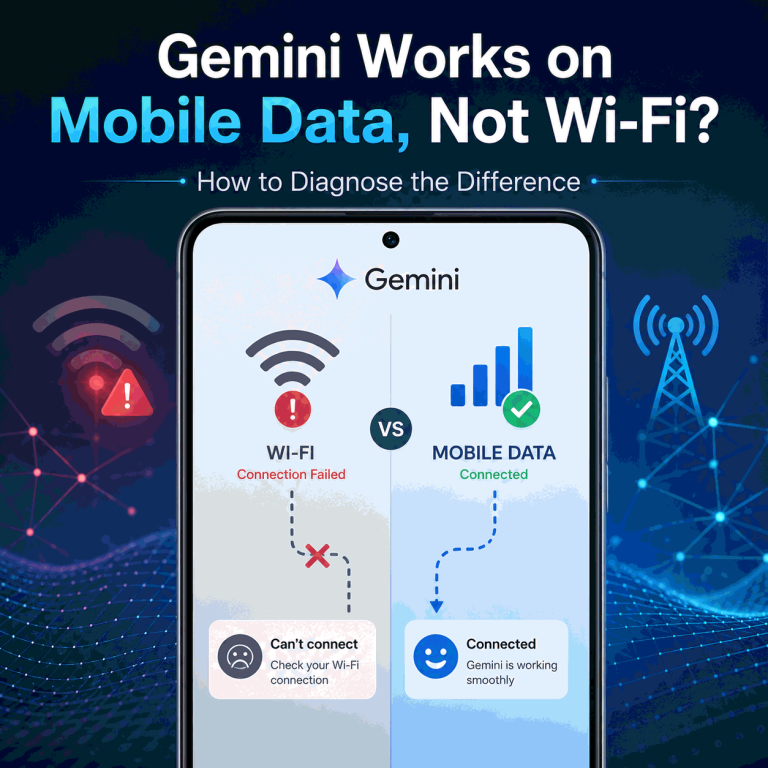
Why Does Gemini Work on Mobile Data but Not Wi-Fi?
If Gemini works on mobile data but not on Wi-Fi on the same device, that difference is useful evidence. It means the two connections should be compared before you start changing the Google account, reinstalling the app, or rewriting browser settings. Wi-Fi and mobile data normally use different public IP addresses, network operators, DNS paths, and sometimes different IPv4 or IPv6 routes. If the result changes only when the network changes, the connection path deserves closer inspection. That still does not prove that the Wi-Fi IP is blocked or that one specific network signal is responsible. Quick Answer If Gemini...

How Can You Change Your IP Address?
You may want a different IP when troubleshooting a connection, switching networks, testing how a website responds from another network, or making one browser, app, or script use a different IP than the rest of your device. Before choosing a method, identify which address you need to change: the public IP associated with your internet connection, the private IP assigned inside your local network, or simply the IP that a website sees. Different methods affect different addresses. Quick Answer You can make websites see a different IP by using a different internet connection, reconnecting mobile data, using a VPN, or...

Why Is Claude Login Not Working?
A Claude sign-in failure can happen at several different points. The login email may never arrive, a verification code may be required because the link was opened on another device, Google sign-in may select the wrong account, or the browser may return to the login page after authentication. A country-availability message is a separate problem and should not be diagnosed as an ordinary login loop. Start by recording the last successful step and the exact error text. Keep credentials and authentication links private: a useful troubleshooting record includes the symptom, browser, device, and time, not a password, cookie, magic link,...

Why Does Gemini Show the Wrong Country or Location?
Gemini can appear to use the wrong country or location even when your physical location has not changed. The reason is that “location” is not one single signal. Gemini Apps can use a general location, and with permission they can also use a device’s precise location. Separately, an IP lookup may show a network country or city that comes from IP-geolocation data rather than GPS. The first step is to identify what looks wrong: Gemini’s location shown in the web app, local answers inside Gemini, the country attached to the network route, an app-store availability result, or a country/region access...

Why Claude Says It Is Not Available in Your Country
The message “Claude is not available in your country” is easy to misread as a browser problem. It is usually an availability or eligibility decision, and the right next step depends on where it appears. Claude on the web, the mobile app, Claude Code, and the Anthropic API do not share one interchangeable login path. Before changing settings, capture the exact wording, product surface, account used, and time. That short record prevents a country-policy message from being mixed up with an expired session, a managed-account restriction, or a temporary incident. Quick Answer Verify Anthropic's current supported-country information for the specific...

How to Inspect Element on Mac and Check Page Data
On a Mac, you can inspect a webpage in Chrome, Safari, or Firefox from the context menu or with a keyboard shortcut. Opening DevTools is only the first step: the Elements and Network panels can also show whether a visible field is already in the page HTML, added after JavaScript runs, or returned by a separate request. Use the browser and page state that match the task you are checking. A product price, search result, listing, or other public field can appear differently before and after filters, pagination, or client-side rendering. Quick Answer To Inspect Element on a Mac, Control-click...
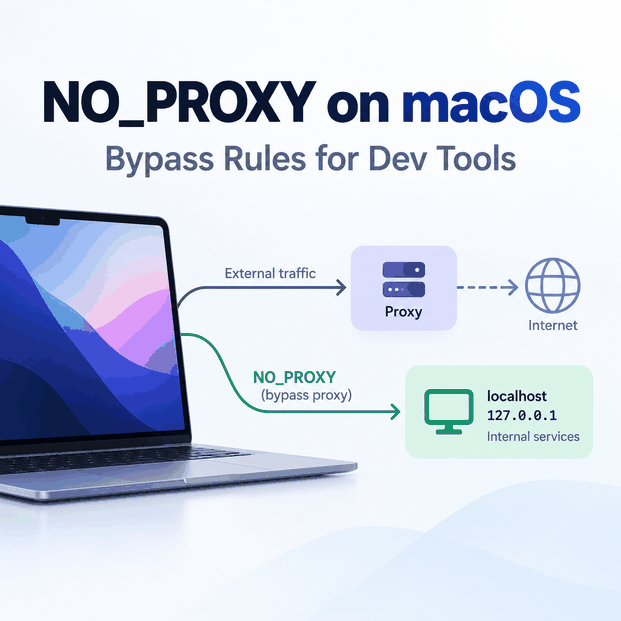
NO_PROXY Environment Variable on Mac: Bypass Rules for Dev Tools
On macOS, system proxy settings and shell environment variables can exist at the same time. If a terminal command ignores the GUI proxy, sends localhost through a proxy, or unexpectedly connects directly, check the variables inherited by that exact process. The key distinction is routing scope. macOS network settings can affect supported applications at the system level, while command-line tools and developer runtimes may read http_proxy, https_proxy, and NO_PROXY from the shell environment instead. Quick Answer On macOS, NO_PROXY is a comma-separated bypass list used by many command-line tools and libraries. Add only hosts that should connect directly, such as...
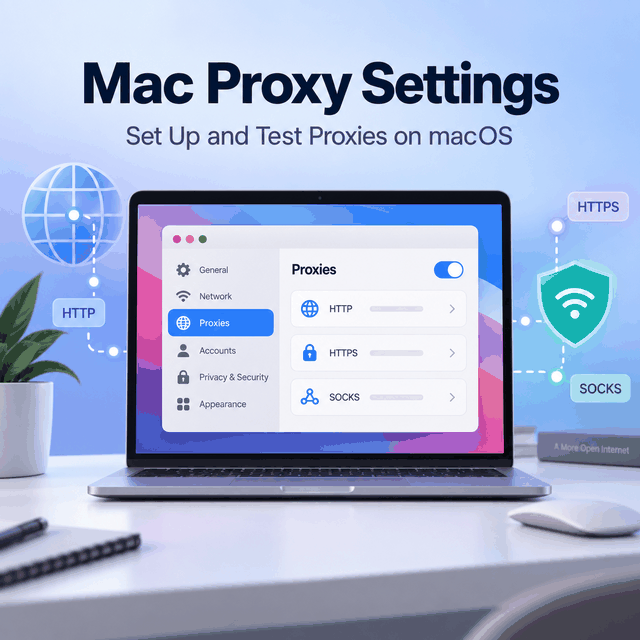
How to Set Up and Test Proxies on macOS
A Mac can have several network services: Wi-Fi, Ethernet, USB adapters, VPN interfaces, and other profiles. Proxy settings apply to the selected service, so changing the wrong service can leave your browser or app unchanged. In macOS, open network settings, select the active service, then find the proxy options. Older guides may say Mac OS X, but the practical idea is the same: choose the active network connection before entering proxy details. Quick Answer Mac proxy settings let macOS send supported network traffic through a configured proxy server for a selected network service. The setup is only half the job:...
Why Does Google AI Studio Show 403 Access Restricted?
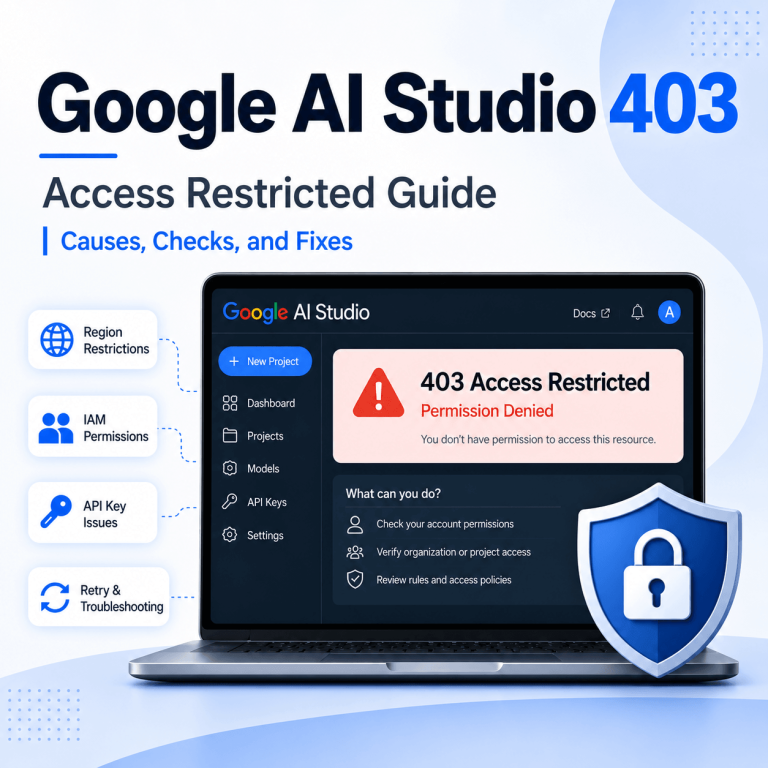
A Google AI Studio 403 Access Restricted message should be treated as an access decision before it is treated as a network problem. Google documents separate checks for AI Studio itself and for Gemini API calls, so the first step is to identify where the 403 appears: in the AI Studio browser interface or in an API response. Quick Answer If Google AI Studio shows 403 Access Restricted, check Google’s current AI Studio troubleshooting guidance, supported-region rules, Terms of Service acceptance, Google Cloud IAM permissions, project status, and security or Trust & Safety checks. If you were redirected to Google’s...
What Is a MAC Address? What Websites and Proxies Can See
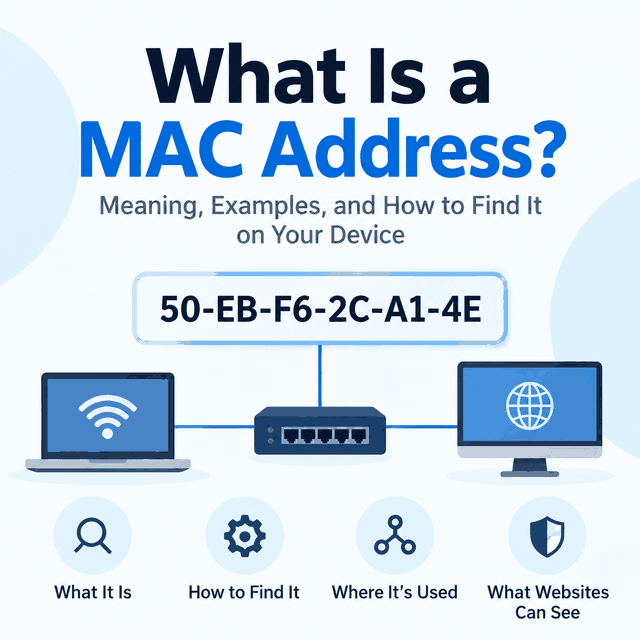
People often ask about MAC addresses after a website shows the wrong location, detects automation, or ties activity to a device. The useful starting point is to separate local network identity from internet-visible request signals. When a remote website behaves differently, the MAC address is usually not the first signal to inspect. Start with the public IP, proxy route, DNS behavior, browser profile, cookies, headers, and account/session state. Quick Answer A MAC address is a hardware or software-assigned identifier used on a local network link. A normal public website does not receive your raw MAC address across the internet. It...

Why Is ChatGPT Voice Not Working?
If ChatGPT Voice opens but cannot hear you, produces no usable audio, keeps interrupting, or stops during a conversation, first identify whether the failure belongs to microphone access, audio output, the Voice session itself, or the real-time network path. Start with the microphone permission and mute state, confirm the correct input and output devices, test with headphones in a quieter environment, and then compare another network if Voice still cuts out. If text ChatGPT works normally but Voice fails only on a managed Wi-Fi network, the Voice-specific firewall path becomes a stronger suspect. Quick Answer ChatGPT Voice usually stops working...