
Guides
Includes step-by-step tutorials and practical guides for proxies, scraping, APIs, and automation tools.
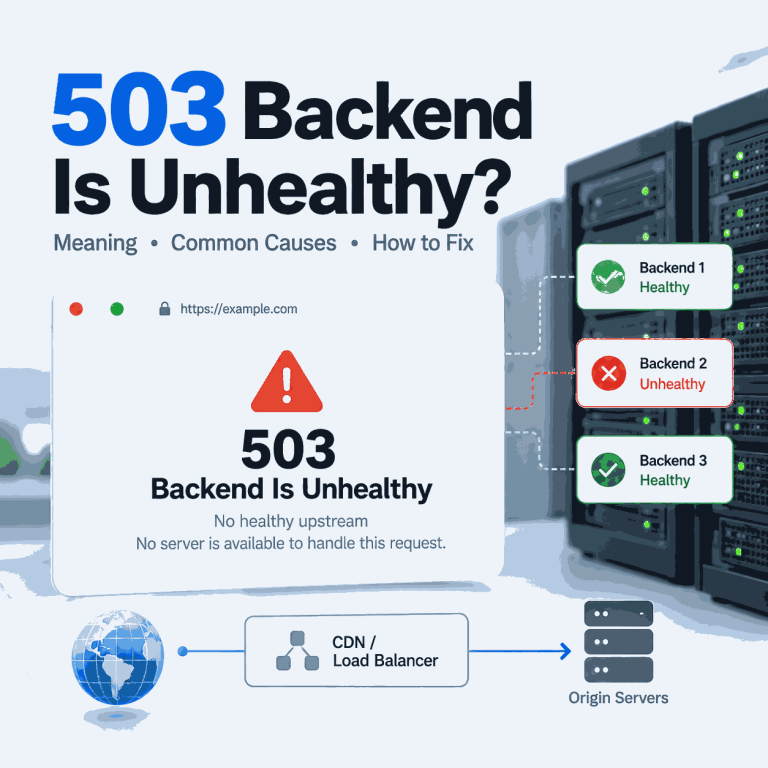
What Does 503 Backend Is Unhealthy Mean?
You receive an HTTP 503 response, but the page does not just say “Service Unavailable.” Instead, it says “backend is unhealthy,” “no healthy upstream,” or “no server is available to handle this request.” Those messages narrow the problem: a front-end layer received the request but could not select or reach a backend that it considered healthy. The useful question is no longer “What does HTTP 503 mean?” It is which backend-selection or health-check layer produced the message, and why did every eligible upstream fail? Quick Answer “503 backend is unhealthy” usually means a reverse proxy, load balancer, CDN, or gateway...

How to Build an HTTP Proxy Server with Node.js
Your Node.js proxy forwards ordinary HTTP requests, but the moment you try an HTTPS URL the request hangs, closes, or never reaches the same request handler. That is the most common point of confusion in a hand-built HTTP proxy: HTTPS does not use the same forwarding path as plain HTTP. The practical fix is to handle CONNECT separately. A working proxy needs one path for normal HTTP requests and another path that opens a TCP tunnel for HTTPS. The steps below start from the failure, reproduce it on Windows, add CONNECT support, and then show how to tell whether a...

How to Use a Proxy with Claude API in Python
A Python application that calls the Claude API normally uses the network route available to the process that runs it. When you need a specific outbound route for development, fixed-egress testing, or an approved network environment, the Anthropic Python SDK can send requests through an explicit proxy instead of relying on the machine's default connection. The current Anthropic Python SDK uses httpx2 for its HTTP layer and lets you customize that layer with DefaultHttpxClient. Anthropic directly documents an HTTP proxy configuration, while HTTPX2 also provides optional SOCKS proxy support. That makes it possible to use either an HTTP proxy or...
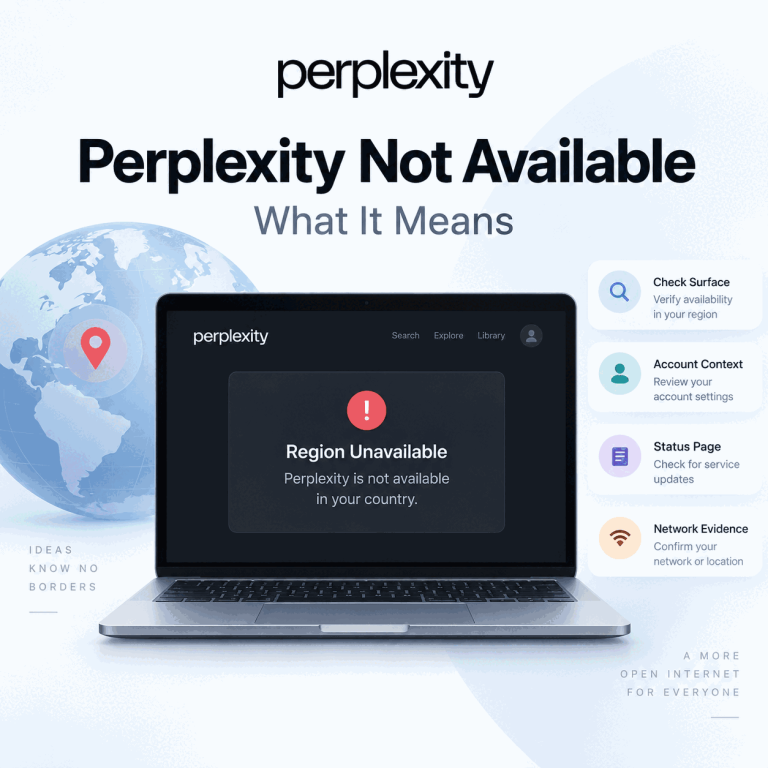
Why Perplexity Says It Is Not Available in Your Country
A Perplexity country or region warning looks like a network problem, but the wording alone does not tell you whether the entire service, one feature, one account context, or one network path is responsible. The useful question is not “Which IP should I try next?” It is “What exactly failed, on which Perplexity surface, and what changed immediately before the failure?” That distinction matters because Perplexity Search, mobile apps, organization accounts, the API Console, and individual features can have different access conditions. A route test can reveal a network difference, but it cannot prove what Perplexity’s internal eligibility logic is...

Google Search Operators for Better SERP Checks
Google search engine syntax includes operators and query patterns that make a search more specific, such as quotation marks for exact phrases, site: for a domain or URL prefix, minus signs for exclusions, before: and after: for date limits, and filetype: for document types. Used well, these operators help SEO teams, analysts, and developers answer a narrower search question before they compare Google results or move to a structured SERP workflow. The important distinction is that search operators control the query, not the entire result environment. They can make a manual check clearer and easier to document, but they do...

How to Set Up a Proxy for Claude Code
Claude Code does not automatically inherit a browser extension or browser-only proxy. The CLI reads its own network configuration, while browser authorization can run in a different process or even on a different host. A reliable setup therefore starts with the terminal process itself, then verifies DNS, TLS, and OAuth behavior separately. Use one stable endpoint for the first test and keep credentials out of reusable commands, screenshots, and support tickets. Once the terminal path is confirmed, you can compare another approved route without mixing proxy setup with account, region, or OAuth problems. Quick Answer Set HTTPS_PROXY or HTTP_PROXY before...

How to Use DuckDuckGo Search Operators and !Bangs
DuckDuckGo supports advanced search syntax for narrowing results by domain, file type, page title, URL, and phrase. It also has !bangs, a separate shortcut system that sends a query to another website's own search engine. The useful part is not memorizing every command. It is knowing which tool matches the search task, how far you can trust the syntax, and what to change when a query becomes too restrictive. This guide focuses on that practical workflow rather than treating DuckDuckGo operators as a list of commands. Quick Answer Use site:, filetype:, intitle:, inurl:, quoted phrases, and term modifiers when you...

How to Use DuckDuckGo Search with an MCP Server
Searching for a DuckDuckGo MCP server can lead to several different projects and an easy misunderstanding: DuckDuckGo does not currently document an official MCP server for its search engine. The most reproducible setup today is the third-party ddgs package, which includes its own MCP server and can use DuckDuckGo as one of several search backends. This guide shows how to install the DDGS MCP server, connect it to MCP clients such as Claude Desktop or Cursor, use DuckDuckGo as your search backend, and resolve common local setup failures. Quick Answer You can expose DuckDuckGo-backed search to an MCP client by...
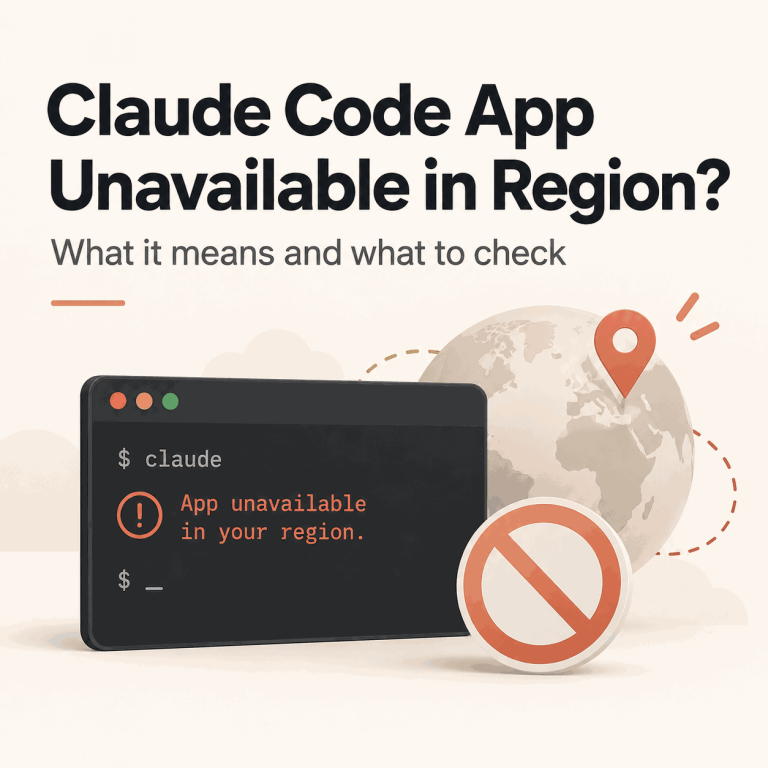
Claude Code Says “App Unavailable in Region”: What It Means
The exact Claude Code message “App unavailable in region” is not the same as a generic terminal timeout, an OAuth callback failure, or a 403 after login. Anthropic's current Claude Code troubleshooting documentation treats this message as a regional availability result, so the first task is to confirm that this is the error you actually received. Do not broaden the diagnosis too early. Record where the message appeared, the exact text, the Claude Code version or installer step, and whether the terminal is local, WSL, SSH, a container, or a managed workstation. Those details help separate a real region result...

How Do You Submit a Website to DuckDuckGo?
You published a new page, searched for it on DuckDuckGo, and then discovered there is no obvious place to submit the URL. Unlike Google Search Console or Bing Webmaster Tools, DuckDuckGo's public help documentation does not currently provide a dedicated webmaster console or direct site-submission workflow. That does not mean site owners have no practical path. DuckDuckGo says it maintains its own crawler and indexes, while most traditional links and images in its search results are largely sourced from Bing. The useful question is therefore not simply "Where is the DuckDuckGo submit URL form?" but "Which discovery signals can help...

Claude Code Login Failed? Fix OAuth and Terminal Auth
Claude Code authentication can fail before the browser opens, after browser approval, while a login code is being returned to the terminal, or only after the CLI starts making authenticated requests. Those failures look similar from the outside, but they belong to different layers. Keep the first reproduction small: one terminal, one Claude Code process, one browser authorization flow, and the intended account. Save the exact terminal error, CLI version, and authentication status, but never paste an OAuth URL, login code, cookie, callback value, API key, or saved credential into a public ticket. Quick Answer When Claude Code login fails,...

Why Is Perplexity Login Not Working? Find the Real Cause
“Perplexity login not working” can describe several different failures: the login page may not load, Google or Apple sign-in may return an error, an email link or one-time code may not arrive, the browser may loop back to sign-in, the mobile app may reject the same account that works on desktop, or login may succeed while threads or Pro access appear to be missing. The fastest fix depends on where the sign-in flow stops. Do not change the account, browser, device, and network at the same time. First identify the failing layer, then change one variable at a time so...