
Troubleshooting
Practical troubleshooting guides for fixing proxy connection failures, browser proxy setup errors, DNS leaks, request timeouts, slow proxy speed, 403 errors, 429 limits, and IP location mismatches.
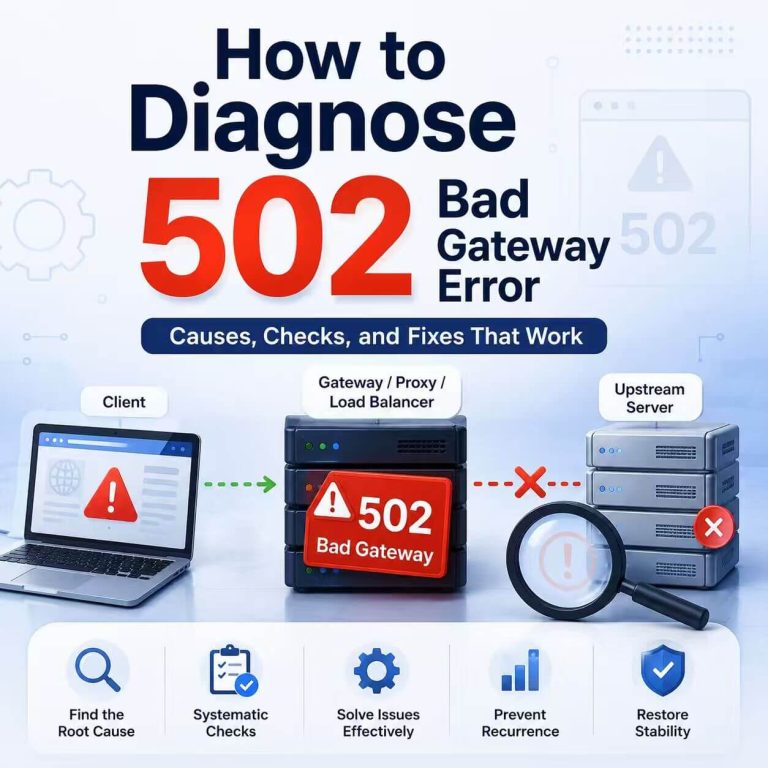
How to Diagnose a 502 Bad Gateway Error
A 502 Bad Gateway error means that one server in the request path could not get a valid response from another server upstream. Your browser, API client, or application may have successfully reached a CDN, load balancer, reverse proxy, or gateway. However, that intermediary could not complete the next part of the connection. This is normally a server-side or gateway-side problem. If the error appears only in one browser, network, proxy route, or application, the client’s network configuration may still be relevant—but it should not be the first assumption. Direct Answer HTTP 502 Bad Gateway means a server acting as...
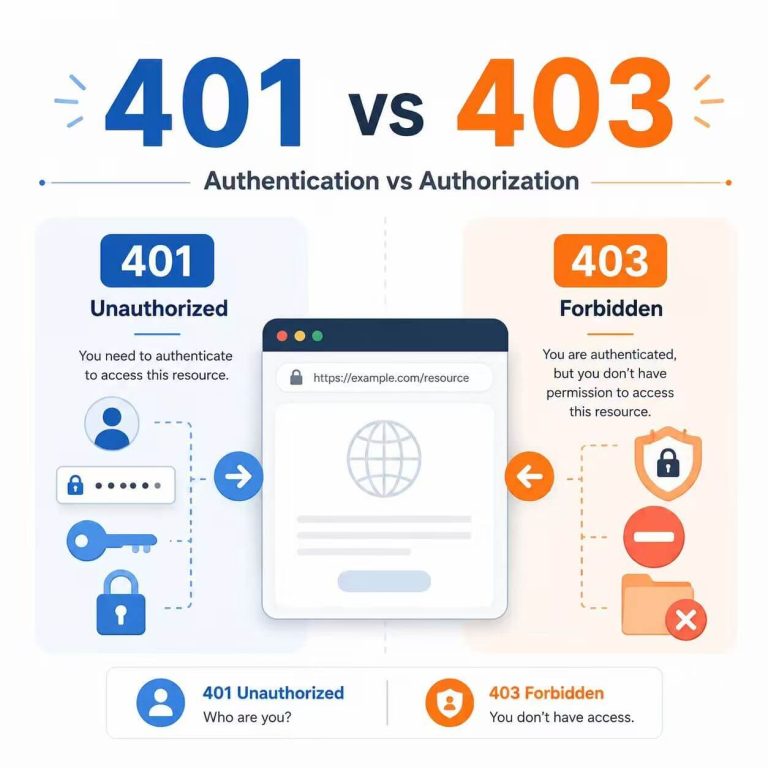
How to Diagnose 401 and 403 Errors
401 Unauthorized and 403 Forbidden are both HTTP client error responses, but they point to different parts of the access process. A 401 response usually means the website or API does not accept your current authentication credentials. A 403 response means the request was understood, but the server refuses to allow the requested action. If a proxy is involved, there is one more status to check: 407 Proxy Authentication Required. It means the proxy itself needs valid credentials before it can forward the request. Direct Answer 401 usually means “check your login, token, API key, or authorization header.” 403 usually...
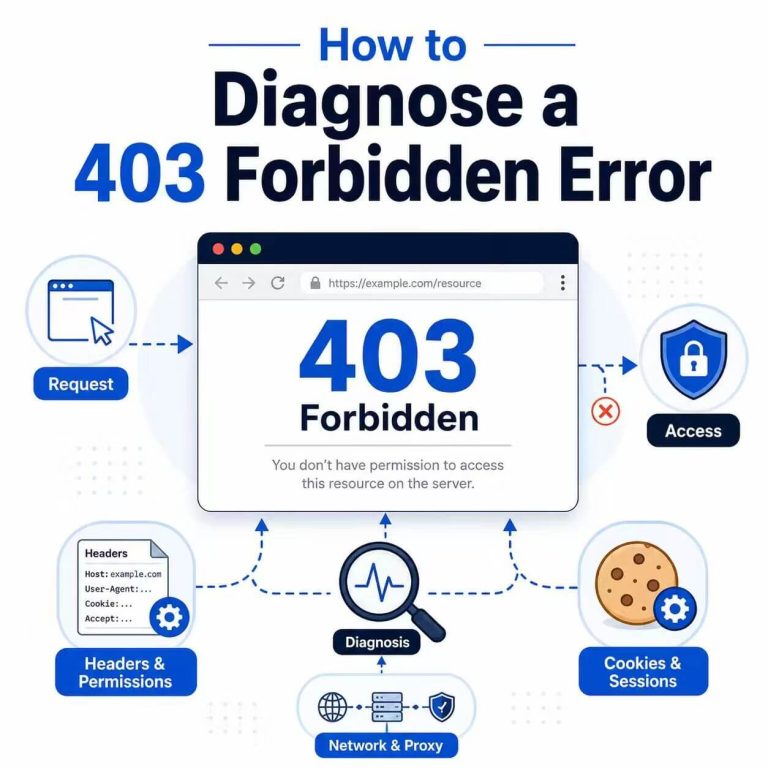
How to Diagnose and Fix a 403 Forbidden Error
A 403 Forbidden error means the server received and understood the request but decided not to complete it. The page, API endpoint, file, or action may exist, but the current account, request, or network context is not allowed to access it. This does not automatically mean the website is broken. It also does not prove that the IP address is the problem. A 403 can come from account permissions, application rules, server configuration, CDN or firewall policies, request headers, session state, network restrictions, or website access policies. The correct fix depends on which system returned the refusal. Refreshing the page,...
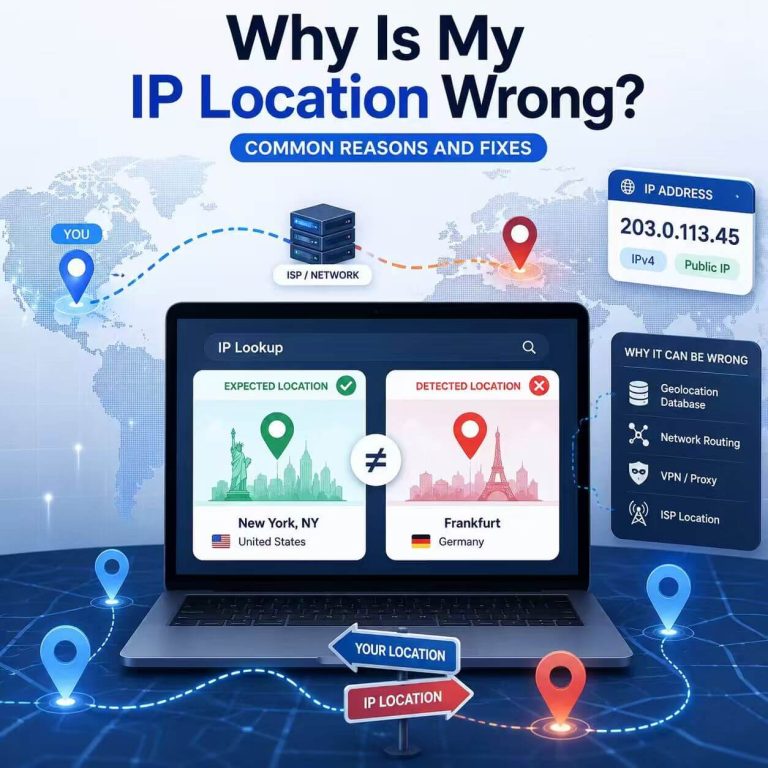
Why Is My IP Location Wrong? Common Reasons and Fixes
You check your IP address and expect it to show your real city, the region selected for a proxy, or at least the correct country. Instead, the lookup shows a nearby city, another state, a datacenter location, or an ISP or organization you do not recognize. This does not automatically mean something is broken. IP geolocation estimates where an IP address is associated with based on network and database information; it does not read your live GPS position. A nearby city can therefore be normal even when the connection itself is working correctly. The first question is not simply “Why...