
Troubleshooting
Practical troubleshooting guides for fixing proxy connection failures, browser proxy setup errors, DNS leaks, request timeouts, slow proxy speed, 403 errors, 429 limits, and IP location mismatches.
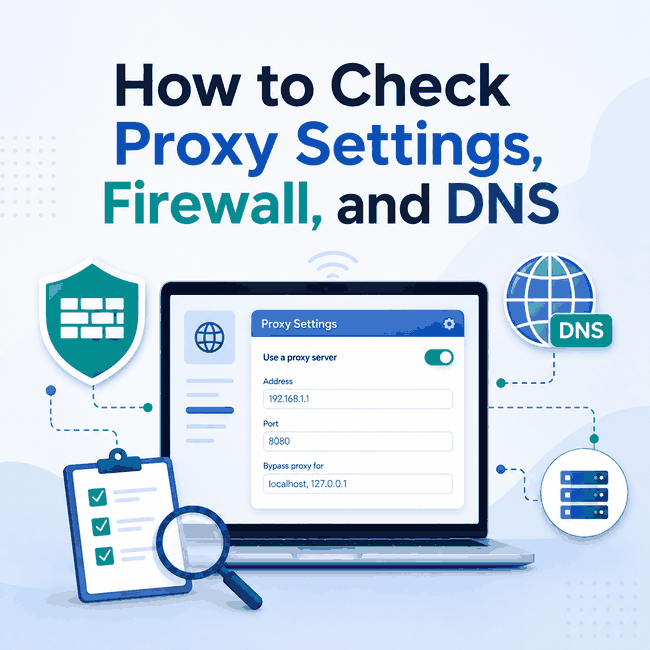
How to Check Proxy Settings, Firewall, and DNS
Proxy settings tell an application where and how to connect to a proxy. When a permitted web-data or QA workflow fails, the proxy is only one possible cause. The failure may come from a wrong host or port, an authentication mismatch, a firewall rule, DNS resolution, TLS negotiation, or the destination's response policy. Quick AnswerCheck in this order: proxy settings, configuration scope, endpoint connection, firewall access, DNS behavior, TLS, then the visible IP and HTTP response. Verify the protocol, host, port, and credentials in the same browser, application, or command that will run the workflow. A changed visible IP proves...
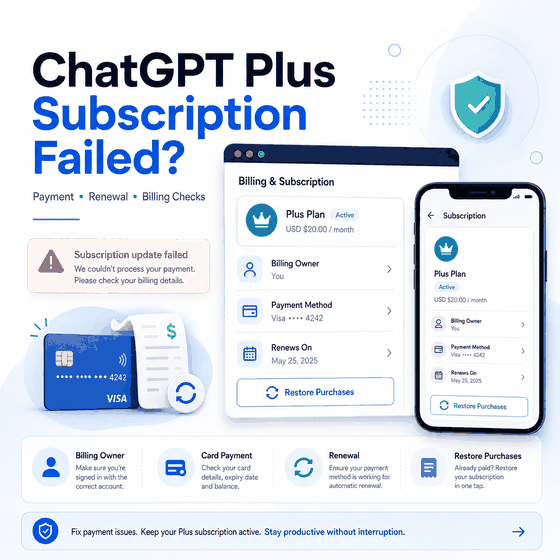
Why Did My ChatGPT Plus Subscription Fail?
A failed ChatGPT Plus subscription does not always mean the card itself is the problem. The first step is to identify where the subscription is managed: chatgpt.com, Apple App Store, or Google Play. Those purchase paths have different billing owners, account settings, and recovery steps. For web checkout, the failure may involve card details, billing address, bank restrictions, 3D Secure or Strong Customer Authentication, supported-country rules, browser state, or a renewal issue. For iOS and Android purchases, Apple or Google manages the subscription rather than ChatGPT web billing. Quick Answer If your ChatGPT Plus subscription fails, first confirm where you...
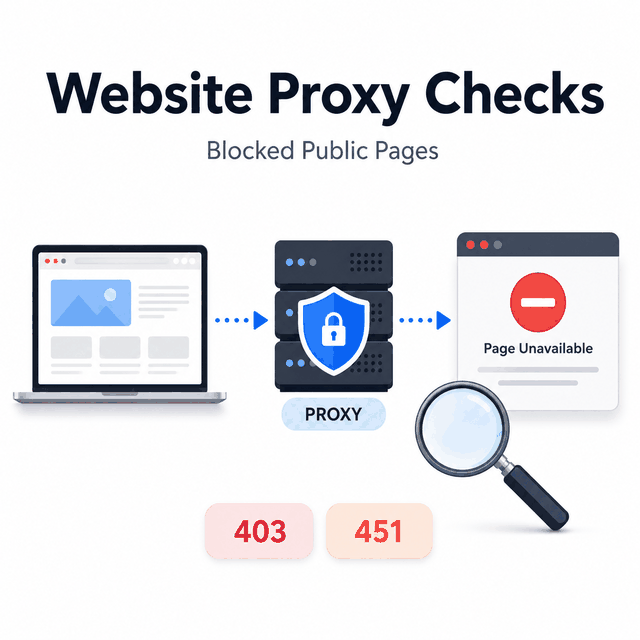
What Can a Website Proxy Check When a Public Page Is Blocked?
When a public page will not load from a network, browser, script, or data pipeline, the useful question is not simply how to "unblock" it. The first task is to determine whether the failure comes from the network route, browser or application setup, rendering, parsing, account state, legal availability, or platform policy. In a permitted business or public-data workflow, a proxy route check can help narrow that diagnosis without treating access as guaranteed. A website proxy can help test the network path of a request. It may show whether the request is leaving through the expected IP, country, ASN, protocol,...
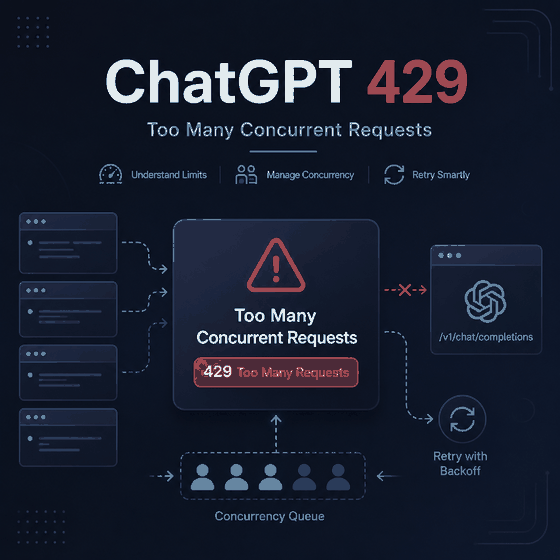
Why Does ChatGPT Say “Reached Concurrency Limit”?
You send one prompt and ChatGPT responds with “Reached concurrency limit.” Too many simultaneous requests are one possible cause, but that explanation becomes much weaker when you have only one active ChatGPT session and the error appears on your first request. The useful question is therefore not simply “How do I remove the concurrency limit?” First determine whether concurrent activity is actually present. A single controlled request can separate genuine overlap from a stuck session, a broader ChatGPT problem, or—if you are using the OpenAI API—a separate HTTP 429 condition. Quick Answer Reduce ChatGPT to one active session and send...
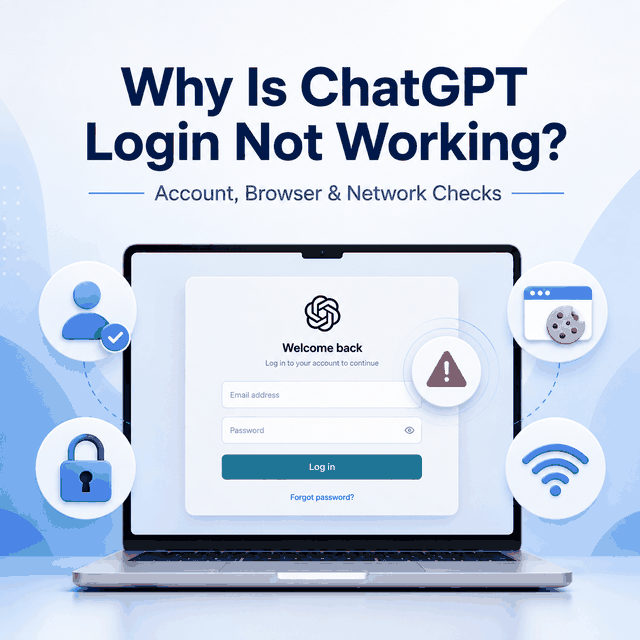
Why Is ChatGPT Login Not Working?
If ChatGPT login is not working, first separate login problems from availability problems. If you can reach the login page but cannot get into your account, start with the authentication and session layers. Common possibilities include the wrong sign-in method, blocked cookies, stale browser data, extension interference, browser verification, account-state restrictions, or a temporary OpenAI service issue. Check one layer at a time before changing accounts, devices, or networks. Quick Answer If ChatGPT loads but you cannot sign in, first use the same authentication method that created the account, such as Google, Microsoft, Apple, or email/password. If OpenAI asks for...
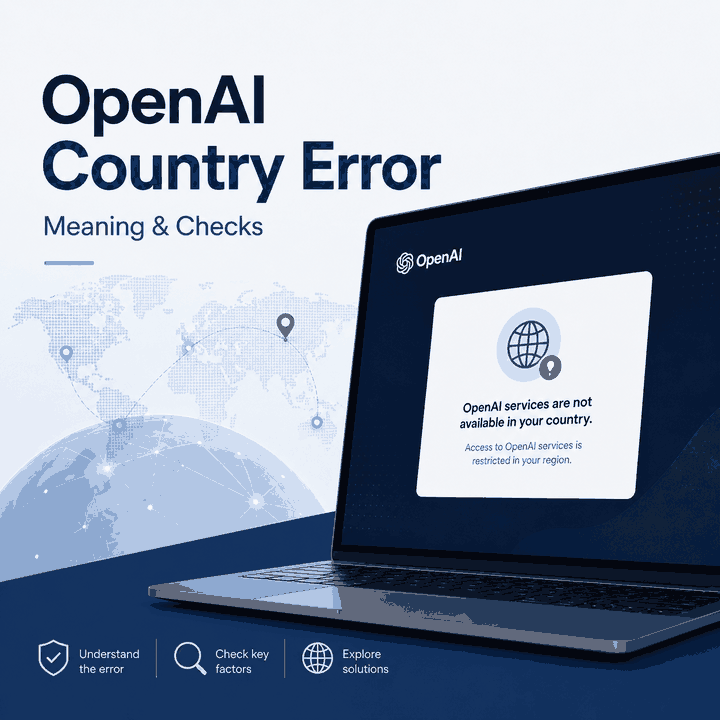
Why Are OpenAI Services Not Available in Your Country?
Many users encounter the “OpenAI services are not available in your country” warning when signing up, creating an API key, or trying to access ChatGPT. The message looks like a simple location error, but the correct next step depends on where it appears and what the account or network is actually doing. Before changing browser settings or network routes, record the exact wording and identify the workflow that failed. An explicit unsupported-country error, a country-detection failure, a normal login problem, and an API authorization error are not the same condition. Quick Answer “OpenAI services are not available in your country”...
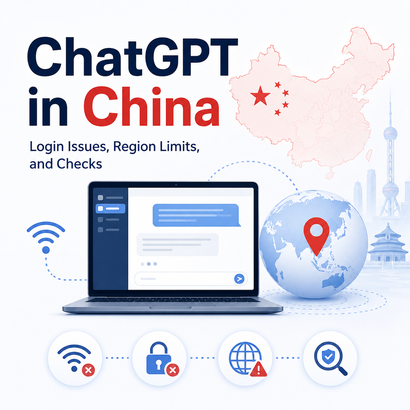
ChatGPT in China: Availability & Login Issues
If you are asking “Can I use ChatGPT in China?”, check official availability before trying browser or network fixes. Mainland China is not currently listed among OpenAI's supported countries and territories for ChatGPT. That does not mean every China-related failure looks the same. One person may see an unsupported-country warning, another may reach ChatGPT but get stuck during sign-in, and another may see only a loading or network error. Those symptoms point to different layers and should not be diagnosed as the same problem. Quick Answer Mainland China is not currently on OpenAI's ChatGPT supported-country list. OpenAI also states that...
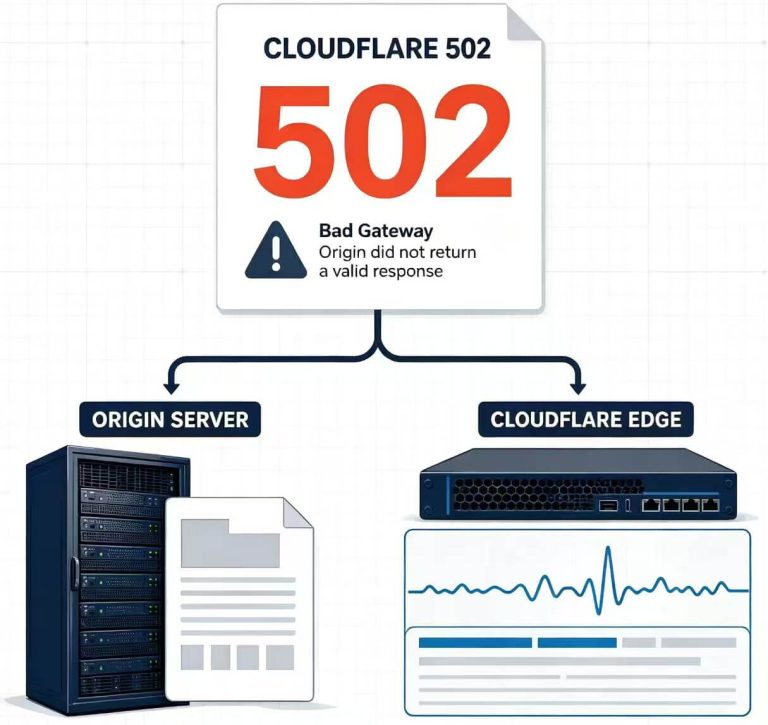
What Does Cloudflare 502 Bad Gateway Mean?
A Cloudflare 502 Bad Gateway does not identify one single failure. In most cases, the first useful question is whether the origin server returned the 502 or Cloudflare generated the error while handling the request. That distinction determines what to check next. An origin-returned 502 sends you toward the reverse proxy, application, load balancer, protocol, and server logs. A Cloudflare-generated 502 sends you toward Cloudflare diagnostics, affected locations, Tunnel behavior, and request evidence. Quick Answer A Cloudflare 502 Bad Gateway means a gateway did not receive a valid response from an upstream server. Cloudflare documents two main paths: the origin...
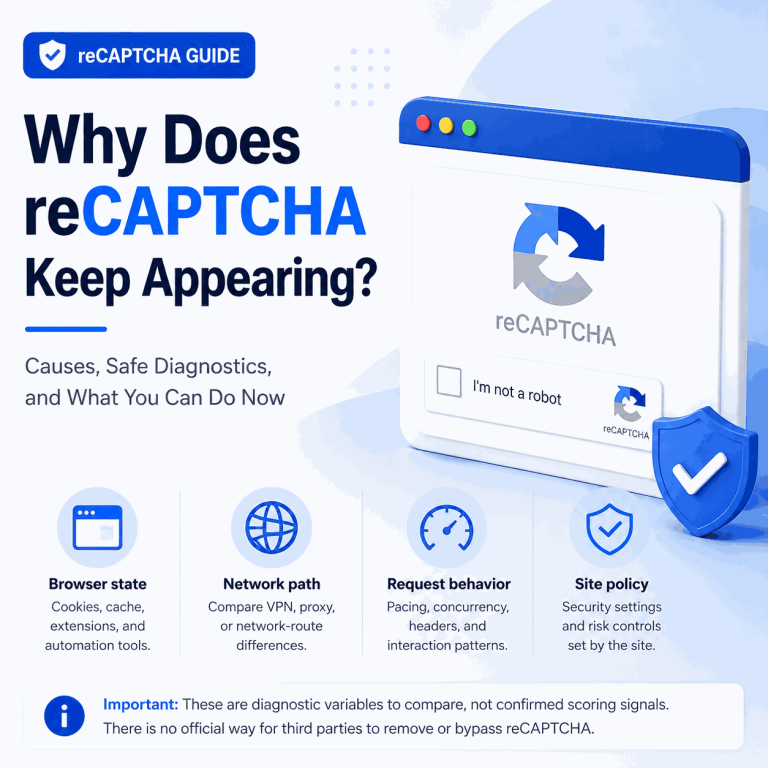
Why Does reCAPTCHA Keep Appearing?
Repeated reCAPTCHA prompts can interrupt QA, login, form, and public-data workflows, but they do not automatically mean that one specific browser setting, IP address, or proxy is at fault. The useful goal is to identify what changed in the session and reduce avoidable verification without trying to disable or bypass the site's controls. Direct Answer You cannot reliably disable or “stop” reCAPTCHA on a website you do not control. If it keeps appearing, compare browser state, request timing, application routing, and the site's own access requirements. These are useful diagnostic variables, not confirmed reCAPTCHA scoring signals unless Google documents them....
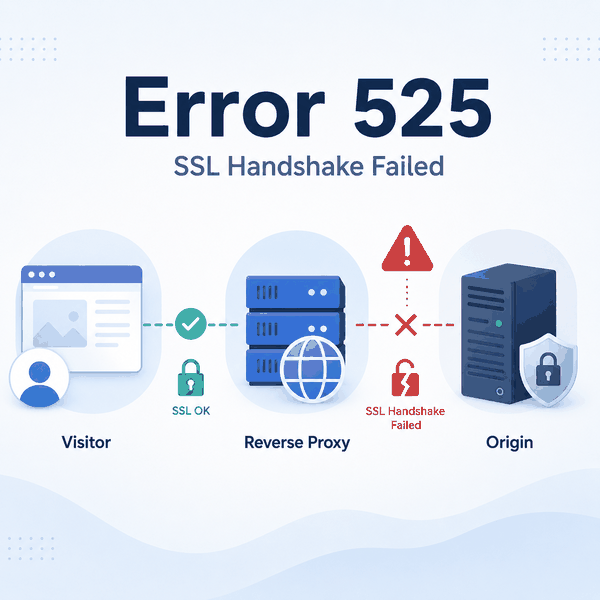
SSL Handshake Failed Error Code 525: What It Means
SSL handshake failed error code 525 means Cloudflare reached the origin server but could not complete the SSL/TLS handshake with it. The visitor-to-Cloudflare connection may be working normally while the separate Cloudflare-to-origin connection fails. The problem usually belongs to the origin-side TLS path. Common areas to inspect include port 443, the origin certificate, SNI, supported TLS versions and cipher suites, firewalls, reverse proxies, load balancers, and inconsistent backend configuration. Quick Answer Error 525 is a TLS handshake failure between Cloudflare's reverse proxy and the origin server. A visitor-side residential or forward proxy usually does not cause or fix it. However,...
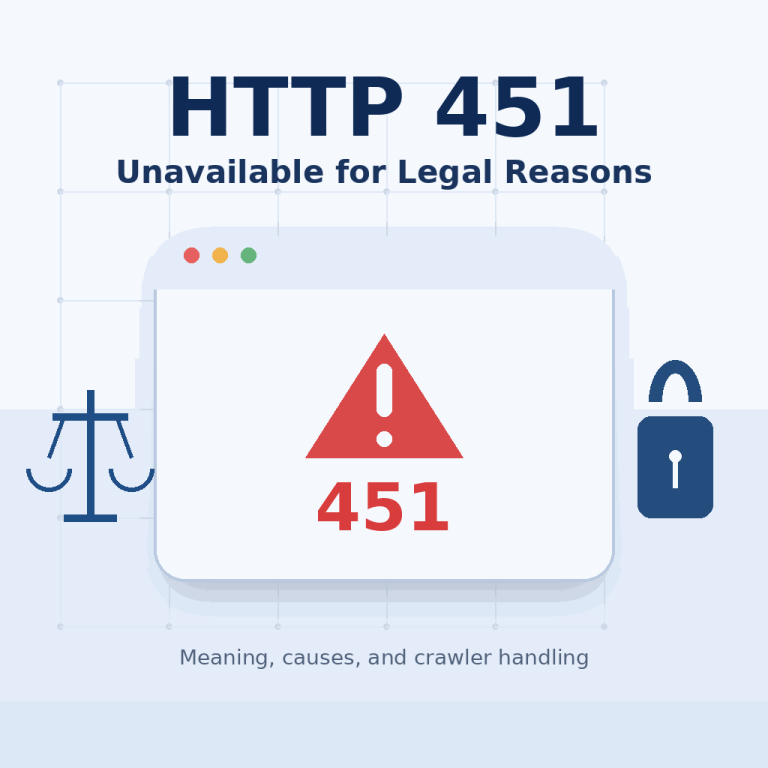
What Does HTTP 451 Unavailable for Legal Reasons Mean?
HTTP 451 Unavailable for Legal Reasons means that a website, CDN, internet service provider, search service, or another intermediary is refusing to provide a resource because of a legal demand. It is not an ordinary connection failure, authentication error, or proxy error. An IP address can affect the response when the restriction is applied according to the requester's country, jurisdiction, or network location. In that case, the IP helps the service decide whether the legal rule applies, but it is not the underlying cause of the restriction. Direct Answer HTTP 451 indicates that a resource is unavailable because access is...
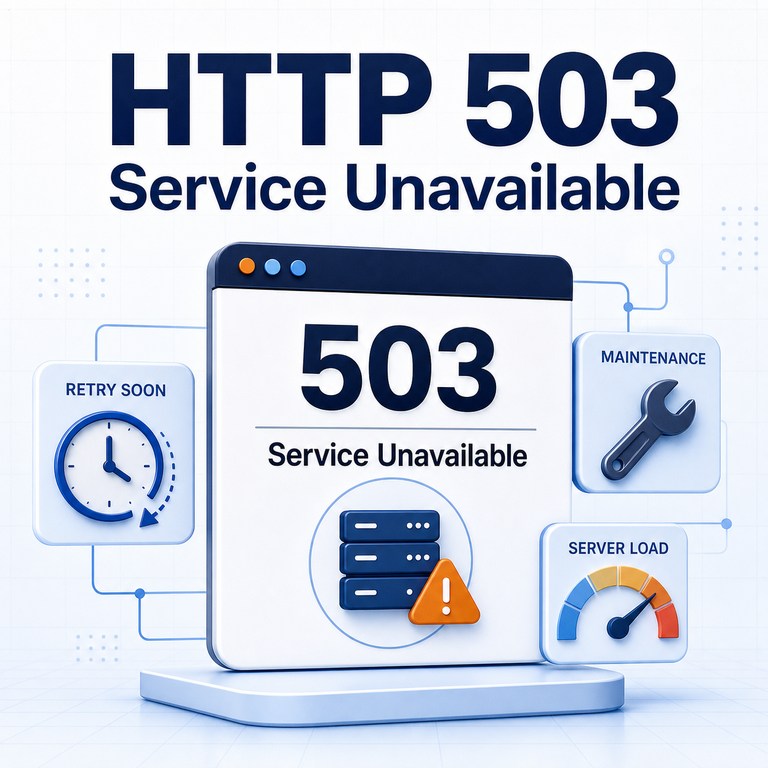
HTTP 503 Service Unavailable: Causes and Troubleshooting
An HTTP 503 Service Unavailable error means the server is temporarily not ready to handle the request. The website, API, CDN, load balancer, or upstream service may be overloaded, under maintenance, restarting, or intentionally reducing new work until it recovers. For a normal visitor, a 503 often appears as a temporary error page. Developers, QA teams, proxy users, and public web data workflows should treat it as an availability signal—not as a valid page response and not as immediate proof that the browser, crawler, or proxy is broken. Direct Answer HTTP 503 Service Unavailable is a server error status code...