
Troubleshooting
Practical troubleshooting guides for fixing proxy connection failures, browser proxy setup errors, DNS leaks, request timeouts, slow proxy speed, 403 errors, 429 limits, and IP location mismatches.

Why Claude Says It Is Not Available in Your Country
The message “Claude is not available in your country” is easy to misread as a browser problem. It is usually an availability or eligibility decision, and the right next step depends on where it appears. Claude on the web, the mobile app, Claude Code, and the Anthropic API do not share one interchangeable login path. Before changing settings, capture the exact wording, product surface, account used, and time. That short record prevents a country-policy message from being mixed up with an expired session, a managed-account restriction, or a temporary incident. Quick Answer Verify Anthropic's current supported-country information for the specific...
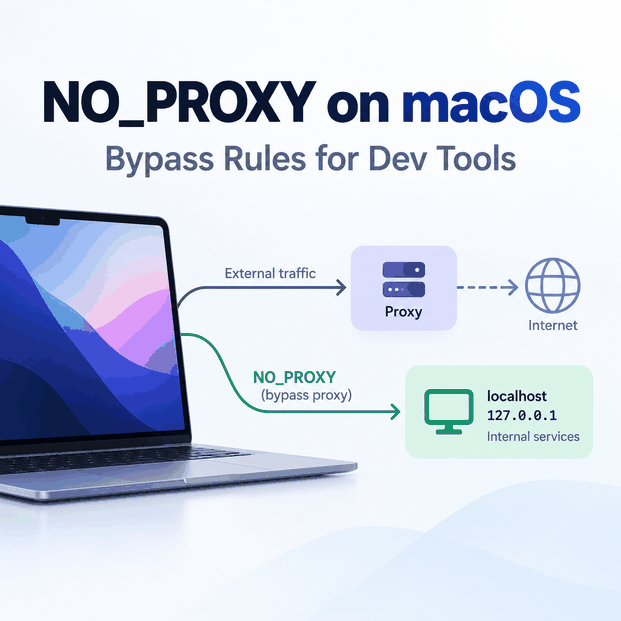
NO_PROXY Environment Variable on Mac: Bypass Rules for Dev Tools
On macOS, system proxy settings and shell environment variables can exist at the same time. If a terminal command ignores the GUI proxy, sends localhost through a proxy, or unexpectedly connects directly, check the variables inherited by that exact process. The key distinction is routing scope. macOS network settings can affect supported applications at the system level, while command-line tools and developer runtimes may read http_proxy, https_proxy, and NO_PROXY from the shell environment instead. Quick Answer On macOS, NO_PROXY is a comma-separated bypass list used by many command-line tools and libraries. Add only hosts that should connect directly, such as...
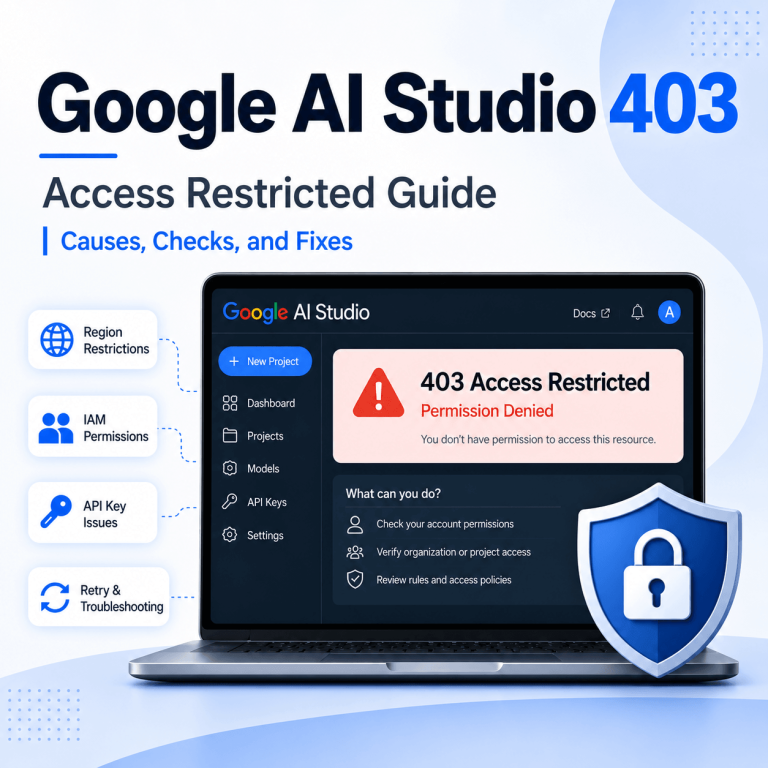
Why Does Google AI Studio Show 403 Access Restricted?
A Google AI Studio 403 Access Restricted message should be treated as an access decision before it is treated as a network problem. Google documents separate checks for AI Studio itself and for Gemini API calls, so the first step is to identify where the 403 appears: in the AI Studio browser interface or in an API response. Quick Answer If Google AI Studio shows 403 Access Restricted, check Google’s current AI Studio troubleshooting guidance, supported-region rules, Terms of Service acceptance, Google Cloud IAM permissions, project status, and security or Trust & Safety checks. If you were redirected to Google’s...
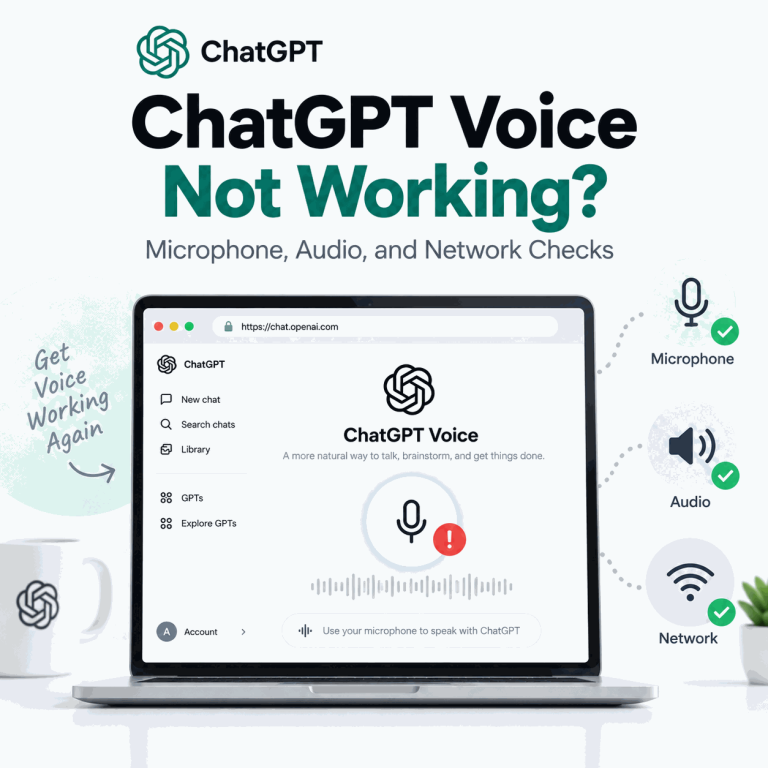
Why Is ChatGPT Voice Not Working?
If ChatGPT Voice opens but cannot hear you, produces no usable audio, keeps interrupting, or stops during a conversation, first identify whether the failure belongs to microphone access, audio output, the Voice session itself, or the real-time network path. Start with the microphone permission and mute state, confirm the correct input and output devices, test with headphones in a quieter environment, and then compare another network if Voice still cuts out. If text ChatGPT works normally but Voice fails only on a managed Wi-Fi network, the Voice-specific firewall path becomes a stronger suspect. Quick Answer ChatGPT Voice usually stops working...

Why Can’t I Upload Files to ChatGPT?
If a ChatGPT file upload failed, the cause is not always the file size. A document can be under 512 MB and still exceed the text-token limit, a spreadsheet can hit a lower practical size cap, repeated failed attempts can contribute to an upload-rate limit, and a company network can block the host used to transfer files. The fastest diagnosis is to separate five layers: the file itself, per-file limits, rolling upload limits, storage or Project limits, and the upload network path. Start with a small known-good file, check the exact error message, confirm OpenAI service status, and only then...
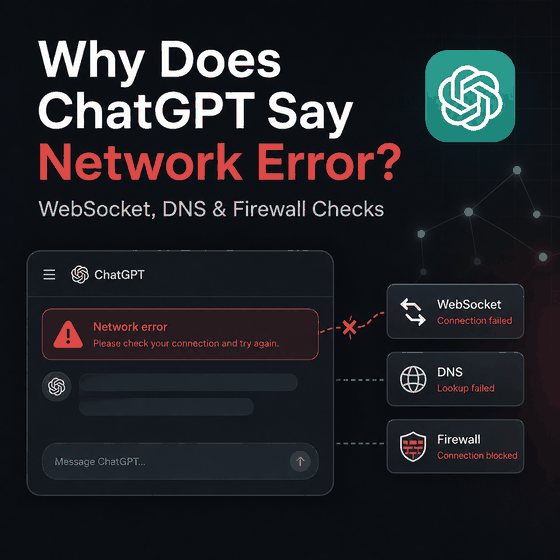
Why Does ChatGPT Say Network Error?
If ChatGPT says “A network error occurred” or reports an error while connecting to the WebSocket, the failure usually sits between the browser or app and ChatGPT’s servers. The cause can be a local Wi-Fi problem, VPN or proxy interference, secure DNS filtering, a corporate firewall, TLS inspection, a blocked WebSocket handshake, or a temporary OpenAI service issue. The fastest way to isolate the cause is to keep the account and device unchanged while changing one network variable at a time. Start with OpenAI Status, then compare Wi-Fi with mobile data or another network, disable VPN or proxy connections temporarily,...
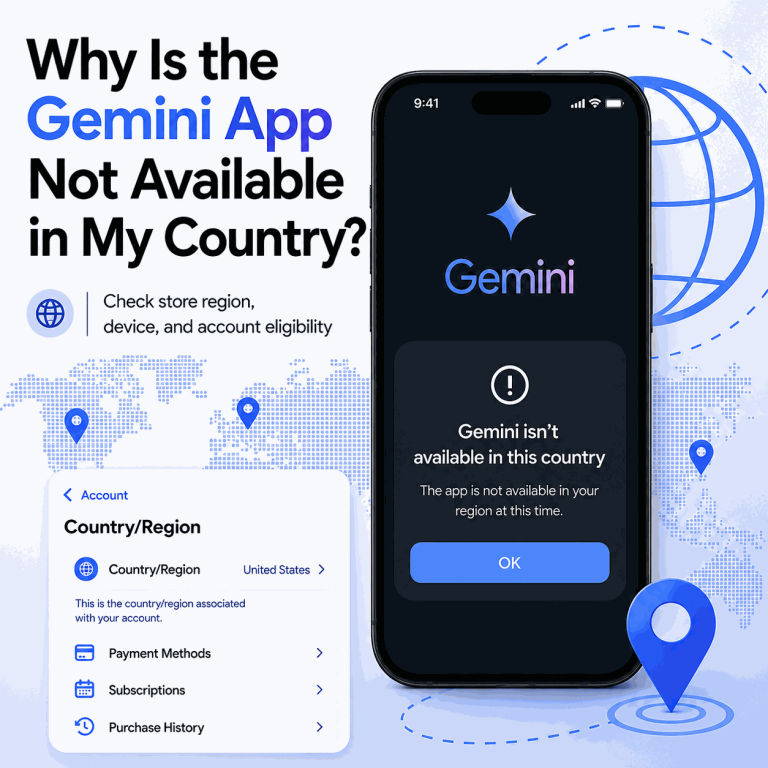
Why Is the Gemini App Not Available in My Country?
If Gemini works in a browser but the mobile app is missing, unavailable, or unsupported in your store, the problem is not automatically a network issue. Google treats Gemini web and mobile availability separately, and the app can also depend on store region, device requirements, account type, age, and rollout status. Quick Answer If the Gemini app is not available in your country, first check Google's current Gemini mobile app availability. Then verify your Google Play country or Apple Account country/region, device and OS compatibility, and Google account eligibility. A working Gemini web session is useful as a control test,...
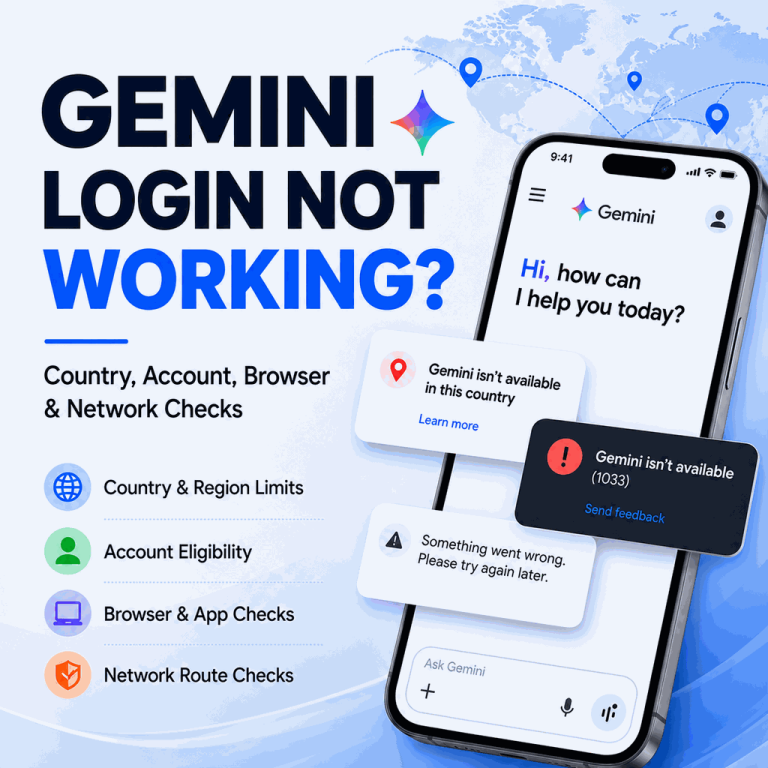
Why Is Gemini Login Not Working?
Gemini can fail before or after Google sign-in. You may get stuck in a login loop, see a country-unavailable message, or reach the app only to receive a generic error. Similar symptoms can come from very different causes. If Gemini login is not working, first determine whether the failure comes from Gemini availability, the Google account, the browser session, a temporary service issue, or the network route. Google states that the Gemini web app is available in more than 230 countries and territories and more than 70 languages, while the mobile app may have different availability. That difference matters when...
Why Does Search Console Show “Blocked Due to Access Forbidden (403)”
If Google Search Console reports “Blocked due to access forbidden (403)”, Google tried to fetch the URL but received an HTTP 403 response. For a public page that you want indexed, that means Google could not access the content and the page cannot be indexed until the access problem is fixed. The useful question is not simply “how do I remove a 403?” First decide whether the URL should be public at all. A 403 on an admin page, private dashboard, staging URL, or account-only resource may be correct. A 403 on a public article, product page, category page, or...

Python 403 Forbidden Error: Request Checks for Web Data
If a Python GET request returns a 403 error, the script usually reached an HTTP server, CDN, WAF, or origin application that understood the request but refused to fulfill it. That is different from a timeout, DNS failure, TLS failure, or broken proxy connection. For developers and data teams, the next question is not "which header should I copy from a browser?" The useful question is what access rule, request detail, session state, or route signal caused the refusal. Quick Answer If a Python GET request returns a 403 error, an HTTP client such as requests, urllib, or an application...
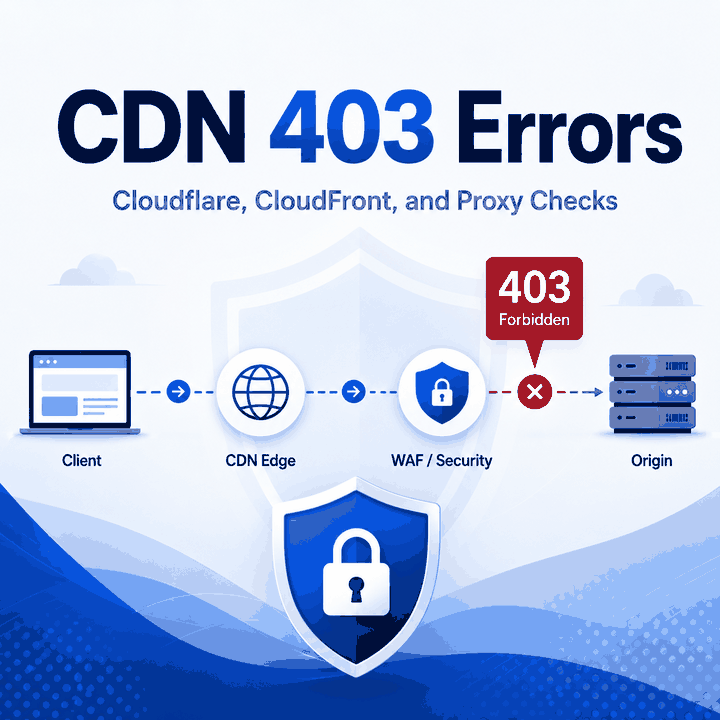
CDN 403 Errors: Cloudflare, CloudFront, and Proxy Checks
A CDN 403 is not just a generic "permission denied" message. If you are troubleshooting a 403 error where the page says "The request could not be satisfied" on CloudFront, or you see a Cloudflare 403 Forbidden response, the useful question is where the refusal happened: at the CDN edge, inside a WAF rule, at the origin server, or because the request did not match the access policy for that route. That distinction matters. A normal retry can make a noisy log worse, while a focused check of headers, hostnames, WAF events, origin logs, and proxy route evidence can show...
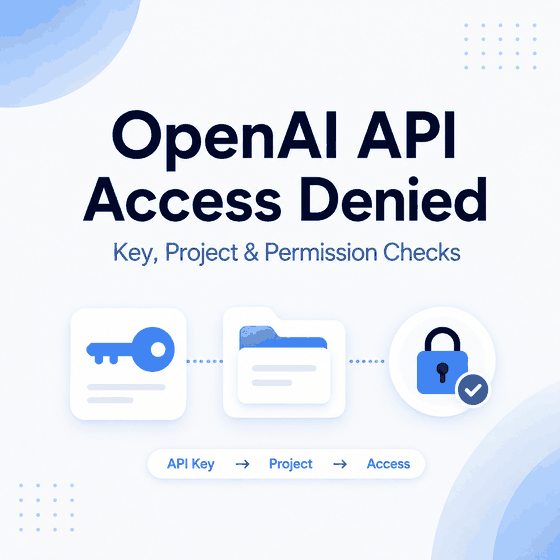
Why Is OpenAI API Access Denied?
OpenAI API access denied errors usually point to a specific access layer: an invalid or stale API key, the wrong project or organization context, missing project or model permissions, an endpoint mismatch, an unsupported region, IP allowlisting, or a server-side network problem. The fastest way to diagnose the failure is to capture the exact HTTP status and error body before changing credentials or application settings. Do not treat every 401 or 403 as the same problem. A browser message may come from your own frontend or backend, while a server-side OpenAI API response can contain a specific error type, code,...