
Troubleshooting
Practical troubleshooting guides for fixing proxy connection failures, browser proxy setup errors, DNS leaks, request timeouts, slow proxy speed, 403 errors, 429 limits, and IP location mismatches.
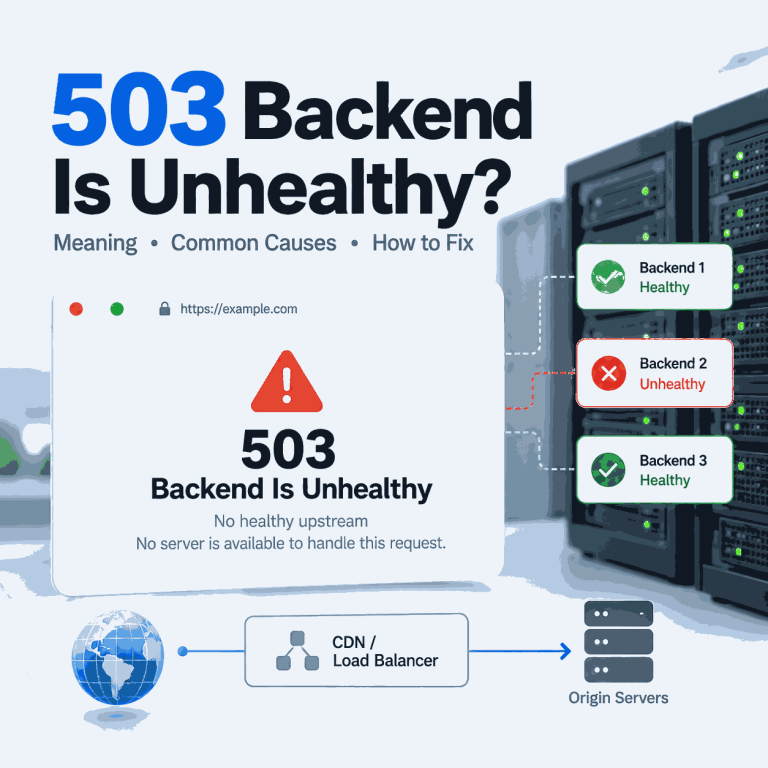
What Does 503 Backend Is Unhealthy Mean?
You receive an HTTP 503 response, but the page does not just say “Service Unavailable.” Instead, it says “backend is unhealthy,” “no healthy upstream,” or “no server is available to handle this request.” Those messages narrow the problem: a front-end layer received the request but could not select or reach a backend that it considered healthy. The useful question is no longer “What does HTTP 503 mean?” It is which backend-selection or health-check layer produced the message, and why did every eligible upstream fail? Quick Answer “503 backend is unhealthy” usually means a reverse proxy, load balancer, CDN, or gateway...
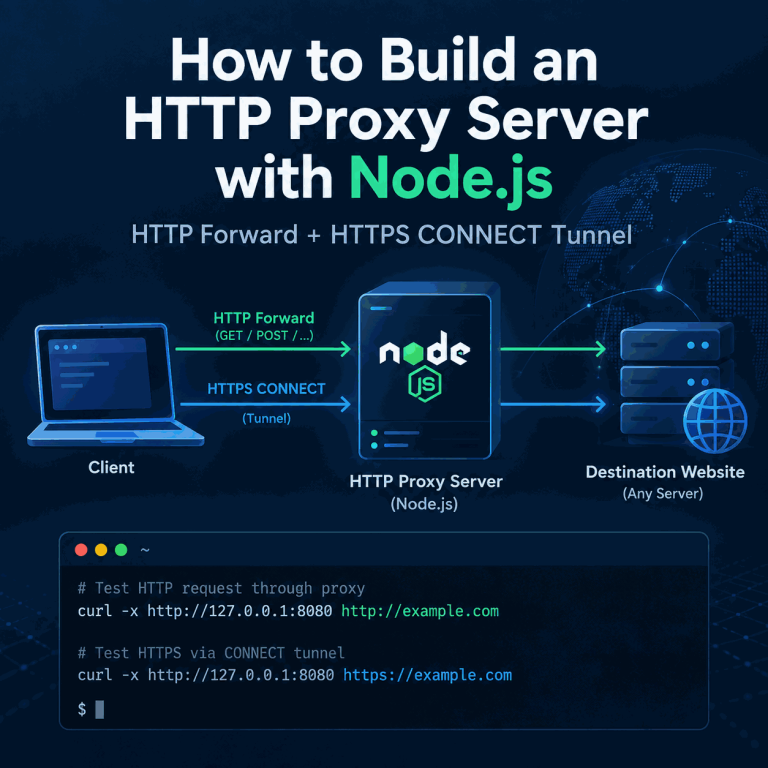
How to Build an HTTP Proxy Server with Node.js
Your Node.js proxy forwards ordinary HTTP requests, but the moment you try an HTTPS URL the request hangs, closes, or never reaches the same request handler. That is the most common point of confusion in a hand-built HTTP proxy: HTTPS does not use the same forwarding path as plain HTTP. The practical fix is to handle CONNECT separately. A working proxy needs one path for normal HTTP requests and another path that opens a TCP tunnel for HTTPS. The steps below start from the failure, reproduce it on Windows, add CONNECT support, and then show how to tell whether a...
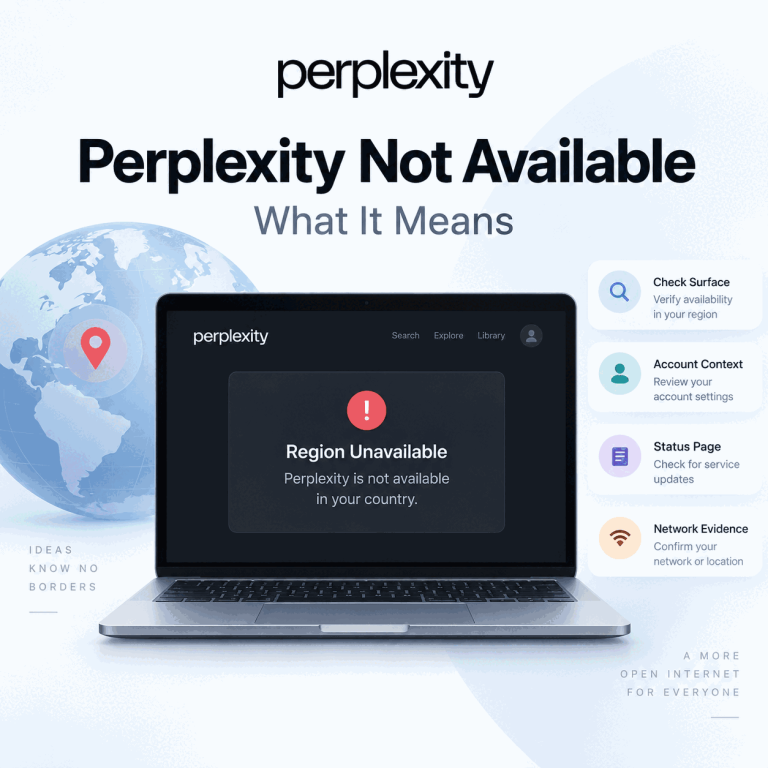
Why Perplexity Says It Is Not Available in Your Country
A Perplexity country or region warning looks like a network problem, but the wording alone does not tell you whether the entire service, one feature, one account context, or one network path is responsible. The useful question is not “Which IP should I try next?” It is “What exactly failed, on which Perplexity surface, and what changed immediately before the failure?” That distinction matters because Perplexity Search, mobile apps, organization accounts, the API Console, and individual features can have different access conditions. A route test can reveal a network difference, but it cannot prove what Perplexity’s internal eligibility logic is...
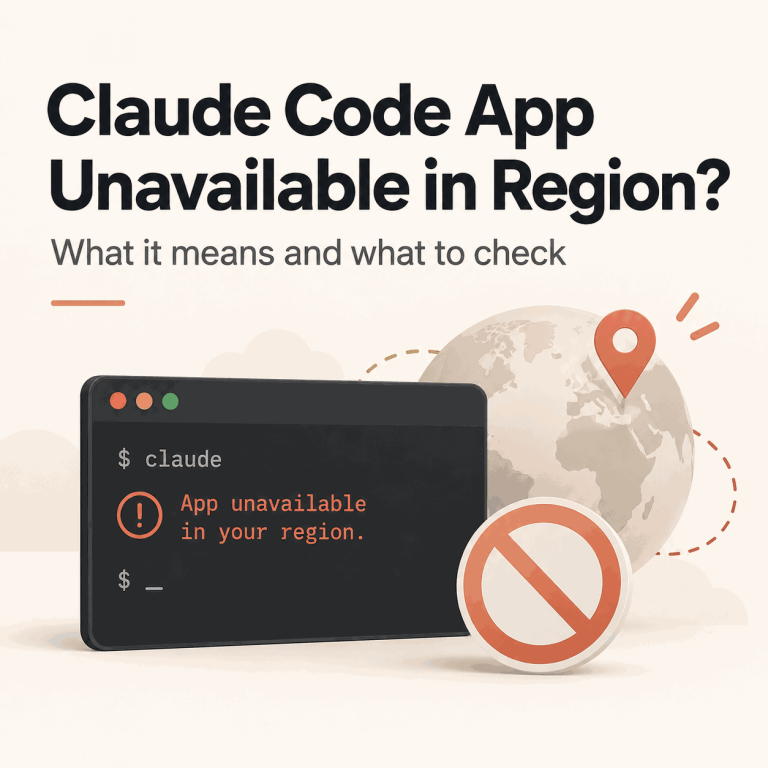
Claude Code Says “App Unavailable in Region”: What It Means
The exact Claude Code message “App unavailable in region” is not the same as a generic terminal timeout, an OAuth callback failure, or a 403 after login. Anthropic's current Claude Code troubleshooting documentation treats this message as a regional availability result, so the first task is to confirm that this is the error you actually received. Do not broaden the diagnosis too early. Record where the message appeared, the exact text, the Claude Code version or installer step, and whether the terminal is local, WSL, SSH, a container, or a managed workstation. Those details help separate a real region result...

Claude Code Login Failed? Fix OAuth and Terminal Auth
Claude Code authentication can fail before the browser opens, after browser approval, while a login code is being returned to the terminal, or only after the CLI starts making authenticated requests. Those failures look similar from the outside, but they belong to different layers. Keep the first reproduction small: one terminal, one Claude Code process, one browser authorization flow, and the intended account. Save the exact terminal error, CLI version, and authentication status, but never paste an OAuth URL, login code, cookie, callback value, API key, or saved credential into a public ticket. Quick Answer When Claude Code login fails,...
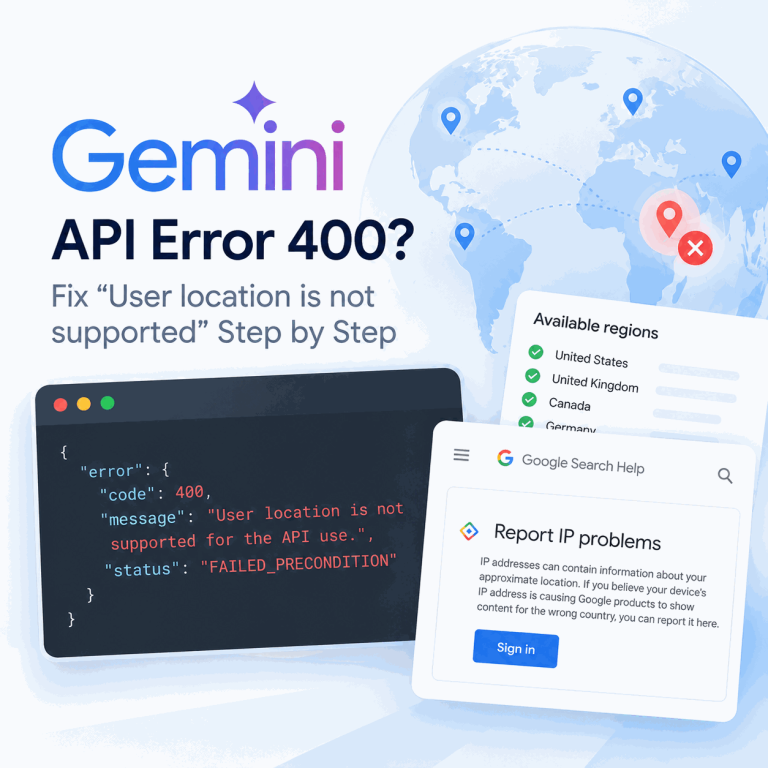
Why Does Gemini API Say “User Location Is Not Supported”?
The Gemini API can return a 400 FAILED_PRECONDITION error with the message User location is not supported for the API use. The confusing cases are not always requests from unsupported countries. Recent reports on the Google AI Developers Forum include production servers in Japan, Canada, India, and Germany—countries that appear on Google’s current Gemini API availability list—while the same API key works from another network or over a different IP address family. The fastest way to diagnose this error is to treat the request’s runtime egress as a separate variable from your own physical location. Keep the API key, project,...
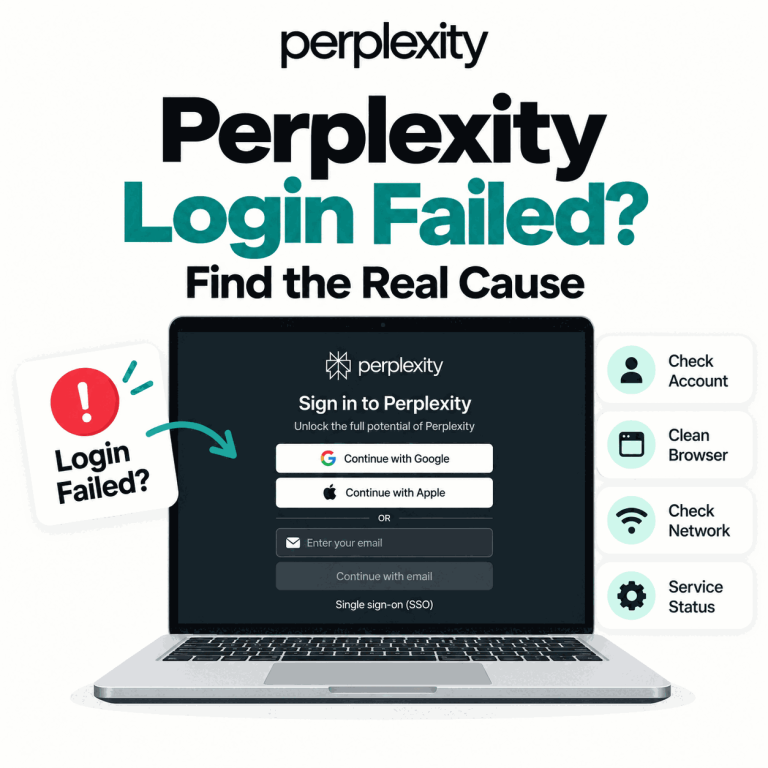
Why Is Perplexity Login Not Working? Find the Real Cause
“Perplexity login not working” can describe several different failures: the login page may not load, Google or Apple sign-in may return an error, an email link or one-time code may not arrive, the browser may loop back to sign-in, the mobile app may reject the same account that works on desktop, or login may succeed while threads or Pro access appear to be missing. The fastest fix depends on where the sign-in flow stops. Do not change the account, browser, device, and network at the same time. First identify the failing layer, then change one variable at a time so...
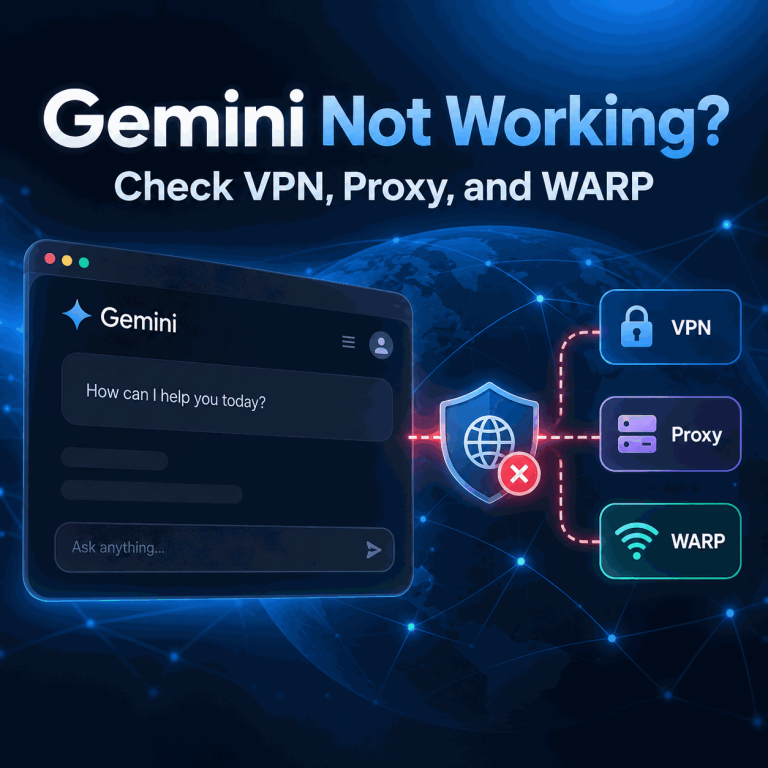
Why Does Gemini Stop Working With a VPN, Proxy, or WARP?
If Gemini works on your direct connection but stops working after you enable a VPN, proxy, Cloudflare WARP, or another tunnel, the route change is the most useful variable to test first. The tunnel may change the public IP address, visible country, ISP or ASN, DNS path, IPv4/IPv6 behavior, or which traffic actually leaves through the tunnel. That does not prove that Gemini blocks VPNs or proxies as a category. A reliable diagnosis comes from comparing the direct route with the tunneled route while keeping the Google account, device, browser profile, Gemini surface, and test action unchanged. Quick Answer Test...
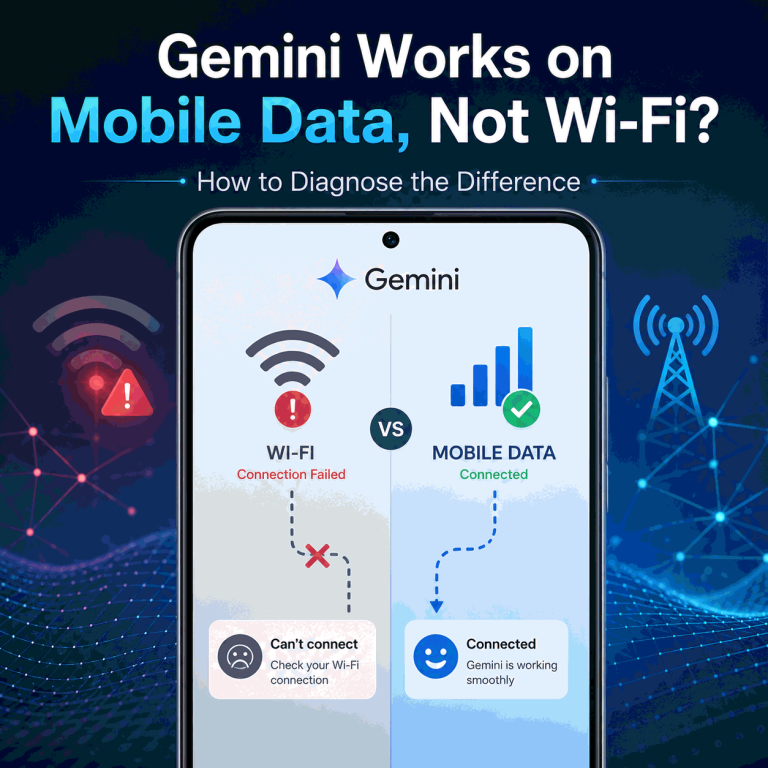
Why Does Gemini Work on Mobile Data but Not Wi-Fi?
If Gemini works on mobile data but not on Wi-Fi on the same device, that difference is useful evidence. It means the two connections should be compared before you start changing the Google account, reinstalling the app, or rewriting browser settings. Wi-Fi and mobile data normally use different public IP addresses, network operators, DNS paths, and sometimes different IPv4 or IPv6 routes. If the result changes only when the network changes, the connection path deserves closer inspection. That still does not prove that the Wi-Fi IP is blocked or that one specific network signal is responsible. Quick Answer If Gemini...
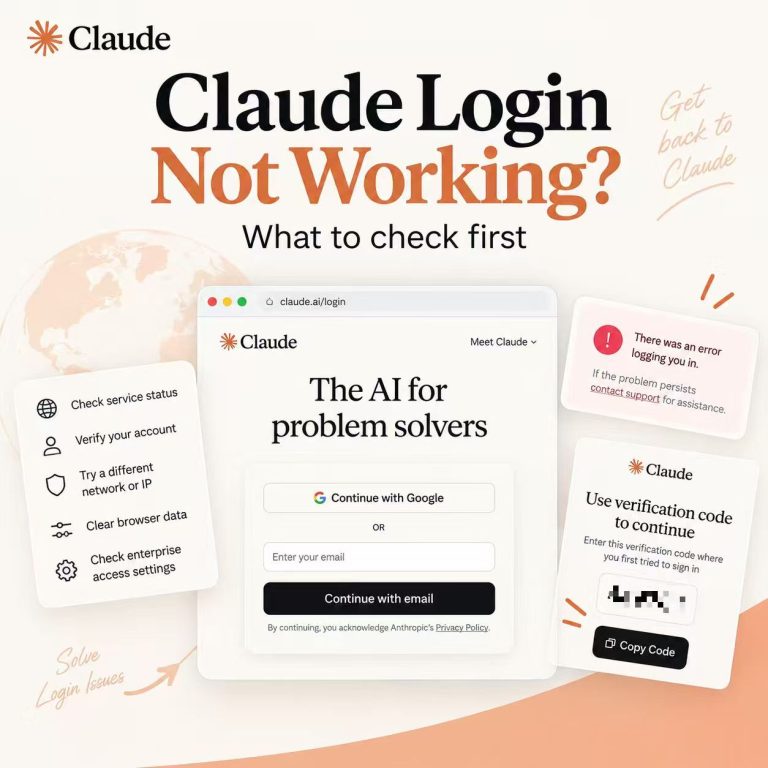
Why Is Claude Login Not Working?
A Claude sign-in failure can happen at several different points. The login email may never arrive, a verification code may be required because the link was opened on another device, Google sign-in may select the wrong account, or the browser may return to the login page after authentication. A country-availability message is a separate problem and should not be diagnosed as an ordinary login loop. Start by recording the last successful step and the exact error text. Keep credentials and authentication links private: a useful troubleshooting record includes the symptom, browser, device, and time, not a password, cookie, magic link,...
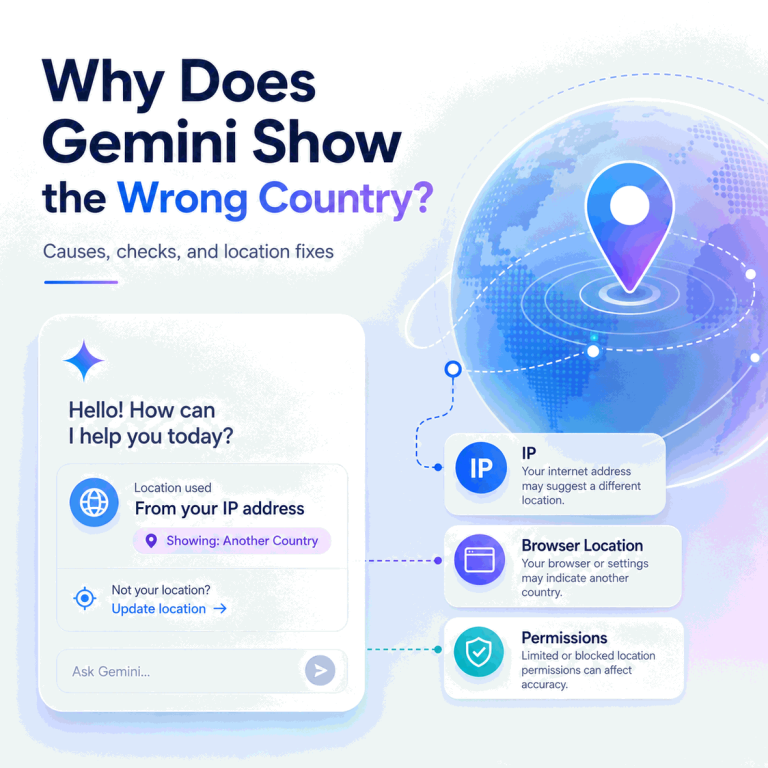
Why Does Gemini Show the Wrong Country or Location?
Gemini can appear to use the wrong country or location even when your physical location has not changed. The reason is that “location” is not one single signal. Gemini Apps can use a general location, and with permission they can also use a device’s precise location. Separately, an IP lookup may show a network country or city that comes from IP-geolocation data rather than GPS. The first step is to identify what looks wrong: Gemini’s location shown in the web app, local answers inside Gemini, the country attached to the network route, an app-store availability result, or a country/region access...
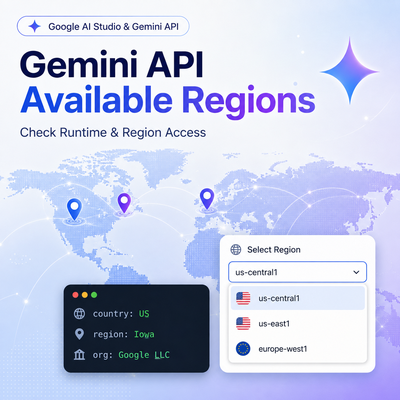
Is the Gemini API Available in My Region? How to Check
Gemini API regional availability should be checked from the environment that actually sends the request. A developer can be physically located in a supported country while a Colab instance, cloud VM, CI runner, remote notebook, or production service runs somewhere else. Google explicitly documents this distinction for Colab, where region restrictions are based on the Colab instance region rather than the user's region. Quick Answer Check Google's current Gemini API and Google AI Studio available-regions page before changing SDK code. For Colab, Google says the relevant location is the Colab instance region and provides !curl ipinfo.io as a way to...