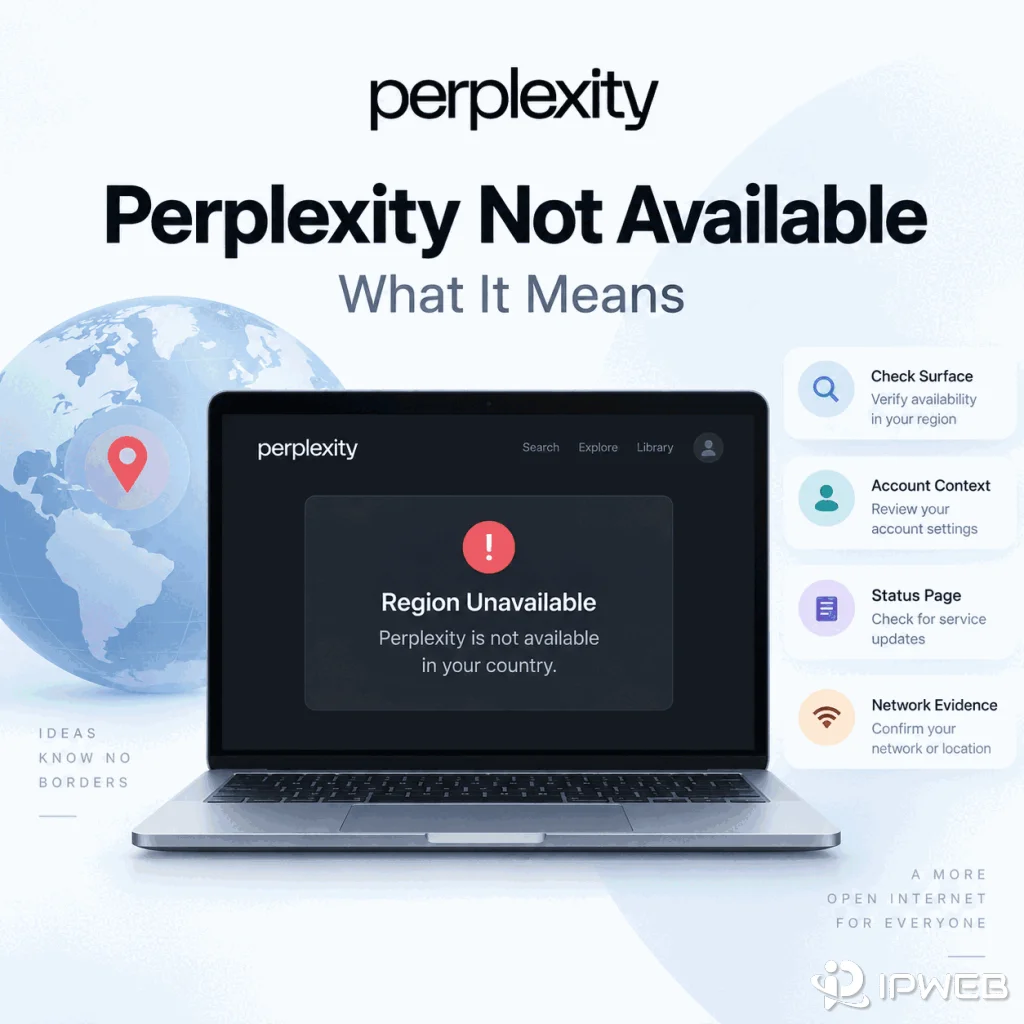
A Perplexity country or region warning looks like a network problem, but the wording alone does not tell you whether the entire service, one feature, one account context, or one network path is responsible. The useful question is not “Which IP should I try next?” It is “What exactly failed, on which Perplexity surface, and what changed immediately before the failure?”
That distinction matters because Perplexity Search, mobile apps, organization accounts, the API Console, and individual features can have different access conditions. A route test can reveal a network difference, but it cannot prove what Perplexity’s internal eligibility logic is or override a product policy.
If Perplexity explicitly says it is not available in your country or region, first identify the exact surface that produced the message. If ordinary Perplexity Search still works but one feature fails, treat the problem as feature- or account-specific before assuming the whole service is unavailable. If every surface fails with a timeout, DNS error, or TLS error and no clear country message appears, investigate service status and the network path instead. A single IP geolocation lookup is only a clue; it does not reveal Perplexity’s complete eligibility decision.
- An explicit country notice is evidence of an availability decision on that surface, but it does not automatically explain the underlying rule.
- If Search works while one feature, app, or developer surface fails, do not generalize the failure to all of Perplexity.
- Account type, subscription, organization policy, and product surface can matter independently of the current network route.
- A timeout, DNS error, or TLS failure is a transport symptom, not proof that Perplexity considers the country unsupported.
- Use IP and route comparisons only when the evidence points to the network layer, and change one variable at a time.
- Stop troubleshooting once the observed message and product context already explain the failure; repeated route changes can hide the original cause.
What the Country Message Proves — and What It Does Not
An explicit “not available in your country” message proves one narrow thing: the Perplexity surface you are using has returned a regional-availability result. It does not prove that the browser is broken, that Perplexity is down, that the public IP is the only input involved, or that every Perplexity product would make the same decision.
This is the first place many troubleshooting attempts go wrong. A user sees a country message, checks one IP lookup site, notices the IP appears to be in a supported-looking location, and concludes that Perplexity must be misreading the network. That conclusion is too early. An IP lookup shows how one database classifies the current route; it does not expose Perplexity’s internal product, account, or eligibility rules.
| What you observed | What you can reasonably conclude | What you should not conclude yet |
|---|---|---|
| Explicit country/region notice | That surface returned a regional-availability decision | That the IP address is definitely the only cause |
| Perplexity Search works, one feature fails | The problem is narrower than total service access | That Perplexity is unavailable as a whole |
| API returns 401 or 403 | The API produced an authentication or access response | That the web app has the same problem |
| Page times out with no product message | The request did not complete normally | That the country is unsupported |
If Perplexity loads normally but the sign-in flow itself fails, loops, or returns to the login page without a country notice, use the separate Perplexity Login Failed guide. That problem belongs to authentication, not this region-error path.
Use a Four-Layer Diagnosis Instead of a Country Guess
A faster way to diagnose this problem is to test four layers in order. This keeps a feature restriction from being mistaken for an IP problem and keeps a network failure from being mistaken for an account restriction.
| Layer | Typical evidence | Best next move |
|---|---|---|
| Product surface | Only one feature, app, API surface, or workflow shows the message | Check that surface’s current availability and feature requirements |
| Account / plan / organization | Different account or SSO identity changes the result | Confirm signed-in identity, plan, organization, and policy context |
| Service state | Many functions fail at the same time, or an incident is reported | Check Perplexity Status before changing local settings |
| Network path | Timeout, DNS/TLS failure, or result changes when only the route changes | Inspect public IP, ASN, DNS, TLS, and the exact runtime path |
The order matters. If one feature is unavailable but ordinary Search still works, jumping directly to DNS or proxy changes skips the stronger evidence already in front of you. If the page never reaches Perplexity at all, account eligibility is not the first thing to test.
Three Symptom Patterns That Change the Diagnosis
Pattern 1: Search works, but one feature shows a region restriction
This is a feature-level symptom, not evidence that the entire Perplexity service is unavailable. Perplexity’s own plan documentation shows that feature access differs by subscription. That does not prove a specific country restriction, but it is a strong reason to check feature and plan context before treating the message as a pure IP problem.
Community reports in 2026 also described image-generation region messages while normal Perplexity use remained available. Those reports are anecdotal and do not define Perplexity policy, but they illustrate why a region-looking message can be narrower than whole-product availability. One such discussion is this user report about image generation.
Pattern 2: Web works, but the API Console or API request fails
Do not use a successful web session as proof that the developer surface should work. Perplexity’s API Console sign-in documentation separates sign-in from API groups, billing, and keys. If the API side fails, preserve the exact HTTP response or Console message and diagnose that surface on its own.
Pattern 3: Nothing shows a country message; pages simply time out
This is the opposite case. If there is no explicit region decision and the request dies at DNS, TLS, or timeout, treat it as a connectivity problem first. A route test is useful here because the failure happens before a clear product decision is returned.
If the product gives you a clear decision, diagnose the product context first. If the connection never reaches a clear decision, diagnose the transport path first.
Check the Account, Plan, and Product Surface
Confirm the signed-in email and whether the account is personal or managed by an organization. A personal account and a work SSO identity can coexist in the same browser, but they represent different policy and entitlement contexts.
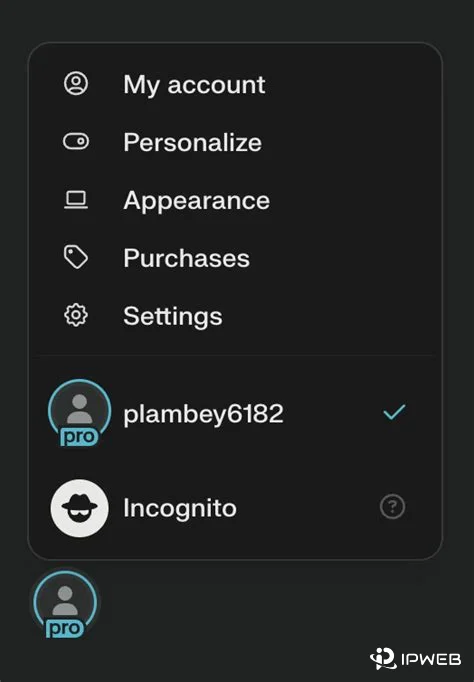
Then record the exact surface: web search, mobile app, image or video generation, organization workspace, API Console, or direct API request. Do not collapse them into one “Perplexity works / does not work” result. A successful web search only proves that the web search surface worked for that account and session at that time.
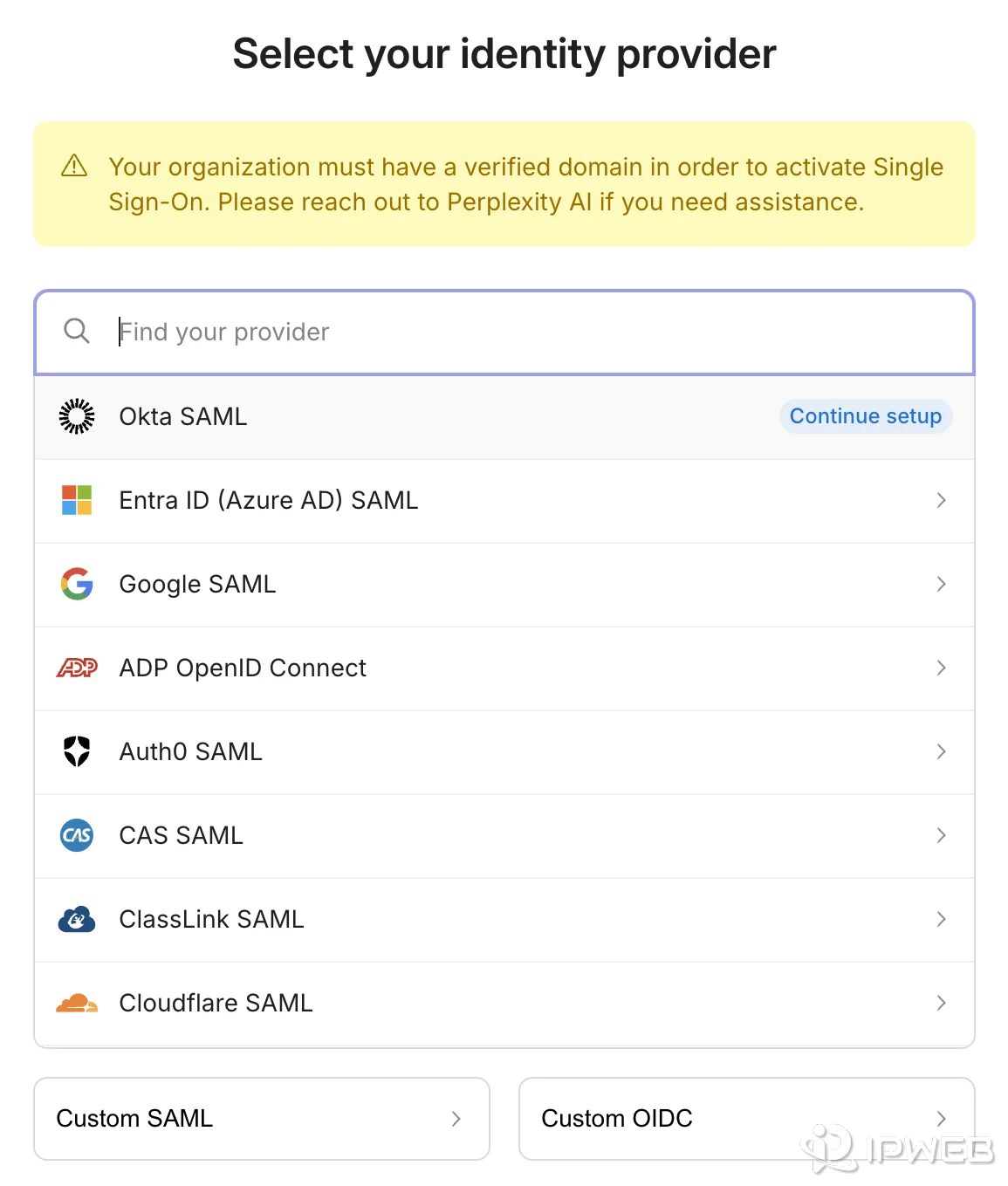
One useful caution: do not assume there is a single public country list that settles every Perplexity feature and surface. When the message is feature-specific, use the documentation and account context for that feature rather than applying a broad country assumption to the entire product.
Country Unavailable vs Timeout: How to Tell the Difference
The strongest split is whether Perplexity returned a decision or the connection failed before it could return one.
| Symptom | Most useful interpretation | First check |
|---|---|---|
| “Not available in your country” or similar wording | Availability decision on that surface | Surface, account, plan, organization context |
| Feature-only region message | Potential feature or entitlement boundary | Feature availability and plan context |
| Login loop with no country message | Authentication/session problem | Login method and browser session |
| Long timeout or blank loading state | Service or network path | Status page, then controlled route test |
| DNS error | Resolver/connectivity problem | DNS result and network state |
| TLS/certificate error | Trust or network-path problem | TLS result, inspection, browser/system trust |
| HTTP 401 / 403 from API | API authentication / authorization path | Error body, key, billing, API group, account context |
A timeout does not prove that Perplexity considers the country unsupported, and a country notice does not prove that the network route is broken. Preserve the original symptom before you change anything.
When Network Checks Are Actually Useful
Use network evidence when the failure is genuinely route-related: timeout, DNS, TLS, an unexpected IP location, or a result that changes when the route is the only variable you changed. Keep the account, browser profile, device, and target surface the same so the comparison stays meaningful.
- Capture the exact error text and the Perplexity surface that produced it.
- Confirm the active account and subscription or organization context.
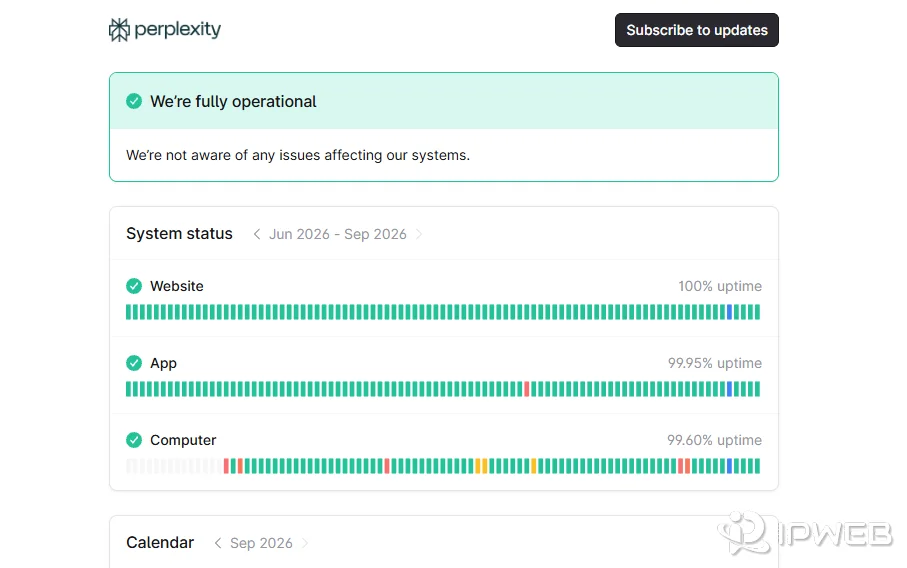
- Check the Perplexity status page.
- Record the visible public IP, country, ISP or organization, and ASN.
- Change only the network route. Keep the account, browser profile, device, and target feature unchanged.
- Compare the exact result, not just whether the page “felt faster.”
IPWeb's What Is My IP? guide explains how to record the visible IP, country, ISP or organization, and ASN from the environment being tested. If the location looks unexpected, Why Is My IP Location Wrong? explains why geolocation databases, ISP routing, mobile gateways, and reassigned ranges can disagree.
The important limit is this: if the exact region message persists, a route comparison can show that network context changes the result, but it still does not tell you the full policy behind the decision. Do not present a different IP as proof that an account or feature has become officially eligible.
When to Stop Troubleshooting
Good troubleshooting has a stop condition. Stop changing browsers, DNS settings, or network routes when one of these is already true:
- The exact message is feature-specific and the rest of Perplexity works normally.
- The API returns a clear authentication, authorization, billing, or API-group error.
- An organization or SSO policy explains the access difference.
- Perplexity Status confirms an active incident that matches the affected surface.
- A controlled test has already shown that the failure follows one network path and you have enough evidence to contact the network provider or Perplexity support.
If you contact support, send the exact wording, product surface, account type without credentials, timestamp with time zone, status result, and only the redacted network evidence that matters. Never send passwords, magic links, cookies, API keys, or authorization headers.
Frequently Asked Questions
The message means the specific Perplexity surface returned a regional-availability result. Check whether the issue affects the whole service or only one feature, app, account, or developer surface before assuming the public IP is the only cause.
Yes, that pattern can occur because product surfaces and feature access are not identical. Treat the failing feature as its own diagnostic surface and check plan, account, and feature context before making network changes.
A different route can be useful as a controlled network test, but it is not proof of official eligibility and cannot by itself change subscription, organization, billing, or product-policy requirements.
No. A country notice is a product decision returned by a Perplexity surface. A timeout means the connection did not complete normally. Those symptoms belong to different troubleshooting paths.
Web access does not prove API entitlement or configuration. API Console sign-in, API groups, billing, keys, and direct API responses should be checked separately from the consumer web app.
No. An IP lookup shows how a particular geolocation source classifies the route. It is useful diagnostic evidence, but it does not expose Perplexity’s complete account, feature, or regional eligibility logic.
Send the exact message, affected surface, account type, timestamp, service-status result, and a redacted summary of any network comparison. Do not send passwords, one-time links, cookies, API keys, or authorization headers.
Final Thoughts
The useful diagnosis is not “country problem” versus “network problem.” It is a sequence: identify the surface, decide whether Perplexity returned a product decision or the connection failed before one appeared, then check account and feature context before moving to service or network evidence.
That approach also prevents the most common false positive: treating a single IP geolocation result as the explanation for every region-related message. Use the route as evidence when the failure follows the route, but keep product eligibility, subscription, organization policy, and API access in their own branches.