

Clark
IPWeb Technical Researcher
A technical writer specializing in IP proxy services and network architecture. All content is derived from over six years of hands-on experience at a leading IP proxy provider, covering areas such as large-scale proxy network orchestration, optimization of SOCKS5/HTTP protocol stacks, and the dynamics of anti-scraping strategies and countermeasures. The goal is to dissect the engineering logic underpinning network security, stability, and efficiency.
Clark's Articles
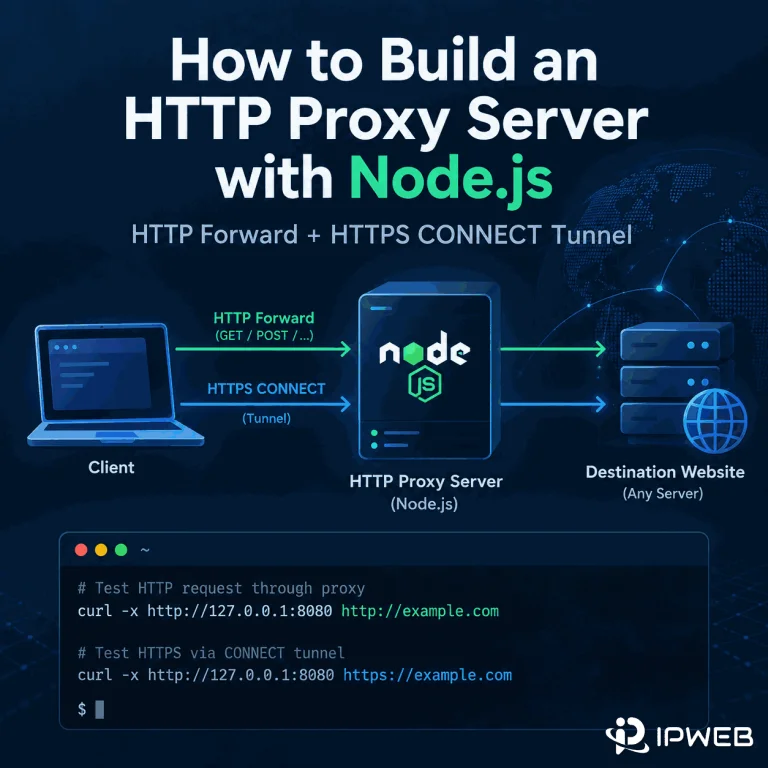
How to Build an HTTP Proxy Server with Node.js
Your Node.js proxy forwards ordinary HTTP requests, but the moment you try an HTTPS URL the request hangs, closes, or never reaches the same request handler. That is the most common point of confusion in a hand-built HTTP proxy: HTTPS does not use the same forwarding path as plain HTTP. The practical fix is to handle CONNECT separately. A working proxy needs one path for normal HTTP requests and another path that opens a TCP tunnel for HTTPS. The steps below start from the failure, reproduce it on Windows, add CONNECT support, and then show how to tell whether a...


How to Use a Proxy with Claude API in Python
A Python application that calls the Claude API normally uses the network route available to the process that runs it. When you need a specific outbound route for development, fixed-egress testing, or an approved network environment, the Anthropic Python SDK can send requests through an explicit proxy instead of relying on the machine's default connection. The current Anthropic Python SDK uses httpx2 for its HTTP layer and lets you customize that layer with DefaultHttpxClient. Anthropic directly documents an HTTP proxy configuration, while HTTPX2 also provides optional SOCKS proxy support. That makes it possible to use either an HTTP proxy or...
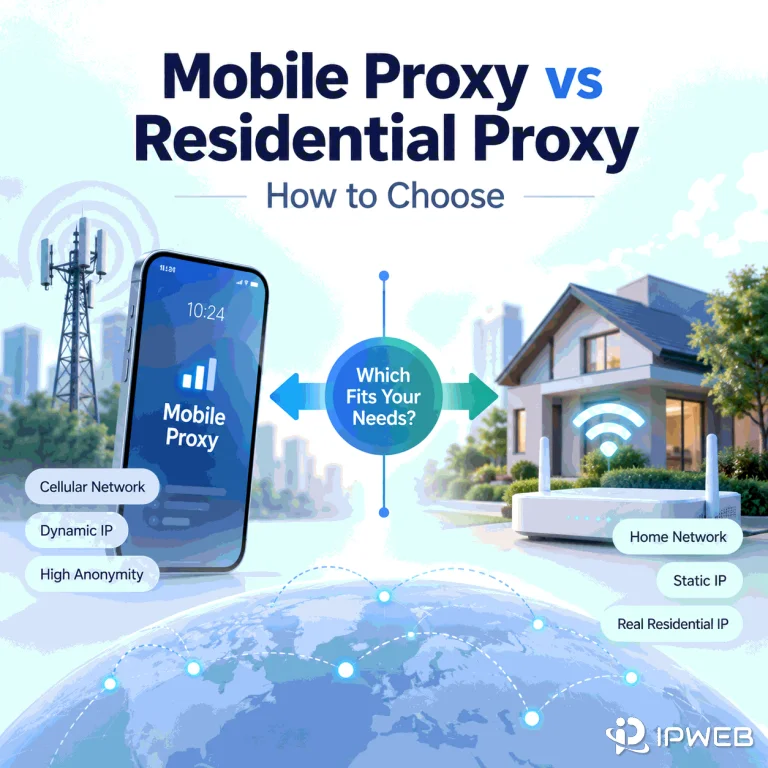
Mobile Proxy vs Residential Proxy: How to Choose
Choosing between a mobile proxy and a residential proxy starts with one question: what network identity does your workflow actually need to reproduce? Use a mobile route when the cellular carrier network itself matters. Start with residential when you need a consumer ISP path, broader residential geography, or repeatable web QA across residential locations. The important difference is not which proxy type sounds more “trusted.” Look at what the destination can observe instead: the ASN and organization behind the IP, how the public address is shared, how sessions change, and whether the location signal matches the test. Quick Answer Choose...
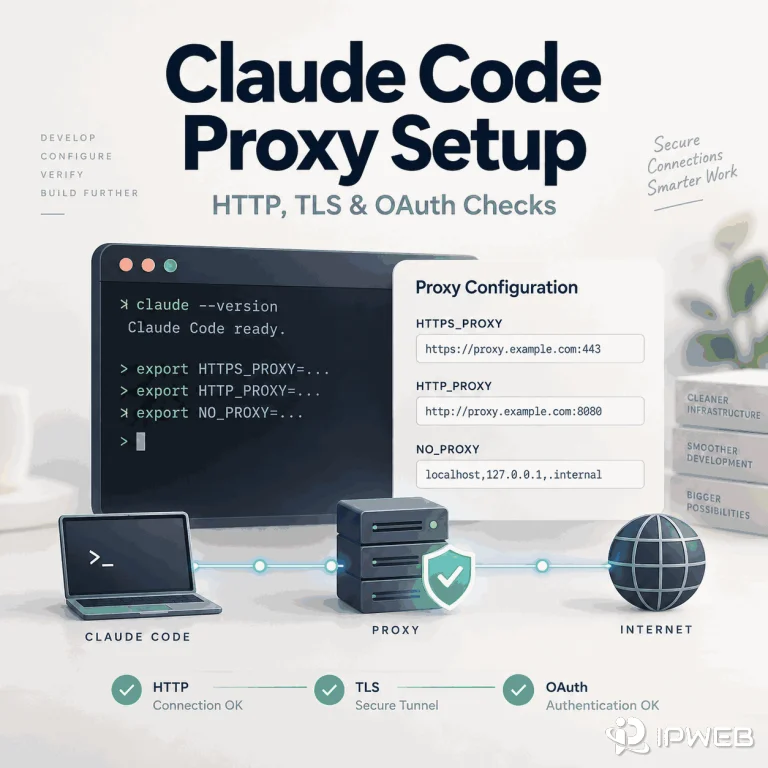
How to Set Up a Proxy for Claude Code
Claude Code does not automatically inherit a browser extension or browser-only proxy. The CLI reads its own network configuration, while browser authorization can run in a different process or even on a different host. A reliable setup therefore starts with the terminal process itself, then verifies DNS, TLS, and OAuth behavior separately. Use one stable endpoint for the first test and keep credentials out of reusable commands, screenshots, and support tickets. Once the terminal path is confirmed, you can compare another approved route without mixing proxy setup with account, region, or OAuth problems. Quick Answer Set HTTPS_PROXY or HTTP_PROXY before...
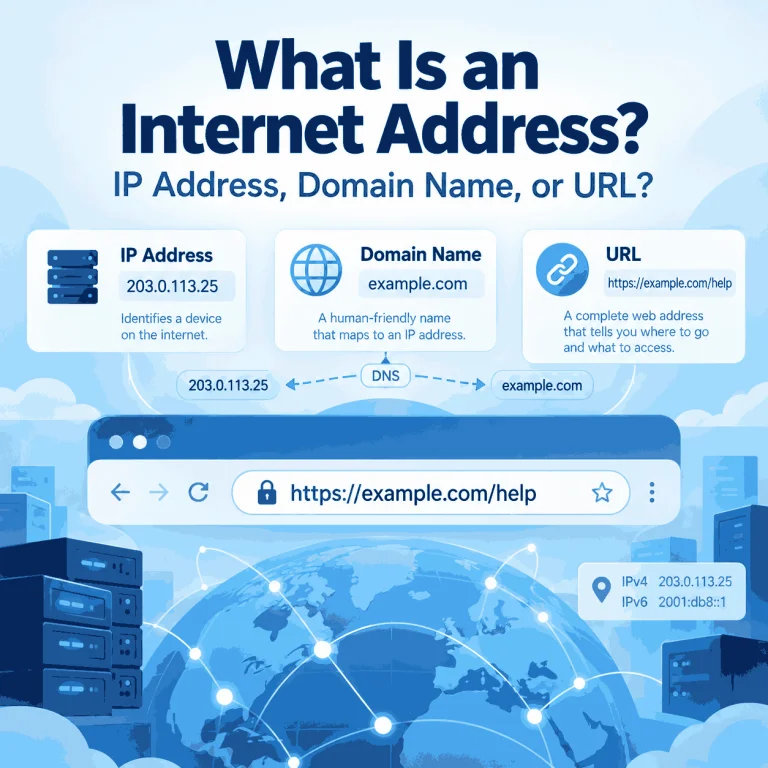
What Is an Internet Address?
The phrase “internet address” is easy to misunderstand because it is used in more than one way. In networking, it usually points to an IP address. In everyday web use, someone may use the same phrase for a domain name, a full URL, or even an email address. Those terms are related, but they describe different parts of how the Internet identifies destinations and resources. Knowing the difference matters when you are checking a network connection, reading browser settings, troubleshooting DNS, or trying to understand which address a website can actually see. Quick Answer In networking terminology, an internet address...
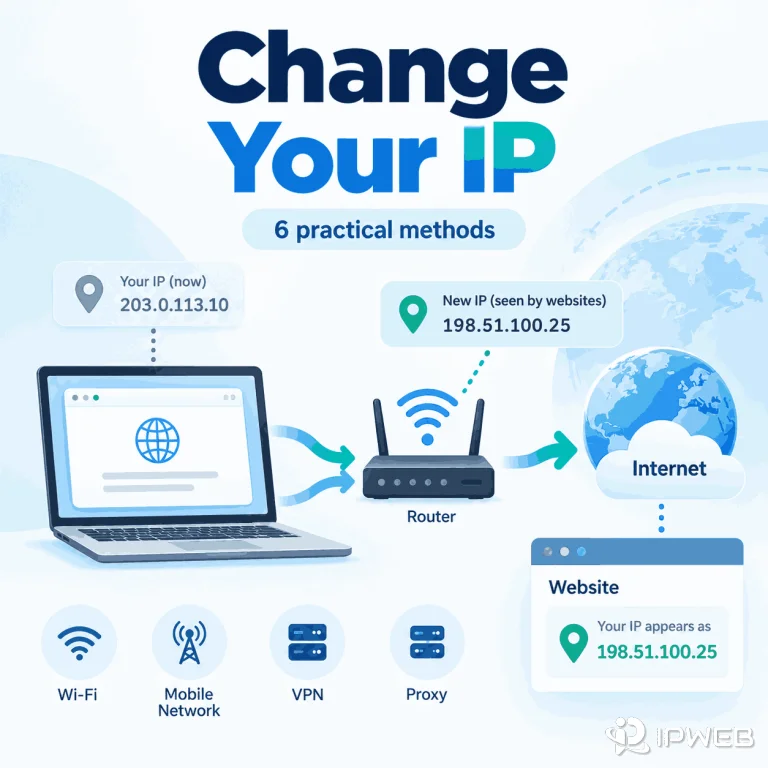
How Can You Change Your IP Address?
You may want a different IP when troubleshooting a connection, switching networks, testing how a website responds from another network, or making one browser, app, or script use a different IP than the rest of your device. Before choosing a method, identify which address you need to change: the public IP associated with your internet connection, the private IP assigned inside your local network, or simply the IP that a website sees. Different methods affect different addresses. Quick Answer You can make websites see a different IP by using a different internet connection, reconnecting mobile data, using a VPN, or...
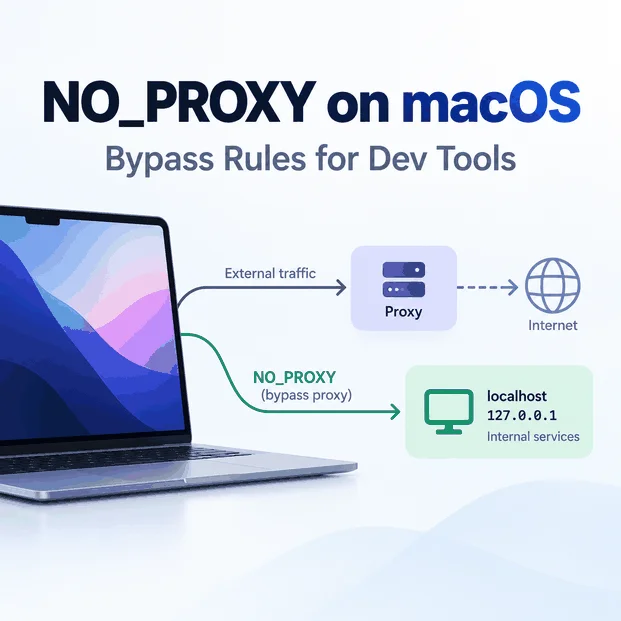
NO_PROXY Environment Variable on Mac: Bypass Rules for Dev Tools
On macOS, system proxy settings and shell environment variables can exist at the same time. If a terminal command ignores the GUI proxy, sends localhost through a proxy, or unexpectedly connects directly, check the variables inherited by that exact process. The key distinction is routing scope. macOS network settings can affect supported applications at the system level, while command-line tools and developer runtimes may read http_proxy, https_proxy, and NO_PROXY from the shell environment instead. Quick Answer On macOS, NO_PROXY is a comma-separated bypass list used by many command-line tools and libraries. Add only hosts that should connect directly, such as...
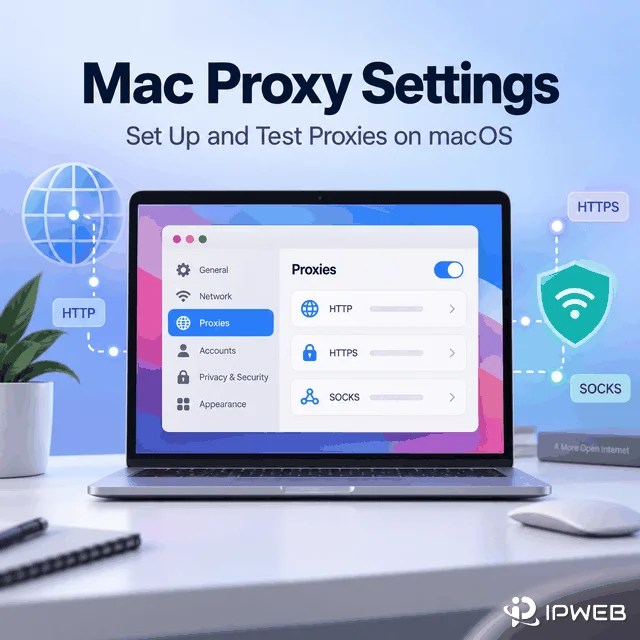
How to Set Up and Test Proxies on macOS
A Mac can have several network services: Wi-Fi, Ethernet, USB adapters, VPN interfaces, and other profiles. Proxy settings apply to the selected service, so changing the wrong service can leave your browser or app unchanged. In macOS, open network settings, select the active service, then find the proxy options. Older guides may say Mac OS X, but the practical idea is the same: choose the active network connection before entering proxy details. Quick Answer Mac proxy settings let macOS send supported network traffic through a configured proxy server for a selected network service. The setup is only half the job:...
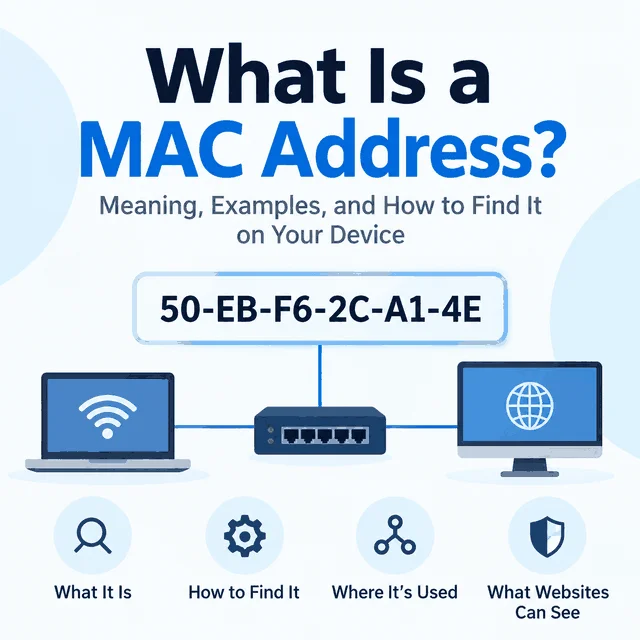
What Is a MAC Address? What Websites and Proxies Can See
People often ask about MAC addresses after a website shows the wrong location, detects automation, or ties activity to a device. The useful starting point is to separate local network identity from internet-visible request signals. When a remote website behaves differently, the MAC address is usually not the first signal to inspect. Start with the public IP, proxy route, DNS behavior, browser profile, cookies, headers, and account/session state. Quick Answer A MAC address is a hardware or software-assigned identifier used on a local network link. A normal public website does not receive your raw MAC address across the internet. It...
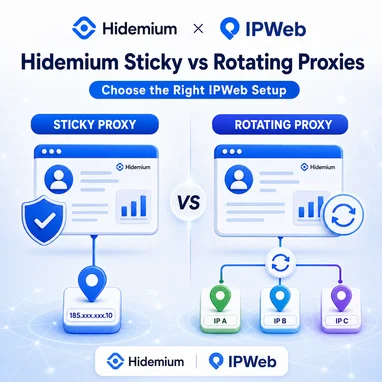
Rotating vs Sticky Proxies in Hidemium: Which IPWeb Proxy Setup Is Right for You?
If you're using IPWeb proxies with Hidemium Antidetect Browser, one of the first decisions is whether your browser profile should use a sticky proxy or a rotating proxy. The difference is simple: Sticky proxy: keeps the same IP address for a defined session. Rotating proxy: automatically changes the exit IP over time or between connections. For Hidemium users, sticky proxies are generally better when a browser profile needs a consistent network identity, while rotating proxies are more suitable for research, data collection and workflows that benefit from IP diversity. This guide explains when to use each IPWeb proxy type with...

ixBrowser Exclusively Launches Passkey Module Feature
In 2026, Google Ads and Amazon are accelerating the mandatory rollout of Passkey. Starting July 15, Google Ads requires Passkey for sensitive operations (e.g., adding users, modifying billing); from August 5, API new refresh tokens must be authenticated with Passkey; and from August 19, Passkey will be mandatory for all Admin, Billing, and Standard users. Amazon, meanwhile, fully opened Passkey login for Seller Central to global sellers in July and plans to mandate it for some stores starting in the second half of this year. These timelines make it clear: Passkey has moved from optional to mandatory. For multi-account operators,...
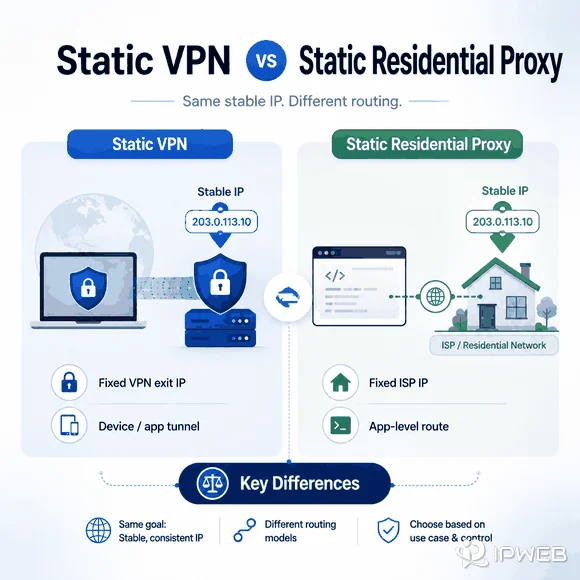
Static VPN vs Static Residential Proxy: Which Is Better?
Static VPNs and static residential proxies can both keep the same public exit IP, but they solve different routing problems. A static VPN keeps a VPN exit stable, while a static residential proxy keeps an application-level proxy route stable and uses an IP associated with an Internet Service Provider. The better fit depends on routing scope, network identity, and how the fixed IP will be used. The important questions are where the IP comes from, whether it is shared or dedicated, which applications use the route, and whether you need a device-level VPN tunnel or an application-level proxy connection. Quick...