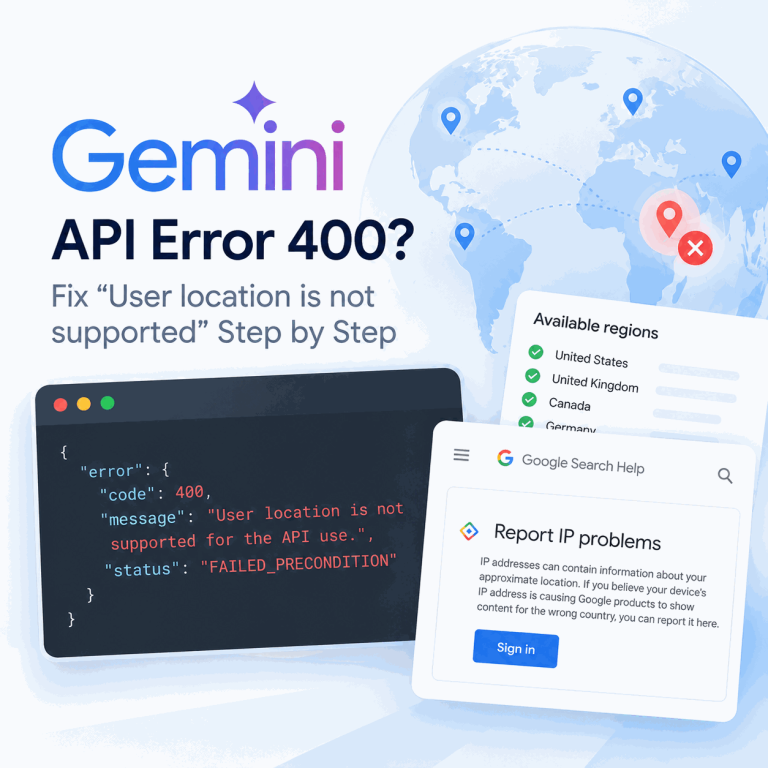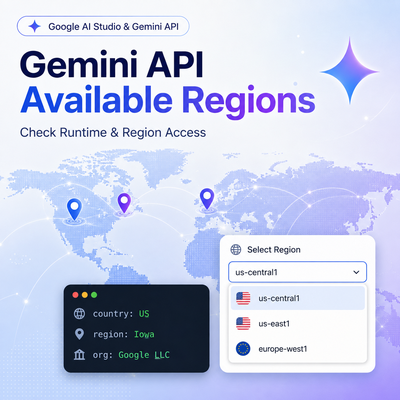
Gemini API regional availability should be checked from the environment that actually sends the request. A developer can be physically located in a supported country while a Colab instance, cloud VM, CI runner, remote notebook, or production service runs somewhere else. Google explicitly documents this distinction for Colab, where region restrictions are based on the Colab instance region rather than the user's region.
Check Google's current Gemini API and Google AI Studio available-regions page before changing SDK code. For Colab, Google says the relevant location is the Colab instance region and provides !curl ipinfo.io as a way to inspect it. For cloud VMs, CI runners, remote notebooks, and production services, record both the platform region and the runtime's visible egress network as diagnostic evidence.
If the runtime is in a supported region but the request still fails, move to a separate API-key, permission, model, quota, or service-error diagnosis. Do not keep treating every 403, 429, or 503 as a region problem.
Google can update supported regions and service requirements over time, so use the live developer documentation as the source of truth.
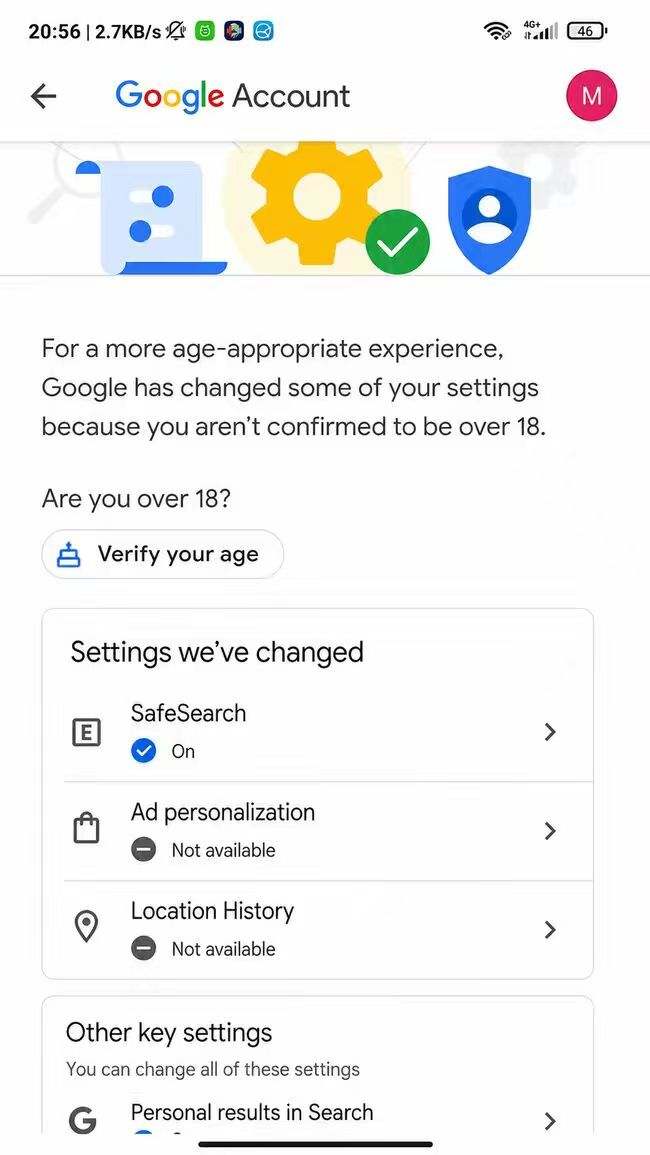
If AI Studio redirects you to the available-regions page, geography is not the only possible cause. Google also lists the 18+ minimum age requirement and Google Account age verification as reasons a user may be sent there.
- The environment sending the Gemini API request matters more than the developer's physical location.
- Google explicitly applies Colab region restrictions to the Colab instance region, not the user's region.
- Cloud provider region and visible egress location are separate pieces of evidence and should both be recorded.
- A supported region does not prove that the API key, project permissions, model, quota, or service state is valid.
- Once region support is confirmed, stop changing network variables and move to the error-specific troubleshooting path.
Verify the Runtime Sending the Request
Start by identifying the exact runtime that sends the outbound Gemini API request. Do not assume the answer is "my laptop" just because that is where the code was written. The request may actually leave from a hosted notebook, build runner, application server, container platform, serverless function, or another remote environment.
| Runtime | Evidence to collect | Why it matters |
|---|---|---|
| Local laptop | Visible public IP country, ISP/organization, and ASN | Establishes the local network baseline |
| Cloud VM | Cloud provider region plus visible egress IP country | The configured cloud region and the public network path are separate evidence |
| CI runner | Runner location, provider, and outbound NAT or egress IP | Hosted runners can differ from the developer machine and can change independently of the code |
| Colab | Colab instance location | Google explicitly applies region restrictions to the Colab instance region |
| Production API service | Deployment region, egress gateway, visible IP country, and timestamp | Provides repeatable incident evidence for the actual production request path |
Bottom line: capture the execution environment before rewriting code. Region evidence is useful only when it comes from the same runtime that produced the failing request.
Check the Official Region List
Open Google's current available-regions page for Google AI Studio and the Gemini API and check whether the relevant country or territory is supported. The list is the authoritative availability reference and can change over time.
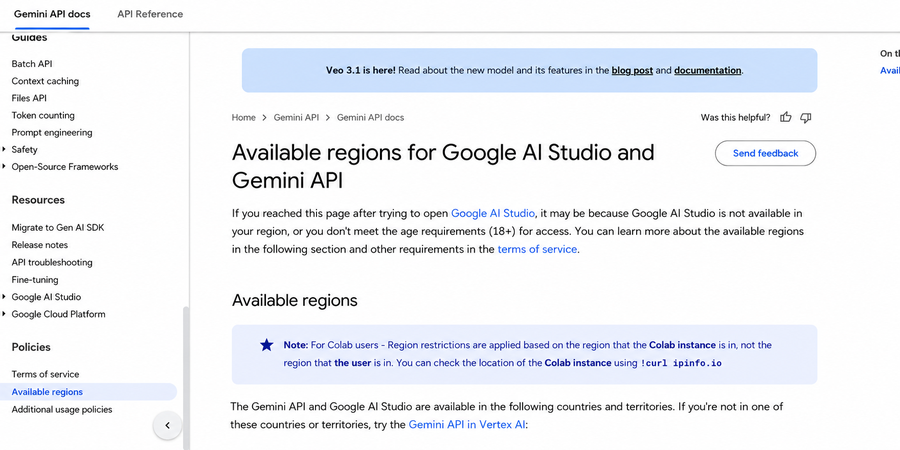
If the runtime is outside the supported list, changing headers, prompts, SDK versions, model parameters, or retry settings will not resolve the regional-availability layer. Record the runtime and region evidence first so the diagnosis does not drift into unrelated code changes.
If AI Studio redirects to the available-regions page, do not treat that redirect as geographic evidence by itself. Google also lists the 18+ age requirement and Google Account age verification as possible eligibility factors.
- Identify the exact process or hosted environment that sends the request.
- Record the platform or deployment region when one is available.
- Record the runtime's visible public IP country and network organization as supporting evidence.
- Compare the relevant country or territory with Google's current supported-region list.
- Keep the timestamp because hosted runtimes and egress paths can change later.
- If the region is supported, stop treating the problem as a region-only failure and move to the next diagnostic layer.
Colab Uses the Instance Region
Colab is the clearest documented example of why the runtime matters. Google states that region restrictions for Colab users are applied based on the region of the Colab instance, not the region of the user.
Google's region documentation provides this minimal check for the Colab instance location:
!curl ipinfo.io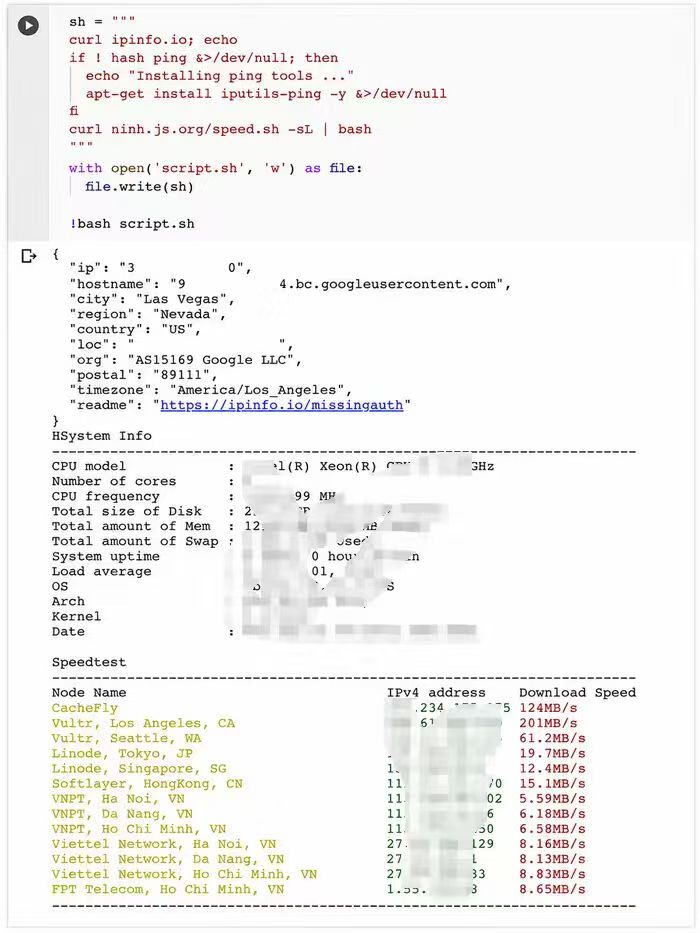
The result is runtime evidence, not a guarantee of API eligibility. Use it to confirm where the hosted notebook appears to be running, then compare that result with Google's current region list. If the same code works locally but fails in Colab, this difference is more useful than repeatedly changing the SDK or prompt.
Cloud VM, CI, and Production Can Differ
Google's available-regions page explicitly documents Colab behavior, but other hosted environments still need their own region evidence. For a cloud VM, record the configured provider region and the public egress path. For CI, record which runner executed the job and where its outbound traffic appears to originate. For production services, include the deployment region, egress gateway or NAT path, visible country, and exact failure time.
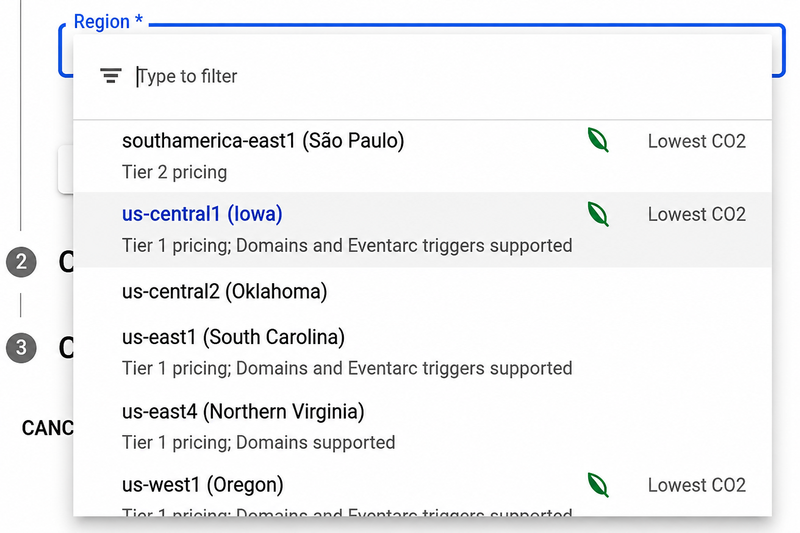
Do not treat the visible egress IP as the only location signal. The platform or deployment region is separate evidence. If the application is actually using Vertex AI or another Google Cloud generative-AI endpoint rather than the Gemini Developer API, check that product's location documentation separately because supported regions can differ between Google AI platforms.
Do not overread a single IP-geolocation result. A public IP lookup is useful evidence, but it is not the same thing as a cloud provider's configured region, and different geolocation databases can disagree. If you need background on reading visible IP, ISP, ASN, and country fields, IPWeb's What Is My IP? guide explains those network fields.
Keep the comparison controlled. Use the same API call, model, project, and key while comparing two runtimes. If several variables change at once, a different result does not tell you whether the region, project configuration, model, or request itself caused the difference.
If the Region Is Supported but the API Still Fails
A supported runtime region only clears the regional-availability check. It does not prove that the API key has permission, the Google Cloud project is allowed, the model exists, the quota is available, or the Gemini API service is healthy.
If the request returns a persistent 403 or permission_denied after region support is confirmed, move to the dedicated Google AI Studio 403 Access Restricted troubleshooting path. That separate page owns API-key permissions, project access, IAM, blocked-key checks, and the difference between permission failures and transient errors.
For other API failures, Google's current Gemini API troubleshooting guide and API error reference should be used instead of expanding the region diagnosis. In particular, transient 429 or 503 conditions belong to retry and capacity handling, not to region verification.
Frequently Asked Questions
Use Google's current available-regions page for Google AI Studio and the Gemini API. Check the country or territory that applies to the runtime sending the request, not only the developer's physical location.
Yes. Google says a redirect to the available-regions page can happen not only because of region availability, but also when the user does not meet the 18+ minimum age requirement or the Google Account still needs age verification.
Google explicitly applies Colab region restrictions to the Colab instance region rather than the user's region. Check the hosted instance location separately with the method Google documents before changing the code.
No single signal should be treated as proof. Record the configured cloud region and the runtime's visible egress network separately. Together they provide better diagnostic evidence than either value alone.
No. Once the runtime is confirmed to be in a supported region, a 403 can belong to a separate permission, API-key, project, IAM, or access-policy problem. Diagnose the exact API error instead of continuing to change region-related variables.
No. A network route can be used as diagnostic evidence in an authorized test, but it does not change Google's official Gemini API availability rules, project permissions, account requirements, or API-key policy.
Record the runtime type, deployment or provider region, visible egress IP country, network organization or ASN when available, model, project, exact error, and timestamp. Keep the same request conditions while comparing runtimes.
Final Thoughts
Gemini API regional troubleshooting is most useful when it answers one narrow question first: where is the request actually being sent from? Identify the runtime, collect region and egress evidence, and compare the relevant country or territory with Google's current available-regions list.
For Colab, follow Google's documented instance-region check. For cloud VMs, CI, and production services, record both platform and network evidence without assuming one value proves the other. Once the region is supported, move on to permission, key, model, quota, or service troubleshooting rather than continuing to change network variables.