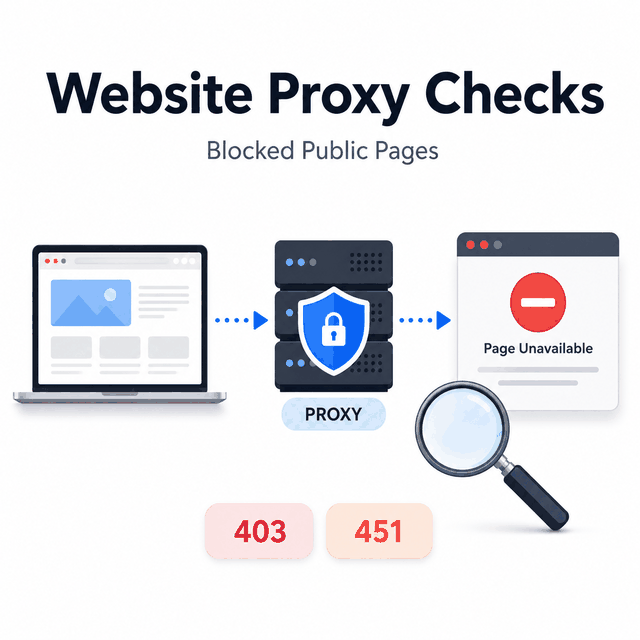
When a public page will not load from a network, browser, script, or data pipeline, the useful question is not simply how to "unblock" it. The first task is to determine whether the failure comes from the network route, browser or application setup, rendering, parsing, account state, legal availability, or platform policy. In a permitted business or public-data workflow, a proxy route check can help narrow that diagnosis without treating access as guaranteed.
A website proxy can help test the network path of a request. It may show whether the request is leaving through the expected IP, country, ASN, protocol, browser profile, or application. It can also help compare how a public page responds from different allowed route contexts. It cannot grant permission, repair an account problem, override a legal restriction, or guarantee that a target will serve usable data.
Use a website proxy as a diagnostic tool, not as a universal unblocker. In a permitted public-data workflow, a proxy can help you test route, location, DNS, protocol, and application-scope differences when a page appears blocked. If the response is still empty, restricted, account-gated, legally unavailable, or policy-limited, the next step is classification and compliance review, not simply trying more proxy routes.
- A proxy can check the network route behind a blocked public-page response, but it cannot fix every access, account, legal, or platform policy issue.
- Start by confirming whether the proxy is actually used by the same browser, script, or application that saw the problem.
- Classify the response before changing infrastructure: timeout, DNS failure, 403, 451, interstitial, empty page, localized result, or parser mismatch.
- A web unblocker may help when request-delivery maintenance is the problem; a scraping API may help when structured fields are the real need.
- Do not use proxy lists, free URL-entry tools, or browser extensions as the basis for a business data workflow.
What "Blocked" Means in a Proxy Workflow
"Blocked" is not one technical state. A user may call a page blocked when the browser cannot connect, a script times out, the response is 403, the page returns HTTP 451, the content is empty, the wrong country version appears, or an interstitial replaces the expected page. Each case points to a different cause.
For proxy work, the first job is to name the failure. A timeout may indicate endpoint reachability, protocol, port, or target availability. A DNS error may mean the application is resolving outside the expected route. A 403 can mean permission, request pattern, policy, authentication, or application behavior. A 451 means the server is communicating a legal availability boundary defined for HTTP 451. An empty page can come from JavaScript rendering, parsing, localization, or a changed document structure.
That is why "use a proxy to unblock the website" is too vague for a serious workflow. The proxy may be part of the diagnosis, but the response type decides what to check next.
What a Website Proxy Can Check
A configured proxy changes the route used by a browser, app, script, or system, depending on where it is applied. In a diagnostic workflow, that route change can answer useful questions:
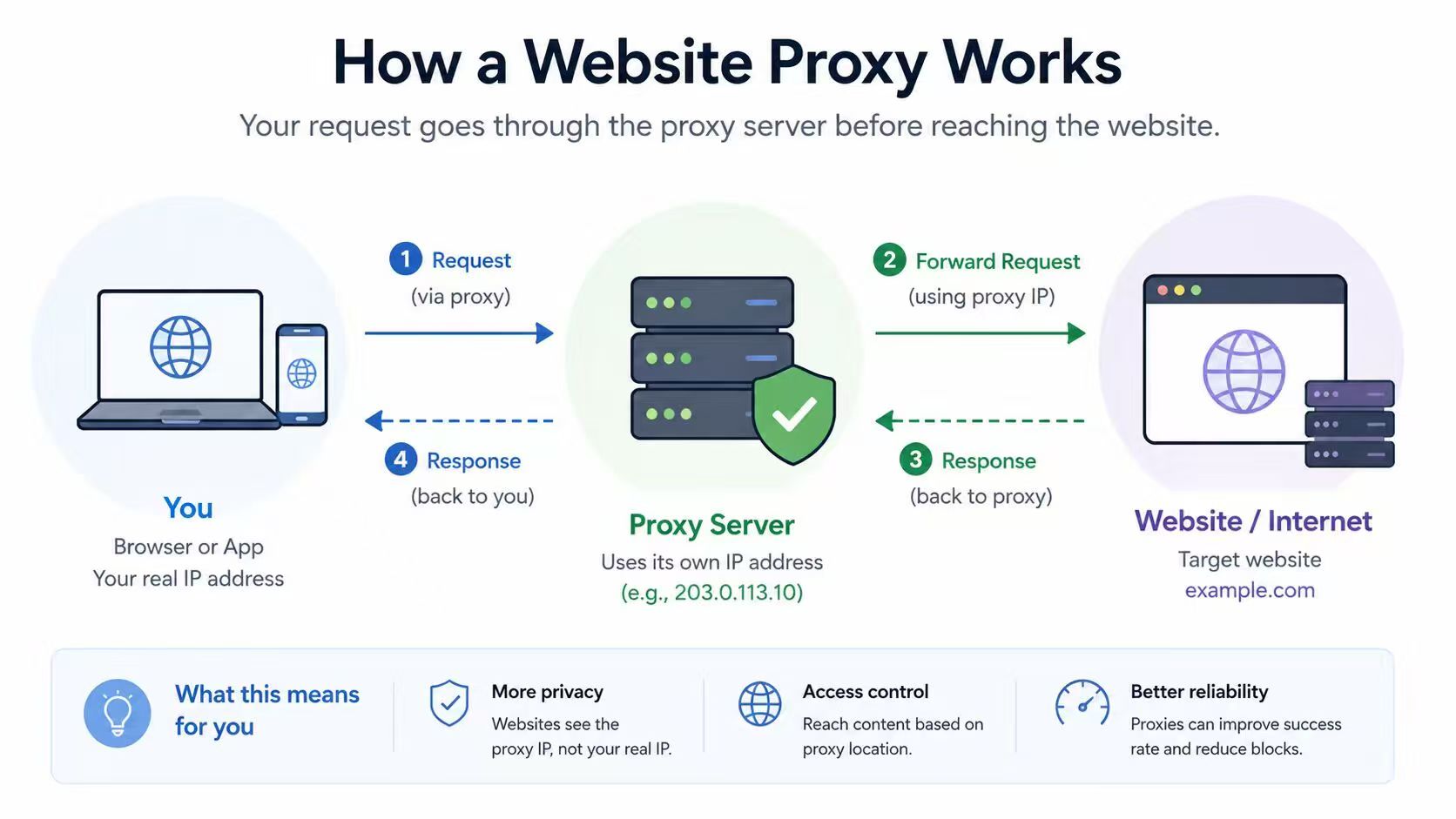
- Is the request leaving through the expected proxy endpoint?
- Does the visible IP, ASN, or country match the intended route?
- Is the same application that failed actually using the proxy?
- Does the target return a different public response from another allowed country or network type?
- Does DNS follow the same route as the HTTP request?
- Does the response change by protocol, timeout, headers, or browser profile?
These checks are useful because they separate route problems from page, parser, policy, and application problems. If the original app is not using the proxy, changing providers will not fix the issue. If the visible route is correct but the returned document is empty, the next question may be rendering or parsing, not routing. For a narrower route test, see how to check if a proxy is working. When the test requires comparing approved country or city routes, dynamic residential proxies provide location targeting and configurable rotation for controlled route checks.
What a Proxy Cannot Fix
A proxy cannot make private or restricted data public. It cannot restore an unavailable account, bypass a login requirement, remove a legal restriction, or force a platform to serve a feature it has chosen not to provide. It also does not automatically change browser fingerprint, cookies, WebRTC behavior, device identity, account history, or user permissions.
Several different tools are often grouped together when a public page appears blocked, even though they solve different problems. Configured proxies, web proxies, VPNs, free URL-entry tools, browser extensions, and managed web unblockers are not interchangeable. A proxy server can change selected traffic routing. A web proxy page may fetch a URL through a browser-based gateway. A managed web unblocker may handle delivery logic for public-data collection. None of them should be treated as a guarantee of access.
A Safe Diagnostic Workflow
Use this order when a permitted public page appears blocked in a proxy-based workflow.
- Confirm scope. Check whether the data is public, the use case is allowed, and the request volume is proportionate. For a broader compliance framework, see is web scraping legal.
- Record the failing request. Save URL, timestamp, application, proxy endpoint, country or region context, response status, and a small source sample.
- Verify the route. Use the same browser profile, script, or app that failed. Confirm visible IP, country, ASN, DNS behavior, and protocol.
- Classify the response. Separate timeout, DNS error, 401/403, 451, interstitial, empty page, localized page, and parser mismatch.
- Compare a small control set. Test a known reachable URL, the target URL without a proxy if appropriate, and the same target from one approved alternate route.
- Choose the next owner. Route issue, application setup, rendering, parser, account permission, legal/policy boundary, or data-source mismatch.
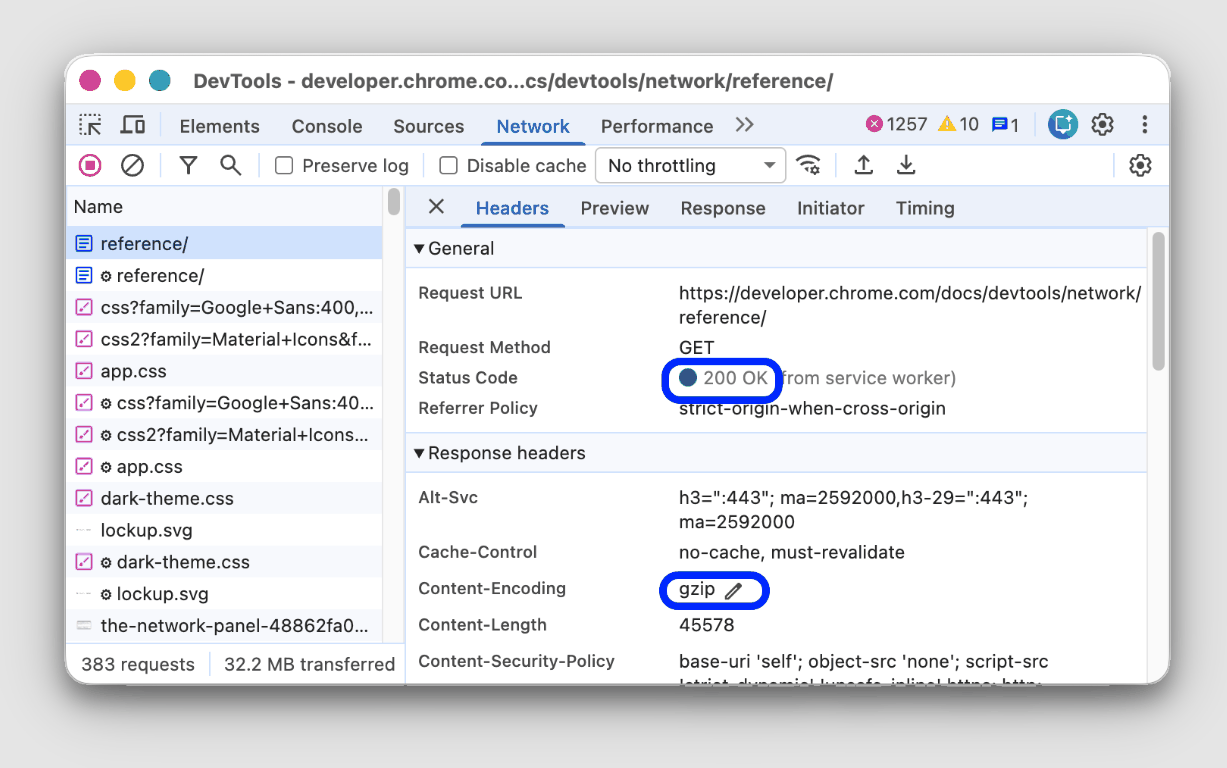
This workflow keeps the proxy in its proper role. It is a route and response diagnostic input, not the only lever in the system.
Response Types and First Checks
| Response symptom | What it may mean | First check | Next decision |
|---|---|---|---|
| Timeout | Proxy endpoint, port, target availability, or network path failure | Host, port, protocol, provider status, and timeout limit | Retest route before changing target logic |
| DNS error | DNS is not following the expected path or the domain cannot resolve | Resolver behavior and application DNS settings | Fix route scope or DNS before parser work |
| 403 | Permission, request pattern, authentication, or target policy | Request context, headers, auth state, and route consistency | Classify policy versus setup problem |
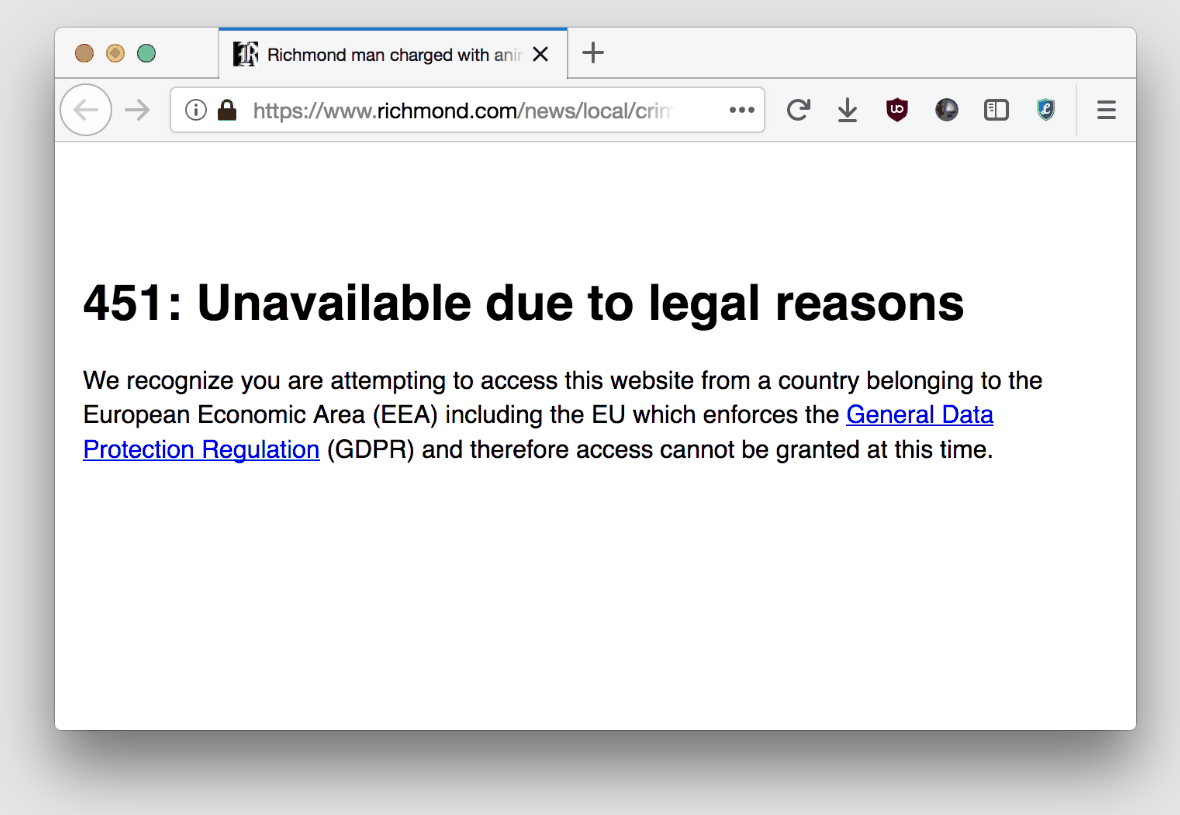
| 451 | Legal availability boundary | Region, URL, and legal/policy source | Do not try to route around the legal boundary |
| Empty page | JavaScript, interstitial, blocked shell, or parser mismatch | Returned HTML sample and rendered view | Decide between rendering, parser update, or managed retrieval |
| Wrong localized page | Country, language, cookies, or accepted-language context | Route country, language headers, cookies, and URL variant | Store route context with the record |
The table is deliberately diagnostic. It does not say that a proxy can remove every symptom. It tells you where the next investigation belongs, while the underlying HTTP response semantics still determine what each status code means.
Website Proxy vs Web Unblocker
The difference is ownership. With a standard proxy, your team controls the client, retries, rendering, parsing, and most diagnostics. The proxy changes the route, but the workflow logic stays with you.
A web unblocker is a managed retrieval layer. Providers such as Oxylabs and IPRoyal describe this category around automated request delivery, retries, and response handling. It may also include rendering for some public-data requests. That can reduce operational work when repeated page retrieval is the hard part. It also means you need to verify what the service returns and what it does not return.
Use the standard proxy path when you need visibility and control. Consider a managed web unblocker when delivery work is the maintenance burden and the required output is a page response you can validate. Consider a scraping API when the real requirement is normalized fields, not HTML; the broader web scraping proxy guide covers that selection layer. Use a browser workflow only when permitted interaction or visual state is necessary.
Where Free Web Proxy Tools Fit
Free website unblocker pages and URL-entry proxy tools are usually a poor fit for business data work. They may be hard to audit, unstable, privacy-sensitive, unsupported for automation, or designed for consumer browsing rather than controlled data collection.
If a workflow matters enough to affect reporting, pricing, SEO monitoring, compliance, or customer decisions, it should use controlled infrastructure, logging, repeatable route checks, and a validation trail rather than an unaudited proxy list or URL-entry tool.
Practical Checks Before You Change Providers
Before switching proxy type or provider, check whether the current evidence actually points to a proxy problem. If repeated tests need the same assigned residential IP for a stable comparison baseline, static residential proxies are a better fit than rotating routes.
- The same application that failed is using the configured proxy.
- The visible IP and ASN match the intended route.
- DNS and WebRTC behavior do not contradict the route assumption.
- The target URL is still live and within scope.
- The returned HTML contains the expected page, not a shell or interstitial.
- The parser is reading the correct field after any layout change.
- The status code and response body are stored with the failed sample.
- The issue is not an account, authentication, legal, or target-policy boundary.
If those checks are missing, another proxy may only hide the real failure. First build a small evidence set, then decide whether the next step is route repair, parser repair, rendering, managed retrieval, API selection, or stopping the request.
Frequently Asked Questions
Final Thoughts
A website proxy is useful when it helps you classify a blocked public-page response. It can confirm route, location, DNS, protocol, and application-scope assumptions. It cannot turn an unsafe or restricted request into a permitted one. Treat proxy results as evidence, pair them with response validation, and choose the next tool only after you know whether the problem is routing, rendering, parsing, policy, or data-source design.