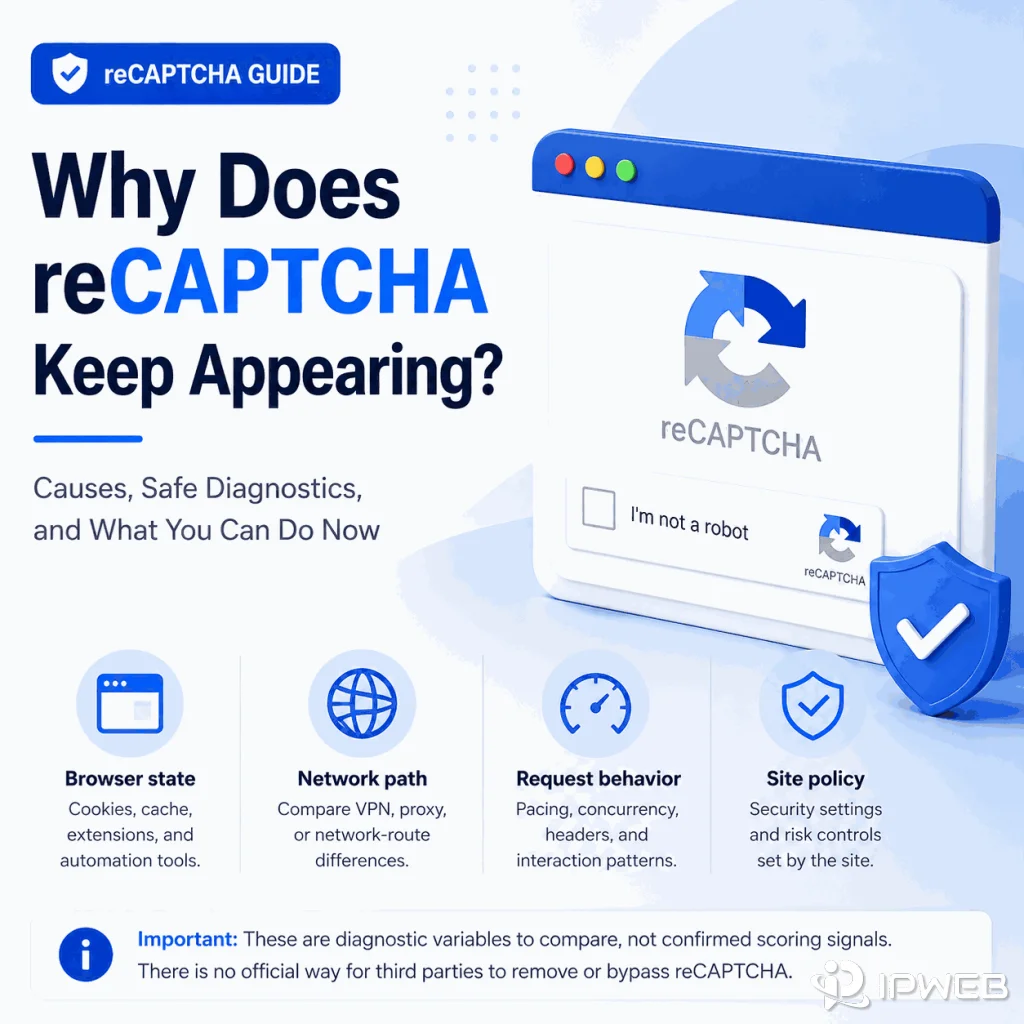
Repeated reCAPTCHA prompts can interrupt QA, login, form, and public-data workflows, but they do not automatically mean that one specific browser setting, IP address, or proxy is at fault. The useful goal is to identify what changed in the session and reduce avoidable verification without trying to disable or bypass the site's controls.
You cannot reliably disable or “stop” reCAPTCHA on a website you do not control. If it keeps appearing, compare browser state, request timing, application routing, and the site's own access requirements. These are useful diagnostic variables, not confirmed reCAPTCHA scoring signals unless Google documents them.
- Repeated verification usually means the website wants more confidence before allowing an action.
- Browser state, cookies, JavaScript, request timing, network characteristics, and routing are practical variables to compare.
- IP, ASN, DNS, and proxy differences can help isolate a network-path issue, but they should not be presented as confirmed reCAPTCHA scoring factors.
- The safest troubleshooting method is to change one variable at a time and compare with a normal browser session.
- This guide does not recommend CAPTCHA solvers, bypass scripts, skip methods, or extension-based evasion.
Common Reasons reCAPTCHA Keeps Showing Up
If you are new to the technology, start with our guide to what reCAPTCHA is and how it works. For troubleshooting, repeated prompts are best treated as a signal that the site wants additional confidence in the current interaction. Google does not publish every input used in its risk analysis, and each website decides how to integrate reCAPTCHA into its own access rules.
For troubleshooting, separate the workflow into layers instead of assuming a single cause. If the behavior changes between browser profiles, compare cookies, JavaScript, extensions, and session state. If it changes only between network paths, compare the visible IP, ASN, DNS behavior, country, and routing. If it appears after fast or repetitive actions, compare request timing with a normal manual workflow.
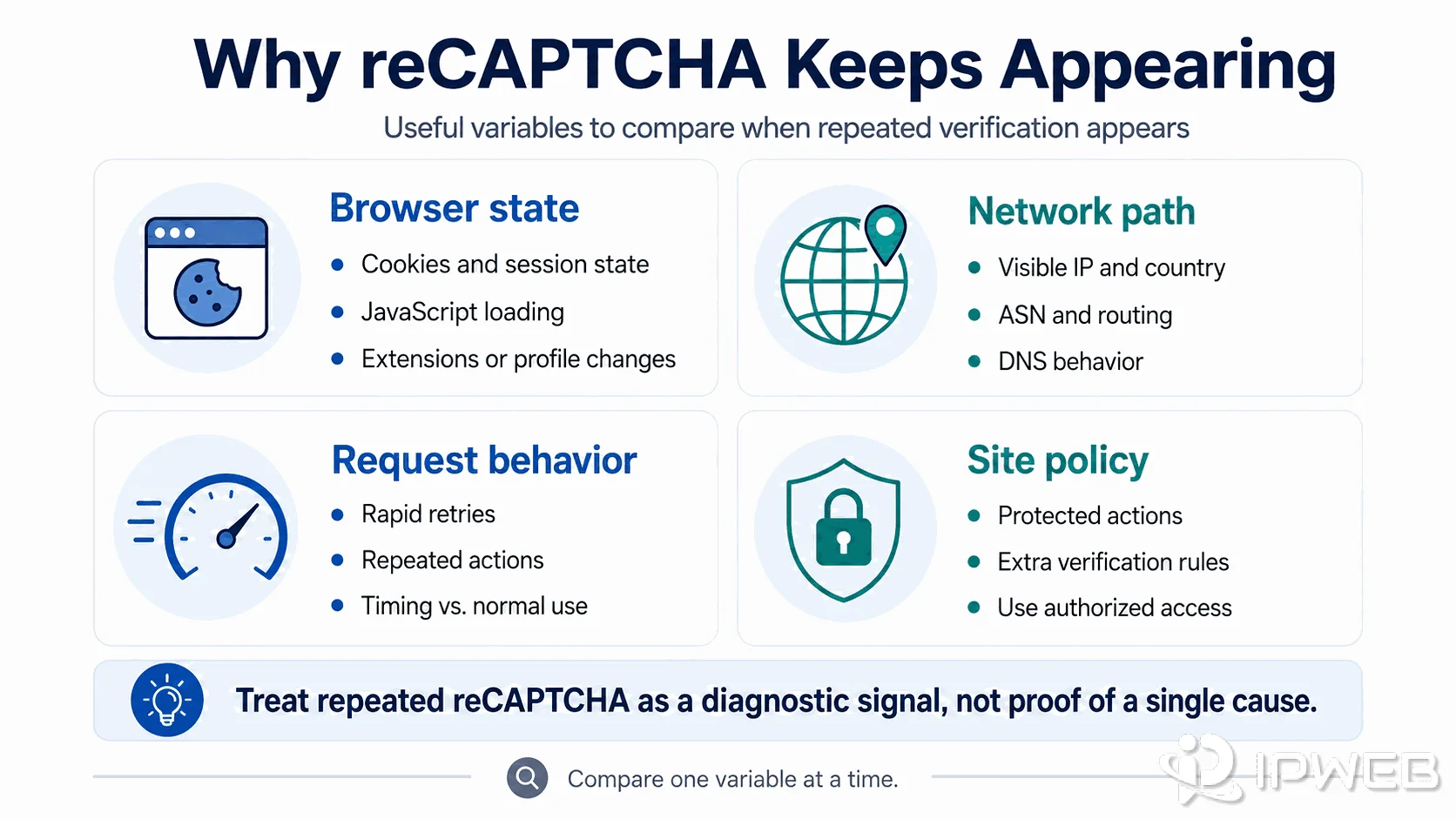
| Area | What to Compare | Safe Check |
|---|---|---|
| Browser state | Cookies, JavaScript, extensions, and profile state | Repeat the same allowed action in a normal browser session |
| Network path | Visible IP, ASN, DNS, country, and routing | Confirm the application is using the intended route |
| Request behavior | Timing, repetition, retries, and action pattern | Slow the workflow and compare one change at a time |
| Site policy | Whether the action requires additional verification | Use authorized access, an official API, or stop if required |
How to Reduce Repeated reCAPTCHA Prompts Safely
If your goal is how to stop reCAPTCHA from appearing repeatedly, focus on reducing avoidable verification rather than trying to remove the control itself. On a site you do not manage, there is no reliable or legitimate switch that disables reCAPTCHA for your session.
- Compare with a normal browser session. Run the same allowed action manually and note whether the prompt still appears.
- Check JavaScript and cookies. Make sure required scripts load and the browser can retain normal session state.
- Review the browser profile. Compare persistent and fresh profiles, and disable extensions that may change requests during testing.
- Verify the network route. Confirm the browser or application is using the route you intended before changing IPs or proxies.
- Reduce rapid retries. Compare automated timing with a normal workflow and avoid repeatedly resubmitting the same action.
- Change one variable at a time. Record the result before changing another browser, network, or request variable.
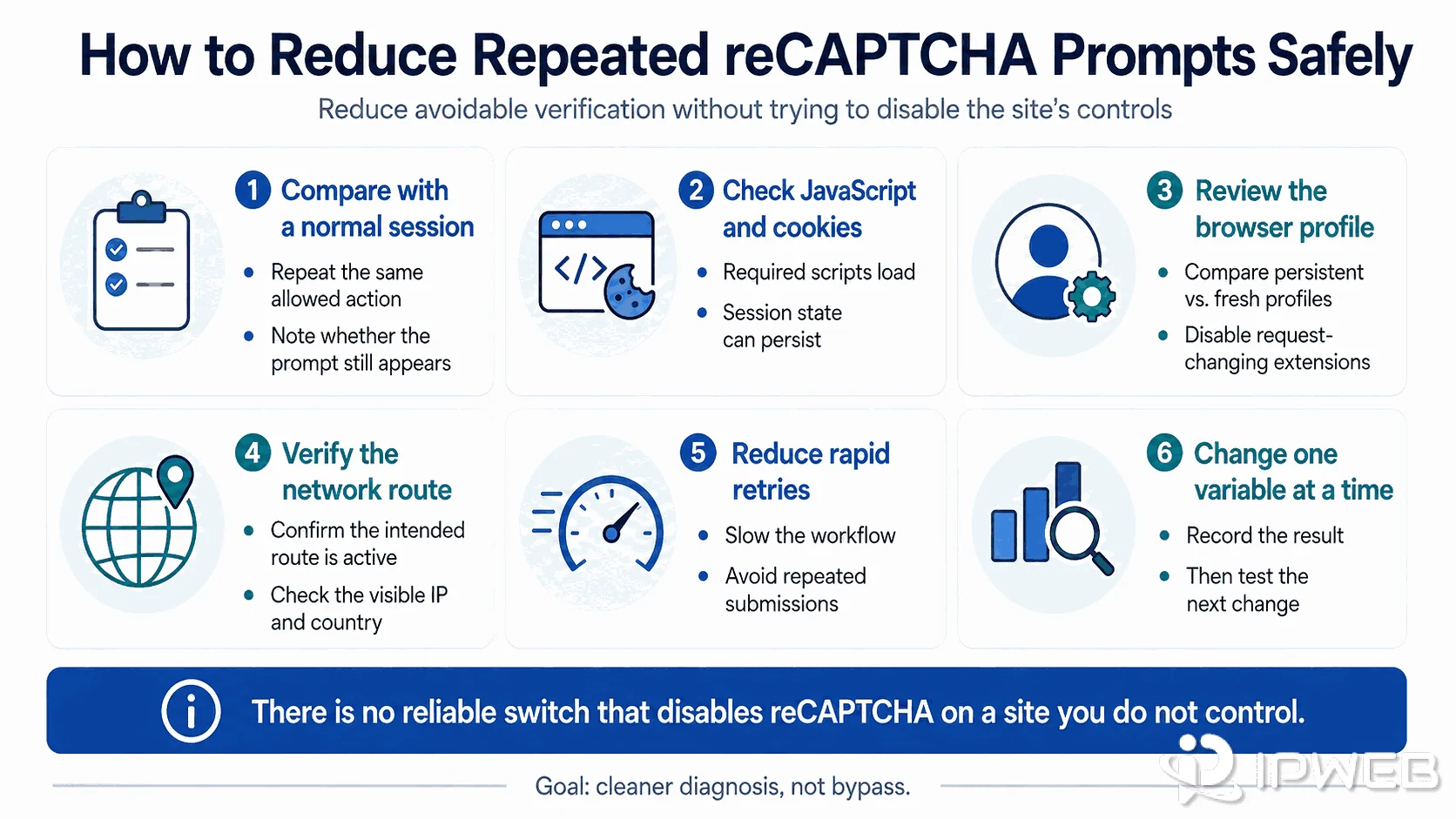
This approach does not guarantee that reCAPTCHA will disappear. It gives you a cleaner diagnosis and helps distinguish a browser, application, network-path, or site-policy difference without turning troubleshooting into a bypass workflow.
Check Browser State Before You Blame the Proxy
Browser-state differences are worth checking before you conclude that the proxy or IP is the problem. Confirm that JavaScript is enabled, cookies are available, important site scripts load correctly, and the profile is not unexpectedly reset between actions.
Persistent and fresh profiles can produce different results because they do not carry the same session state. That difference is useful for diagnosis, but it should not be treated as proof that reCAPTCHA uses one specific browser-history or fingerprint field.
Check IP, ASN, DNS, and Request Rate
Network checks should be practical rather than speculative. Confirm the visible IP from the same browser or application, record the ASN and country, inspect DNS behavior, and compare request timing with a normal manual workflow. If the challenge appears only on one network path, compare those differences before drawing a conclusion.
If you are not sure whether the application is actually using the expected proxy, start with IPWeb's proxy route verification checklist. Changing IPs before confirming the route can make the diagnosis harder.
Proxy quality can matter to a network path, but a proxy cannot override website rules, account requirements, browser state, or application behavior. If requests are too fast, too repetitive, or outside the site's allowed use, changing IPs does not make the workflow acceptable.
What Not to Do
Do not use solver services, bypass scripts, or browser extensions whose purpose is to defeat reCAPTCHA. Those approaches can conflict with site terms, create security risk, and move the workflow away from legitimate testing or authorized data access.
A safer response is to slow down, reduce retries, use an official API where available, request access when needed, or stop the workflow if verification represents an access boundary. For public-data work, review the site's terms and the broader web scraping legality and permission boundaries before continuing.
A Safe Diagnostic Checklist
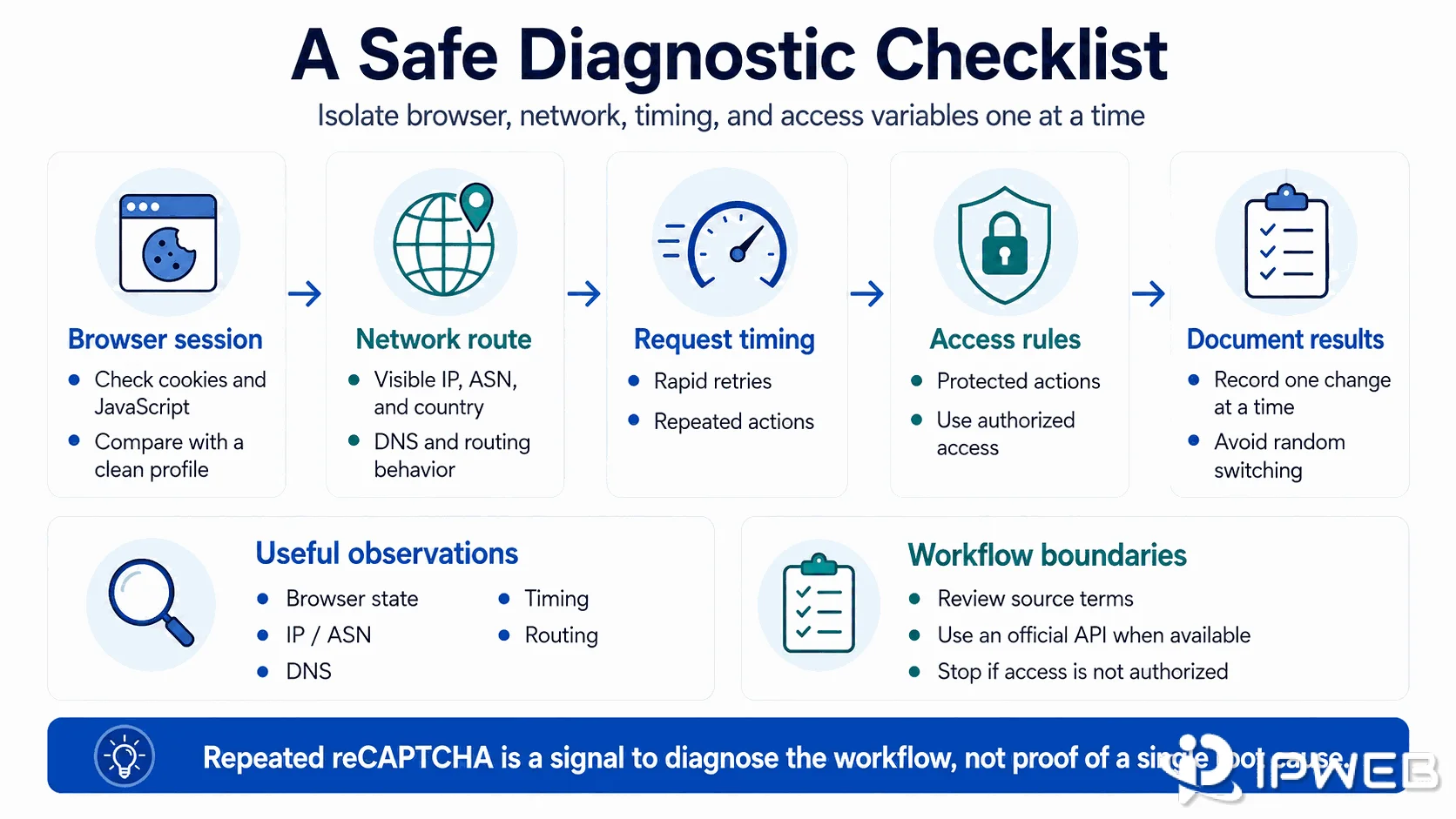
Use a short checklist instead of random changes. Test the same allowed action manually, then repeat it from the same browser profile with your intended route. Compare cookies, JavaScript errors, response codes, request timing, visible IP, ASN, DNS behavior, and application routing. Document each result before changing another variable.
If the behavior changes after a browser-state fix, that gives you a stronger browser-side clue. If it changes only on one network path, investigate the differences in that path before scaling the workflow. Neither result proves which private reCAPTCHA scoring signals were involved.
For implementation details, use Google's reCAPTCHA documentation as the source of truth because the service and each site's integration can change over time.
Frequently Asked Questions
Final Thoughts
If reCAPTCHA keeps appearing, the best response is not to search for a way to defeat it. Compare the browser session, request pattern, application route, network path, and permission boundary one variable at a time. That gives developers and QA teams a clearer diagnosis while respecting the website's controls.