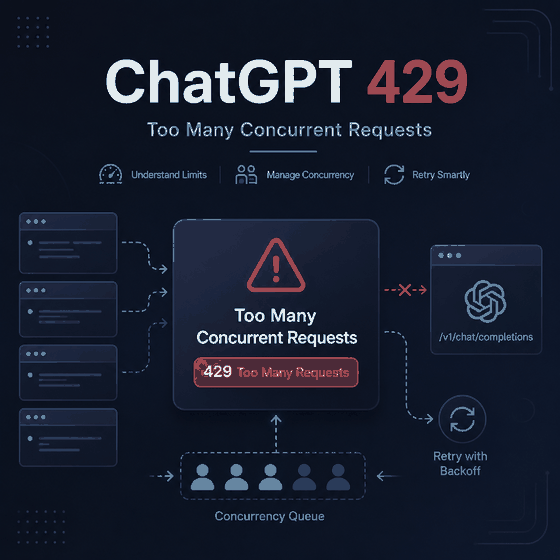
You send one prompt and ChatGPT responds with “Reached concurrency limit.” Too many simultaneous requests are one possible cause, but that explanation becomes much weaker when you have only one active ChatGPT session and the error appears on your first request.
The useful question is therefore not simply “How do I remove the concurrency limit?” First determine whether concurrent activity is actually present. A single controlled request can separate genuine overlap from a stuck session, a broader ChatGPT problem, or—if you are using the OpenAI API—a separate HTTP 429 condition.
Reduce ChatGPT to one active session and send one short test prompt. If it succeeds after other activity is stopped, overlapping requests were probably involved. If the first or only request still fails, check OpenAI Status and test a clean browser session rather than continuing to retry. If your own application receives an actual HTTP 429 response from the OpenAI API, read the error details before retrying because 429 can represent a temporary request or token limit, exhausted credits, or an organization or project usage or spend limit.
- “Reached concurrency limit” is a symptom, not proof that your current browser is generating too many requests.
- The most useful first test is one session, one short prompt, and no parallel activity.
- If the first request still fails, stop repeating concurrency fixes and test the service and session layers.
- If a private window works while your normal browser does not, the browser or authenticated session deserves more attention.
- ChatGPT product errors and confirmed OpenAI API 429 responses should be diagnosed separately.
- Change one variable at a time so you can tell which layer actually changed the result.
Start With the Diagnostic Rule
Concurrency means more than one unit of work is active at the same time. In ChatGPT, that may involve overlapping prompts, unfinished generations, several active sessions, automated agents, or background tasks.
But the error wording alone cannot tell you which of those conditions is present.
Use a simple rule:
Do not keep a diagnosis after a controlled test contradicts it.
If several requests are running and the error disappears when you reduce them to one, concurrency remains a strong explanation. If one clean request still fails immediately, continuing to blame simultaneous requests becomes less useful.
| Test Result | Most Useful Interpretation | Next Step |
|---|---|---|
| Several active requests fail, but one request succeeds | Overlapping activity likely contributed | Restore the workflow gradually with lower concurrency |
| The first request fails with no obvious parallel activity | Local concurrency alone is not enough to explain the failure | Check service status, then test a clean session |
| Normal browser fails, private window works | Browser profile or session state becomes more likely | Compare extensions, cookies, and authentication state |
| Several ChatGPT functions fail together | A broader service problem becomes more plausible | Check OpenAI Status before changing local settings |
| Only one network fails | The problem has moved toward the network layer | Investigate connectivity rather than request concurrency |
| Your application receives a confirmed HTTP 429 | You have direct API evidence | Read the error code and applicable API limit |
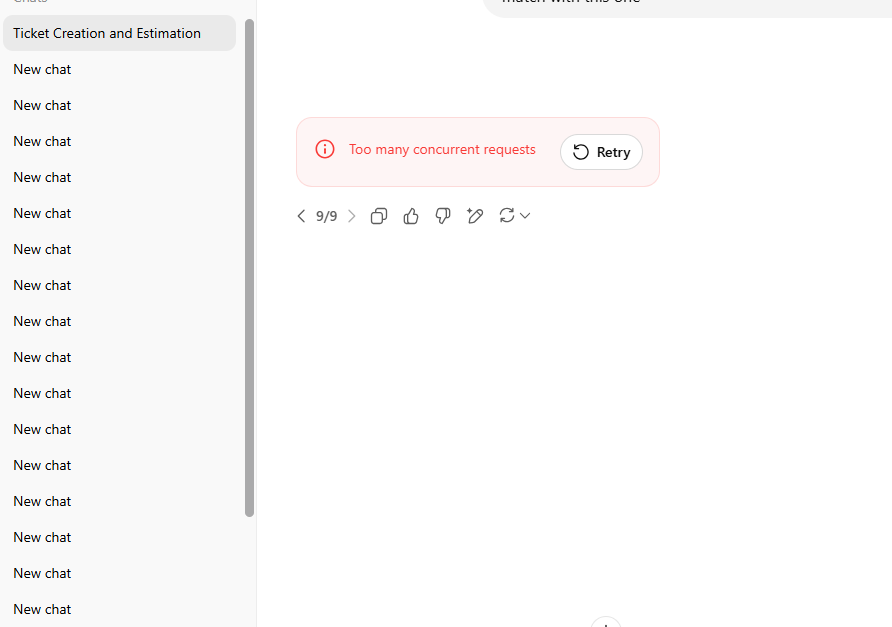
Run the One-Request Test
Start with the smallest reproducible case. This gives you more useful information than changing the browser, network, account, and device at the same time.
- Stop sending new prompts.
- Let any visible generation, upload, or tool action finish or fail.
- Pause any agent, script, or automated workflow connected to the same task.
- Close ChatGPT tabs that are actively doing work.
- Keep one ChatGPT session open.
- Send one short text-only prompt, such as “Reply with OK.”
- Record whether it succeeds, fails immediately, or begins normally and fails later.
Do not add attachments, tools, long context, or another parallel request to this test. The goal is to remove variables rather than reproduce your entire normal workflow.
Read the Result Before Trying Another Fix
The short prompt works
If one short request succeeds after other active work is stopped, concurrency was probably part of the original failure.
Do not jump straight back to the previous workload. Restore activity gradually. For example, move from one active request to two and observe whether the error returns. This helps identify whether the failure is associated with a particular level of parallel activity rather than treating concurrency as a simple on/off condition.
The request fails immediately
If a single request fails before normal generation begins, you have removed the most obvious local-concurrency explanation.
Move to service status and browser-session testing. Continuing to close inactive tabs or repeatedly pressing Retry is unlikely to tell you anything new.
The request starts, then another error appears
Use the new symptom. If the request begins normally but later shows a network error, upload failure, tool error, or another message, follow that evidence instead of keeping the original concurrency diagnosis.
For a genuine connectivity symptom, use the ChatGPT Network Error guide. A network failure and a concurrency warning may appear during the same session, but they do not require the same fix.
What If the First Request Already Fails?
A first-request failure is the strongest reason not to rely on the usual “close some tabs” explanation.
Check OpenAI Status before changing local settings. OpenAI's own ChatGPT troubleshooting guidance recommends checking the status page for known service disruptions when ChatGPT encounters technical errors.
This is not just theoretical. OpenAI's status history has recorded recent incidents involving elevated conversation errors and other ChatGPT failures. Service status therefore belongs early in the diagnosis when a clean first request fails rather than after every local fix has already been attempted.
Do not treat a green status page as proof that the problem must be your browser. Status information is aggregate, and an individual problem can still exist. A green page simply removes one strong piece of evidence for a known broader incident.
Next, compare the failure across ChatGPT functions. If several conversations fail, history does not load correctly, multiple clients behave similarly, or requests consistently fail before generation begins, that pattern deserves more attention than the number of browser tabs you have open.
When the Browser or Session Is the Better Suspect
If no relevant service incident is visible, test a private or incognito browser window.
OpenAI's current ChatGPT error guidance recommends private browsing as one of the ways to isolate browser-related problems. It also lists browser extensions, cached site data, VPN or secure DNS tools, and network differences among the factors that may affect ChatGPT errors.
The private-window test is useful because the result creates a comparison:
Normal browser fails + private window works means the browser profile or session state now deserves more attention.
At that point, compare one factor at a time:
- browser extensions;
- cached site data or cookies;
- authentication state;
- privacy or security filtering;
- browser-specific settings.
If the symptom is specifically a sign-in loop, authentication failure, or account-access problem, use the ChatGPT Login Not Working guide instead.
If the exact message says “OpenAI services are not available in your country”, use the OpenAI country error guide. That is a different diagnostic path.
When It Is Actually an OpenAI API 429
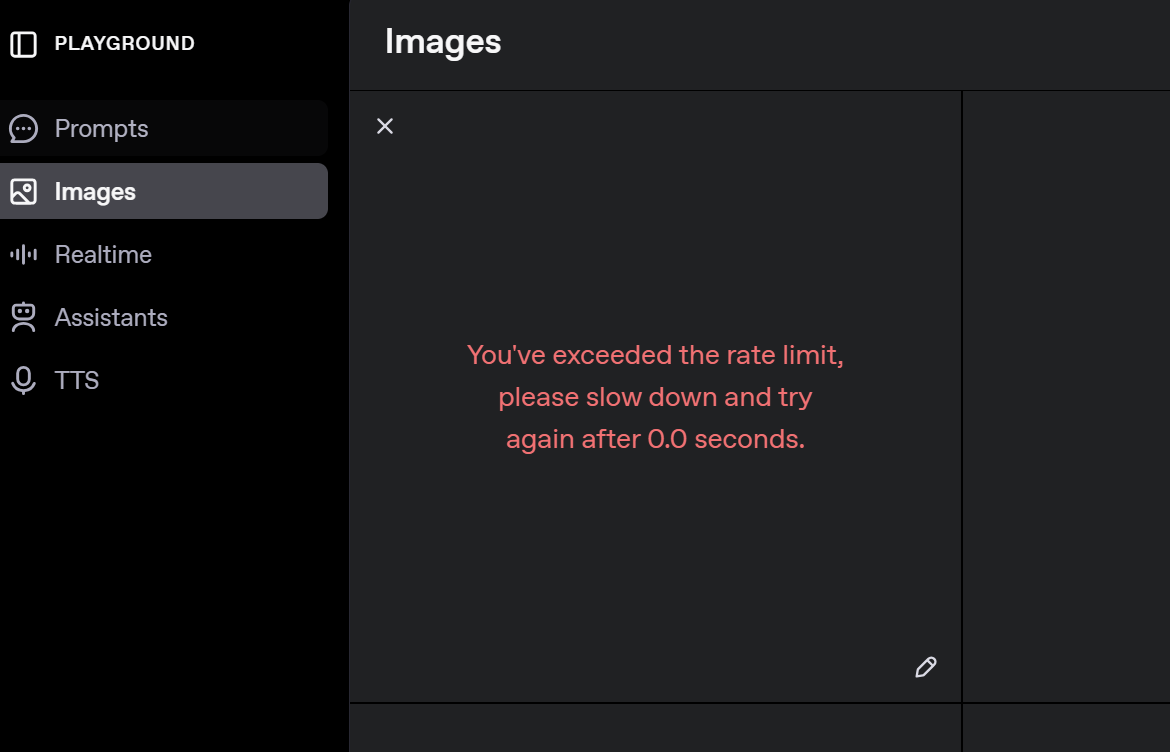
The OpenAI API gives developers evidence that an ordinary ChatGPT user usually does not have: an HTTP status, error details, and often an error code.
OpenAI's current API 429 troubleshooting guide explicitly separates several conditions.
| API 429 Condition | What the Official Guidance Says | What to Do |
|---|---|---|
| Request or token rate limit | The request is exceeding an applicable rate limit | Pace requests and use controlled retry behavior |
| Prepaid credit balance exhausted | No prepaid credits remain | Address the credit balance |
| Organization usage limit exceeded | The organization reached its approved usage limit | Review the applicable organization limit |
| Organization or project spend limit exceeded | An enforced spend limit has been reached | Change the relevant limit or wait for its reset |
This distinction matters because retrying is appropriate only for some 429 conditions. OpenAI states that retrying a billing, spending, or quota error does not restore access; the reported balance or limit must be addressed first.
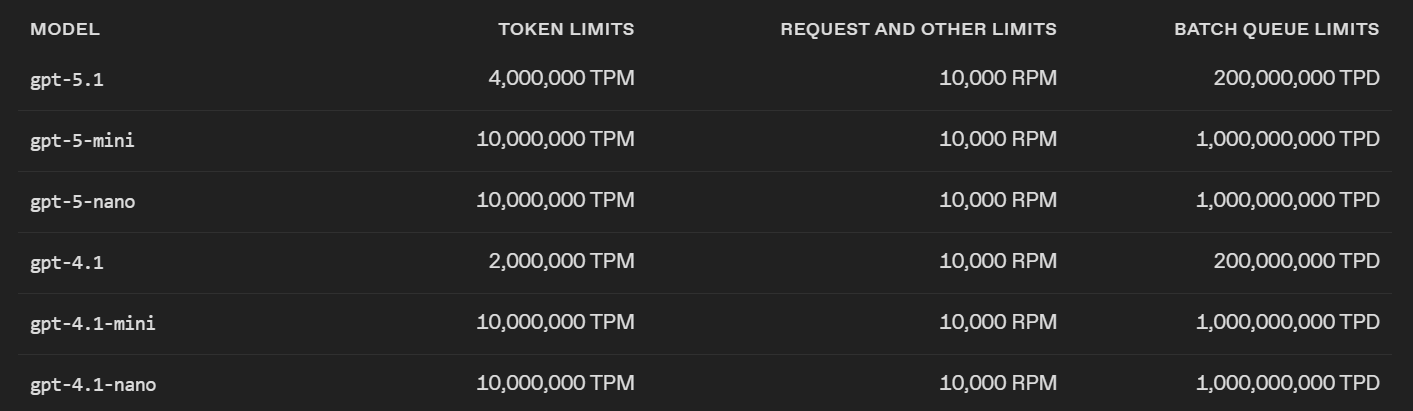
For temporary request or token limits, OpenAI recommends pacing requests and avoiding bursts. Its guidance also notes that limits can be enforced over shorter intervals than the headline per-minute value, so a short spike can fail even when your minute-level average looks acceptable.
OpenAI also recommends checking a valid Retry-After response header when present. If no valid delay is available, use exponential backoff with jitter and cap both the number of retries and the total retry time.
One detail is particularly important in concurrent applications: unsuccessful requests can still contribute to per-minute limits. A retry loop that immediately resends every failed request can therefore prolong the problem.
Hidden Concurrency in Automated Workflows
Automation creates a different problem: the amount of parallel work may be larger than what is visible on screen.
A single browser window can sit on top of several browser contexts, agents, workers, background jobs, or retry loops. Counting visible tabs is therefore not enough.
Consider four workers that submit requests at the same time. The target responds slowly, and each worker assumes its request failed after a short timeout. All four immediately retry while the original requests may still be active.
The visible workflow still looks like four tasks. The actual request pressure may already be much higher.
Measure the workflow at four points:
- active work: how many tasks can be unresolved at once;
- fan-out: how many requests one task can create;
- retry multiplication: how many additional requests a failure produces;
- completion detection: whether the workflow verifies that an action actually failed before repeating it.
For example, reducing workers from eight to four may not solve anything if each failed worker still creates three immediate retries. In that case, the retry policy is a larger source of pressure than the worker count itself.
The GPT-5.6 browser-agent reliability guide covers related browser-state, duplicate-action, retry, and runtime failures in automated workflows.
Stop Rules: When to Change the Diagnosis
A useful troubleshooting process needs stop rules. Otherwise, users keep repeating a fix long after the evidence points elsewhere.
| If This Happens | Stop Doing This | Move Here Instead |
|---|---|---|
| One request works after parallel activity is removed | Changing browser and network settings | Reduce workload concurrency |
| One clean request still fails | Closing more inactive tabs | Status and session testing |
| Private browsing works | Assuming a service-wide outage | Browser-profile differences |
| A different network fixes a genuine network error | Tuning request concurrency | Network-path diagnosis |
| An API 429 reports a spend or credit problem | Repeated temporary retries | Fix the reported account or project limit |
This also prevents a common troubleshooting mistake: changing several variables until the error disappears and then assigning credit to the last thing you changed.
Change one layer, repeat the same small test, and record whether the result changes.
Frequently Asked Questions
Final Thoughts
When ChatGPT says “Reached concurrency limit,” start by testing the assumption built into the message.
Reduce the workload to one short request. If that works, restore concurrency gradually and watch for the point where failures return. If one clean request still fails, move to service status and session testing rather than applying more concurrency fixes.
If the failure changes into a network, login, country-availability, or another specific error, follow that new evidence. If you are working with the OpenAI API and receive a confirmed 429, read the actual error code before deciding whether waiting and retrying is appropriate.
The strongest diagnosis is the one that survives a controlled test. Each step should either support the current explanation or give you a reason to stop using it.