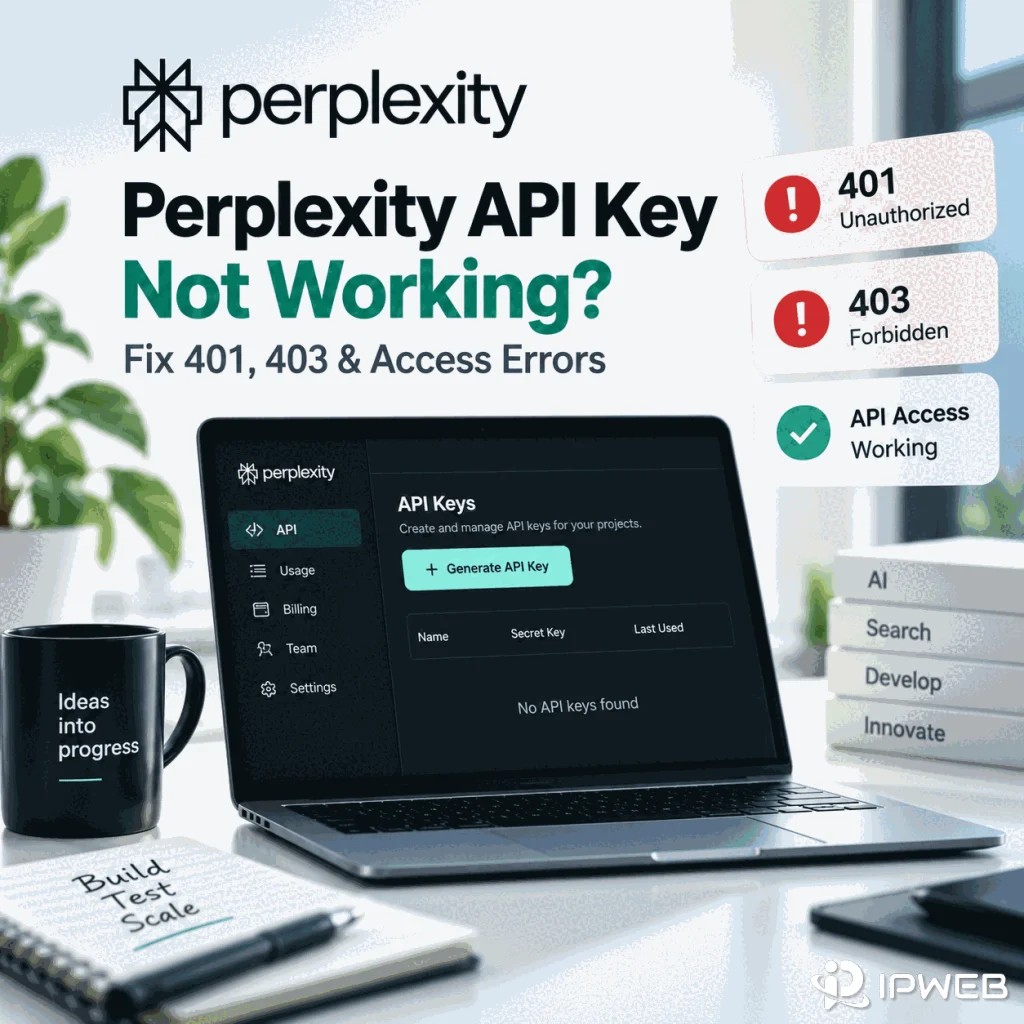
If a Perplexity API key is not working, diagnose the request that actually ran rather than using a successful browser login as proof that API access is healthy. A 401, 403, 429, 5xx, and a DNS or TLS failure belong to different troubleshooting branches.
Preserve the HTTP status, error body, endpoint, runtime, and timestamp before retrying. Then reproduce the problem with the smallest documented request so application code, streaming, SDK wrappers, gateways, and retry middleware do not hide the failing layer.
When a Perplexity API key is not working, verify the official endpoint, Bearer authorization header, key source, API group, and billing context before changing the network. Start with authentication checks for a 401. For a 403, inspect authorization, API-group, billing, model, or organization context together with the returned error body. A network-route change can help isolate DNS, TLS, or egress failures, but it cannot make a revoked key valid or grant API permissions.
- Run a minimal official request before debugging the full application.
401,403,429,5xx, and DNS/TLS failures are different diagnostic branches.- Read the response body with the status code; the status alone is not the final root cause.
- Confirm the deployed process reads the intended secret without printing the key.
- API Console sign-in is separate from API group, billing, key generation, and request authorization.
- Keep API keys, authorization headers,
.envfiles, and private prompts out of screenshots and support records.
Classify the Response First
Read the status together with the returned error body. Perplexity's current API Quickstart documents the supported API families and authentication pattern, while the API reference documents Bearer-token authorization. A generic SDK exception is not enough to explain why access failed.
| Response class | Start with | Do not assume |
|---|---|---|
401 | Authorization header, key state, secret source, returned error | That changing the network will fix authentication |
403 | Returned error, authorization, API group, billing, model or organization context | That every 403 has the same cause |
429 | Usage, limits, credits, and retry guidance | That the API key is invalid |
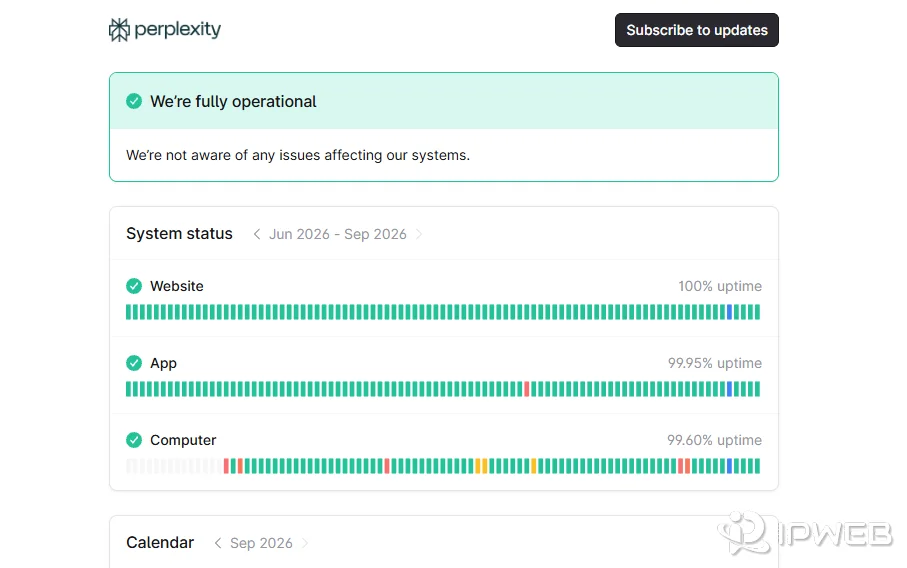
5xx | Service status, request ID, bounded retry | That permissions changed |
| DNS/TLS/timeout | Resolver, certificate, firewall, proxy or egress path | That Perplexity returned an API refusal |
If the message explicitly says the service or account is unavailable in a country or region, do not collapse that into a generic API-key failure. Use the separate Perplexity country-availability troubleshooting guide for that path.
Verify a Minimal Request and Secret Source
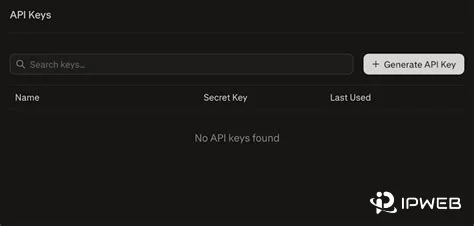
Before debugging an SDK or production stack, confirm that the key can reach an official Perplexity endpoint with a minimal request. The Windows PowerShell example below uses curl.exe with the documented Agent API endpoint and adds -i so the HTTP status and response headers are visible. Keep the real key in an environment variable rather than pasting it into the command or a screenshot.
$env:PERPLEXITY_API_KEY = "YOUR_API_KEY"

$body = @{
    preset = "low"
    input  = "Say hello in one sentence."
} | ConvertTo-Json

curl.exe -i "https://api.perplexity.ai/v1/agent" `
  -H "Authorization: Bearer $env:PERPLEXITY_API_KEY" `
  -H "Content-Type: application/json" `
  --data $body
The preset = "low" field keeps the example explicit about the Agent API configuration instead of relying on an unspecified default. Note: Perplexity API endpoint paths and request fields can change as the API evolves, so confirm the current endpoint and request format in the official Perplexity API documentation before using the example in production.
If this minimal request succeeds but production fails, the API key is not automatically the root cause. Compare one variable at a time: environment variable, SDK version, runtime, endpoint family, gateway, model parameter, streaming configuration, and retry wrapper. In CI, containers, and hosted services, confirm the running process received the intended secret without printing its value.
- Use an official Perplexity endpoint.
- Send the key as a Bearer token from the intended secret source.
- Start with a minimal payload before adding tools, streaming, or large prompts.
- Capture the HTTP status and response body.
- Change one variable at a time when comparing local and production runs.
Separate 401 From 403 Context
A 401 should send the first checks toward authentication: whether the key is current, whether the process loaded the expected secret, and whether the request sent the expected Bearer header. A 403 means the request reached an access-control decision, but the exact cause still comes from the returned error and account context. Check authorization, API-group membership, billing, model or product access, and organization policy instead of assuming the network is responsible.
When working in Python with requests, urllib, or higher-level wrapper libraries, exceptions can hide the true HTTP payload. IPWeb's Python 403 Forbidden guide explains why the response object and body matter more than the wrapper exception itself.
Check API Console, API Group, and Billing
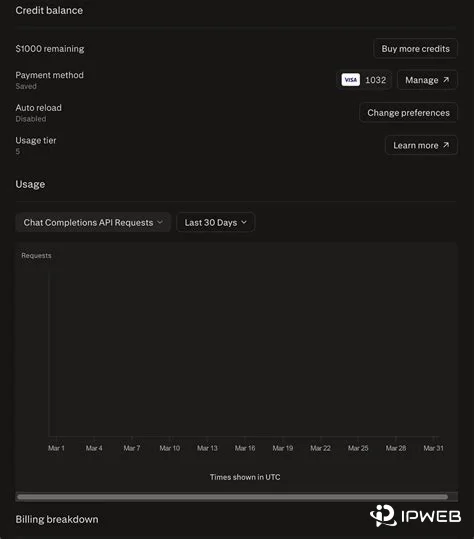
Signing in to the API Console does not by itself establish API access. Perplexity's API Console guidance says users still need to create or join an API group, add billing, and generate an API key. If the failure happens before any API request because the Console sign-in itself loops or fails, use the separate Perplexity login troubleshooting guide instead of treating it as a key error.
Billing is also separate from the consumer subscription. Perplexity's API billing documentation states that API usage is a separate pay-as-you-go service and does not require a Perplexity Pro subscription.
Isolate Transport Only When Transport Fails
Network diagnosis belongs later in the workflow. If no HTTP response arrives, record DNS resolution, TLS result, firewall or gateway behavior, proxy configuration when present, and the failure time. Keep the same endpoint, payload, key context, and runtime while changing only the route.
A route difference can explain a timeout, DNS failure, TLS failure, or other connection symptom. It cannot repair a revoked key, add API-group membership, add billing, or grant model permissions. For that reason, this article does not recommend an IPWeb proxy product as a fix for a stable 401 or 403.
Create a Safe Error Record
Keep the HTTP status, response error type and message, request ID when present, endpoint family, SDK/runtime version, timestamp, and whether the minimal request reproduces. Redact API keys, bearer tokens, complete authorization headers, .env files, private prompt data, and any other secret that could grant account or API access.
Frequently Asked Questions
Start with authentication evidence: the API key state, the environment variable or secret store that supplied it, the Bearer authorization header, the endpoint, and the exact returned error body. Do not change the network before confirming those basics.
A key can be present while the requested action is still not allowed. Read the returned error and check authorization, API-group membership, billing, model or product access, and organization context. Do not treat every 403 as the same permission problem.
No. Perplexity documents API usage as a separate pay-as-you-go service, and a Pro subscription is not required to purchase API credits or use the API.
The deployed process may read a different secret, API group, gateway, runtime, endpoint, or network path. Re-run the same minimal request in both environments and change one variable at a time without printing the key.
No. Console sign-in only establishes account access. API group, billing, generated key state, endpoint, and request authorization still need to be correct.
Not as a general fix. A stable 403 should be investigated from its returned error and access context. A network route is relevant only when the failure occurs before a usable HTTP response, such as DNS, TLS, or timeout problems.
Final Thoughts
When a Perplexity API key is not working, start with the smallest reproducible API request and the raw response. Authentication evidence belongs first for a 401; a 403 needs the returned error plus authorization and account context; 429 and 5xx responses belong to separate limit or service branches. Only move to network-route testing when the request fails before a normal HTTP response arrives.
This sequence keeps browser login, country availability, API permissions, billing, and transport symptoms from being mixed into one generic “API key” problem.