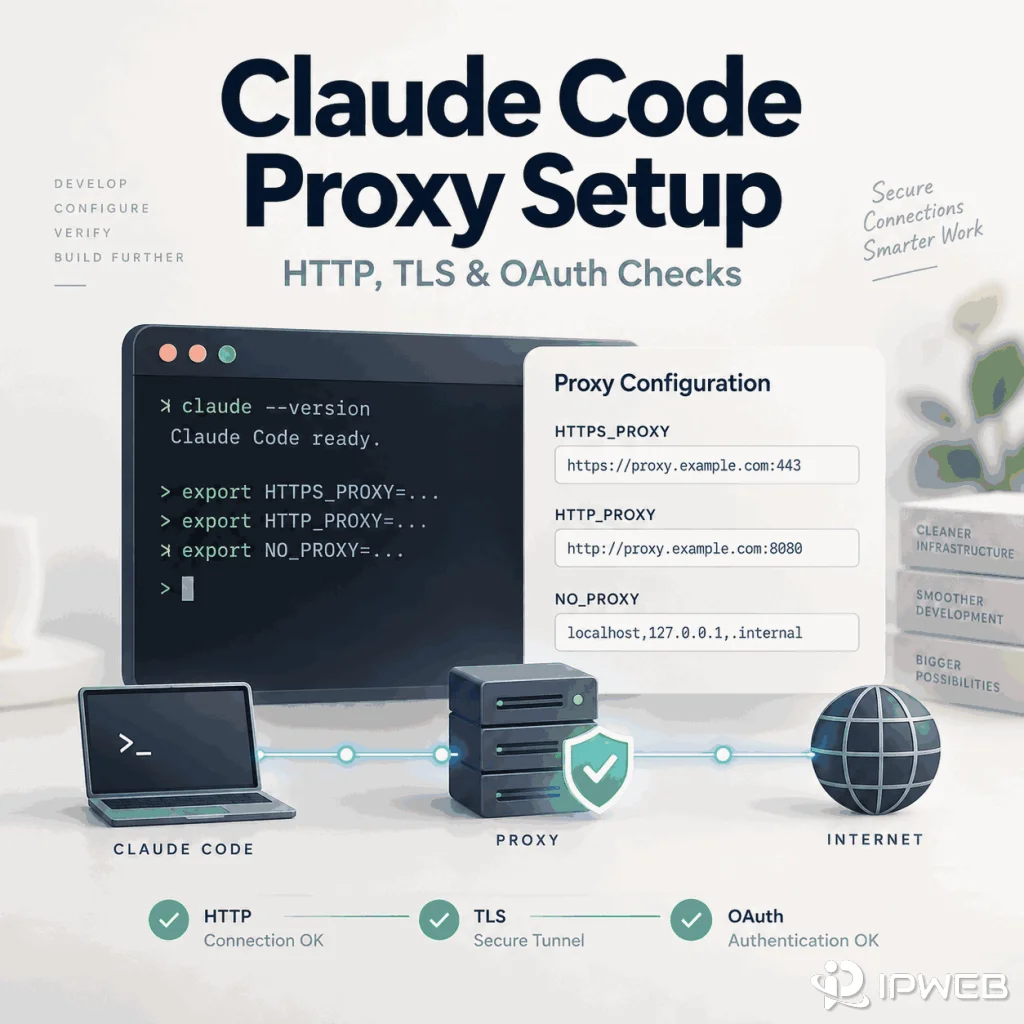
Claude Code does not automatically inherit a browser extension or browser-only proxy. The CLI reads its own network configuration, while browser authorization can run in a different process or even on a different host. A reliable setup therefore starts with the terminal process itself, then verifies DNS, TLS, and OAuth behavior separately.
Use one stable endpoint for the first test and keep credentials out of reusable commands, screenshots, and support tickets. Once the terminal path is confirmed, you can compare another approved route without mixing proxy setup with account, region, or OAuth problems.
Set HTTPS_PROXY or HTTP_PROXY before launching Claude Code, optionally add NO_PROXY, then restart Claude Code so the new environment is loaded. Use /status to check the active proxy and claude --debug when you need more detailed network evidence. Claude Code's documented proxy configuration supports HTTP and HTTPS proxies, but not SOCKS proxies.
- Claude Code reads proxy environment variables at startup; restart the session after changing them.
HTTPS_PROXY,HTTP_PROXY, andNO_PROXYare the main proxy variables.- Lowercase variants also work, but conflicting variables can make the active route unclear.
- Claude Code does not support SOCKS proxies through its documented proxy configuration.
/statuscan show the active proxy URL;claude --debugprovides deeper diagnostics.- A proxy can change network egress, but it cannot fix account eligibility, regional policy, organization permissions, or an expired OAuth code.
Map Which Process Needs the Proxy
Claude Code runs in the terminal, while account authorization may open in a browser. A local terminal, WSL session, SSH host, container, browser profile, and corporate gateway can all use different network paths. Confirm the path that the failing process actually uses before changing any settings.
| Process | What to verify | Useful evidence |
|---|---|---|
| Claude Code CLI | Which proxy variables the process inherits | /status, shell environment, exact error |
| Browser OAuth | Whether the browser uses the intended local or managed route | Browser host, authorization result |
| DNS | Whether required Anthropic hostnames resolve | Resolver result and host context |
| TLS | Whether a proxy or inspection gateway changes certificate trust | Handshake or certificate error |
Configure HTTP and HTTPS Proxy Settings
Anthropic's current Claude Code network configuration documents standard proxy environment variables. Set them before starting Claude Code. For the first test, use one known endpoint and avoid mixing multiple proxy variables unless you know which one should take precedence.
macOS, Linux, or WSL
export HTTPS_PROXY=https://proxy.example.com:8080
export HTTP_PROXY=http://proxy.example.com:8080
export NO_PROXY="localhost,127.0.0.1"

claude
Windows PowerShell
$env:HTTPS_PROXY="https://proxy.example.com:8080"
$env:HTTP_PROXY="http://proxy.example.com:8080"
$env:NO_PROXY="localhost,127.0.0.1"

claude
Lowercase variants such as https_proxy and http_proxy also work. Claude Code uses the first configured value in its documented precedence order, so remove stale variables if you are not sure which route is active.
Important: Claude Code does not support SOCKS proxies through this documented configuration. If a proxy provider offers several protocols, use an HTTP or HTTPS endpoint for Claude Code itself.
Scope note: These shell examples apply directly to standalone Claude Code sessions launched from that terminal. Claude Desktop-managed Code or background-agent sessions can use managed settings or Claude settings files instead of inheriting every value from your interactive shell, so verify the configuration source used by the session you are actually testing.
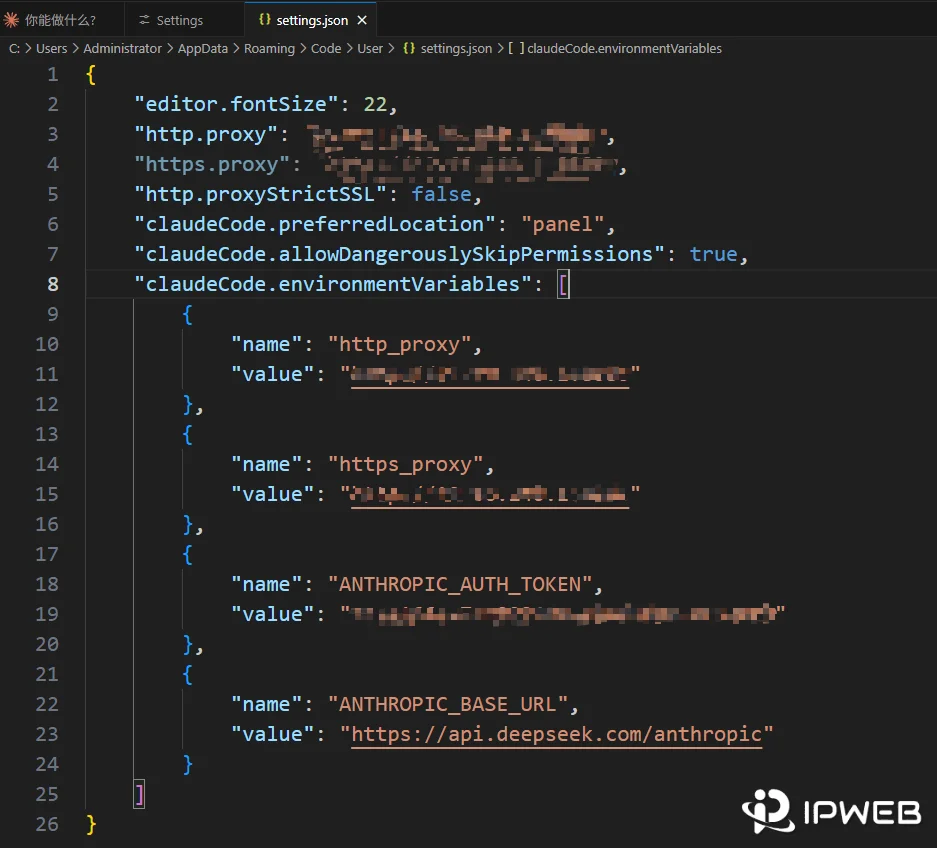
Bypass specific destinations with NO_PROXY
NO_PROXY can be comma-separated or space-separated. Use it only for destinations that should not pass through the proxy.
export NO_PROXY="localhost,127.0.0.1,.example.com"Restart and Verify Claude Code
Proxy environment variables exported in a shell are read when Claude Code starts. A Claude Code session that is already running does not automatically pick up later shell changes. After changing HTTPS_PROXY, HTTP_PROXY, NO_PROXY, or related certificate variables, close the current session and launch Claude Code again.
Inside an interactive session, run /status. Anthropic's current documentation says the status view can show the active proxy URL and flag a proxy value that is invalid or ignored. This is more reliable than assuming the CLI inherited the same route as the browser.
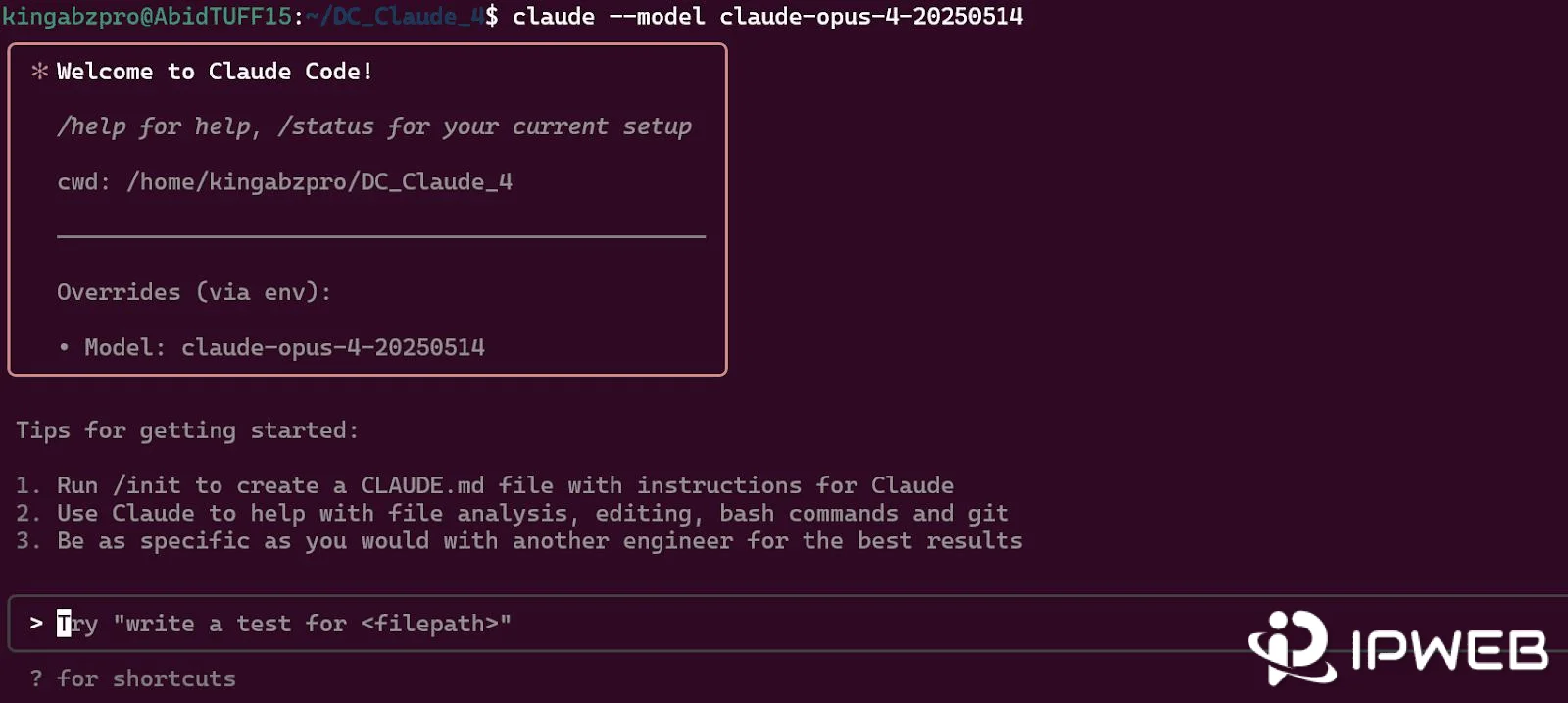
/statusFor deeper diagnostics, start a fresh session with debug logging:
claude --debugClaude Code writes debug output to its debug directory rather than printing every detail into the terminal. Use that output to confirm network and certificate configuration without exposing passwords, OAuth codes, API keys, or session values.
Verify the Setup End to End
A proxy configuration is not fully verified just because the environment variable exists. Confirm three layers in order: Claude Code sees the intended proxy, the network configuration loads without parsing or TLS errors, and a real Claude Code request completes successfully.
- Check the active route: run
/statusand confirm the Proxy entry matches the endpoint you intended to use. - Check configuration loading: restart with
claude --debugand review the debug output for proxy, certificate, or ignored-setting errors. - Run a real smoke test: send one minimal non-interactive request and confirm that Claude Code returns the expected response.
claude -p "Reply only with OK"If the command returns OK, the test verifies more than basic TCP reachability: Claude Code started, authentication was usable, the configured network path reached Anthropic, and a model request completed. If /status shows the correct proxy but this request fails, stop treating the problem as “proxy not configured” and move to the specific error layer shown by the CLI.
Use that distinction in support records. A successful /status result proves that Claude Code loaded a proxy setting; a successful claude -p request provides much stronger end-to-end evidence that the route works for an actual Claude Code request.
Diagnose DNS, TLS, and OAuth in Order
Resolve lower network layers before diagnosing authentication. If the terminal cannot resolve an Anthropic hostname, OAuth is not the first problem. If DNS succeeds but TLS fails, check certificate trust and corporate inspection. Only after the connection is healthy should an HTTP response or browser-to-terminal OAuth symptom be interpreted.
Anthropic's network requirements include endpoints such as api.anthropic.com, claude.ai, claude.com, and platform.claude.com for API requests and account authentication. Restricted corporate environments may need these destinations allowed through the proxy or firewall.
curl -I https://api.anthropic.com
curl -I https://claude.ai
A non-200 HTTP response does not automatically mean the network path failed. At this stage, the main goal is to confirm that DNS resolution works and that the TLS connection can reach the destination. Interpret the HTTP status only after those lower network layers are healthy.
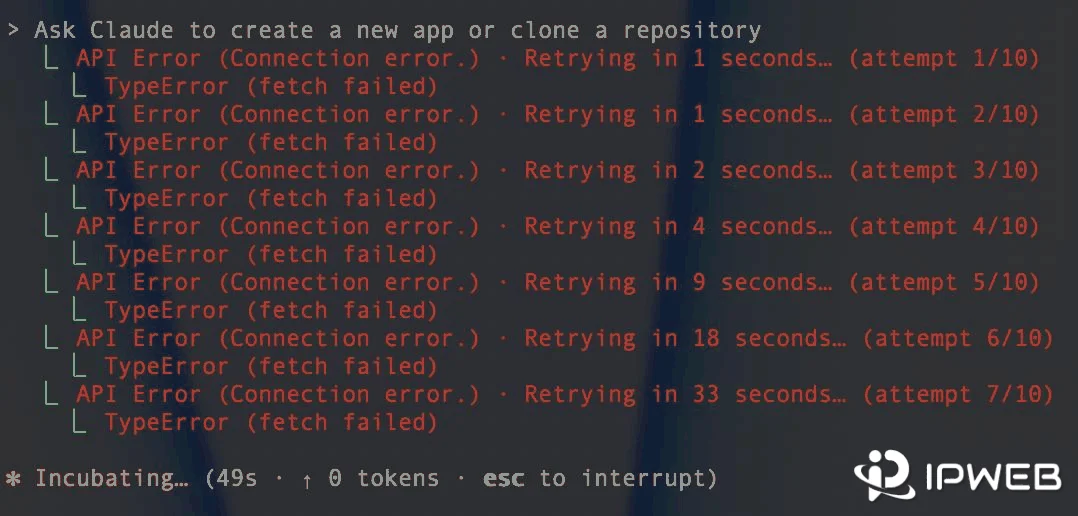
If the browser authorization succeeds but Claude Code remains waiting, or the terminal reports OAuth error: Invalid code, 403, or another authentication-specific error, move to the Claude Code login troubleshooting guide. Do not duplicate OAuth troubleshooting inside the proxy workflow.
If the exact message is App unavailable in region, use the separate Claude Code region-error guide. A proxy test should not be treated as a way to change Anthropic's availability policy.
Use a Stable Route Before Rotation
Start with stable egress because a fixed route makes repeated results comparable. Rotation changes the public IP and can also change location, ISP, ASN, DNS behavior, or upstream path before the original failure is understood.
If a proxy is already configured, first confirm that the same Claude Code process is actually using it. IPWeb's proxy validation guide shows how to compare the visible IP, country, ISP, ASN, protocol, and application scope instead of assuming the route is active.
For approved network QA that requires one consistent residential exit across repeated Claude Code tests, IPWeb Static Residential Proxies can provide a stable comparison endpoint. Use the product's HTTP or HTTPS endpoint with Claude Code; its documented proxy configuration does not support SOCKS proxies. The purpose is repeatable route testing, not account access, region eligibility, or OAuth repair.
Handle Corporate TLS and Authenticated Proxies
If an enterprise proxy performs TLS inspection, the problem may be certificate trust rather than proxy reachability. Claude Code can use the operating system certificate store and can also be configured with an additional CA certificate when required by the organization.
export NODE_EXTRA_CA_CERTS=/path/to/corporate-ca.pemOn Windows PowerShell, use the same variable in the current session:
$env:NODE_EXTRA_CA_CERTS="C:\path\to\corporate-ca.pem"
If a proxy requires Basic Authentication, Anthropic documents credentials in the proxy URL. Do not hardcode a real password into reusable scripts, documentation, screenshots, or support tickets. Source the complete proxy value from a protected environment or credential store and redact the secret from diagnostics.
export HTTPS_PROXY="http://username:password@proxy.example.com:8080"Make a Safe Support Record
Record the proxy scheme, host type, shell, Claude Code version, active proxy result from /status, DNS result, TLS result, browser OAuth host, callback result, and timestamp. Redact proxy usernames and passwords, OAuth codes, browser cookies, authorization headers, API keys, and session links.
A useful support record should show which layer failed without exposing the credentials needed to reproduce the route.
Frequently Asked Questions
No. Anthropic's current Claude Code network configuration states that SOCKS proxies are not supported. Use an HTTP or HTTPS proxy endpoint for Claude Code itself.
Claude Code reads shell proxy environment variables at startup. If the session was already running when you changed HTTPS_PROXY, HTTP_PROXY, or NO_PROXY, restart Claude Code and check /status again.
Run /status in an interactive Claude Code session. The status view can show the active proxy URL and indicate when a proxy value is invalid or ignored. Use claude --debug for deeper network and certificate diagnostics.
Yes. Basic Authentication can be supplied in the proxy URL. Keep the real credential in a protected environment or credential store, and redact it from scripts, screenshots, logs, and support tickets.
The browser and terminal can use different network paths or run on different hosts. A successful browser approval also does not prove that the OAuth result returned to the waiting Claude Code process. If the route is healthy, continue with Claude Code-specific login troubleshooting.
No. Use one stable endpoint first so DNS, TLS, response class, and OAuth behavior can be compared under the same network conditions. Introduce another approved route only after the baseline is understood.
No. A proxy changes the network route. It cannot create account entitlement, change organization permissions, repair expired OAuth credentials, or make an unsupported region officially supported.
Verify it in layers. First confirm the intended proxy in /status, then check a fresh claude --debug session for proxy or TLS configuration errors, and finally run a real request such as claude -p "Reply only with OK". A successful model response is stronger evidence than a proxy variable or curl test alone.
Final Thoughts
A reliable Claude Code proxy setup starts with one supported HTTP or HTTPS endpoint, a fresh Claude Code process, and a verified active route. Check /status, inspect a fresh claude --debug session when needed, and finish with a minimal claude -p request before calling the setup verified.
Keep the network path separate from account and regional policy. Stable egress can make route testing repeatable, but Claude Code login, organization permissions, and availability errors still need their own diagnostic paths.