

Ryan
IP Proxy Research Team
Ryan is a web data and proxy infrastructure specialist focused on IP networks, scraping systems, SERP APIs, and global data access solutions. He shares practical insights on proxy usage, data collection architecture, and scalable web intelligence systems.
Ryan's Articles
What Are Web Bots? Crawlers, Scrapers, and Bot Traffic Explained
A crawler that discovers product pages, a scraper that extracts prices, an uptime checker that tests a URL every few minutes, and a browser script that clicks through a QA flow can all be called web bots. The label is broad because it describes automation, not one specific job. A more useful way to understand bots is to ask three questions: what task is being repeated, what request pattern the software creates, and what output it produces. That framework makes it easier to tell a crawler from a scraper, understand bot traffic, and diagnose where a workflow is actually failing....

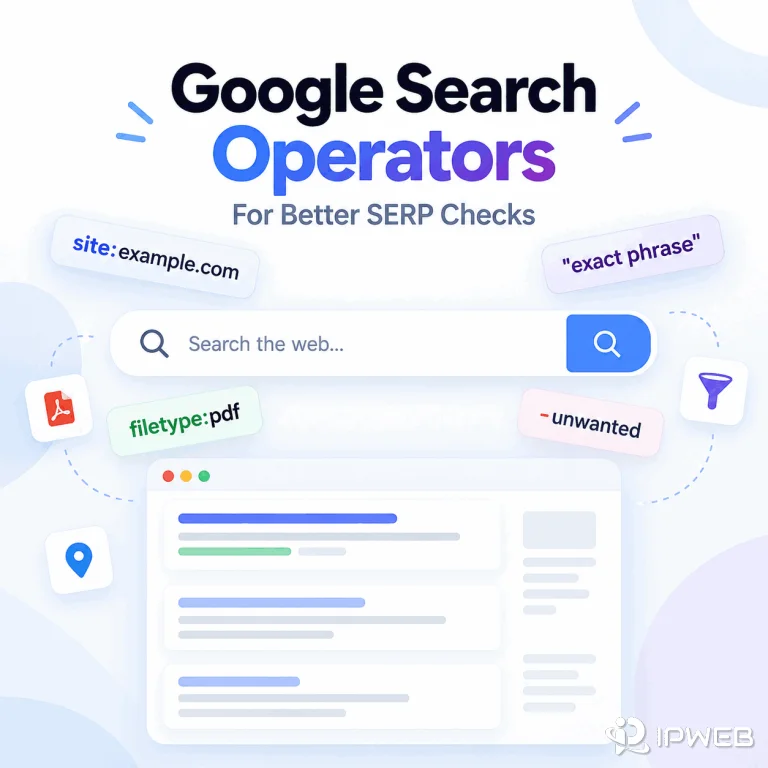
Google Search Operators for Better SERP Checks
Google search engine syntax includes operators and query patterns that make a search more specific, such as quotation marks for exact phrases, site: for a domain or URL prefix, minus signs for exclusions, before: and after: for date limits, and filetype: for document types. Used well, these operators help SEO teams, analysts, and developers answer a narrower search question before they compare Google results or move to a structured SERP workflow. The important distinction is that search operators control the query, not the entire result environment. They can make a manual check clearer and easier to document, but they do...
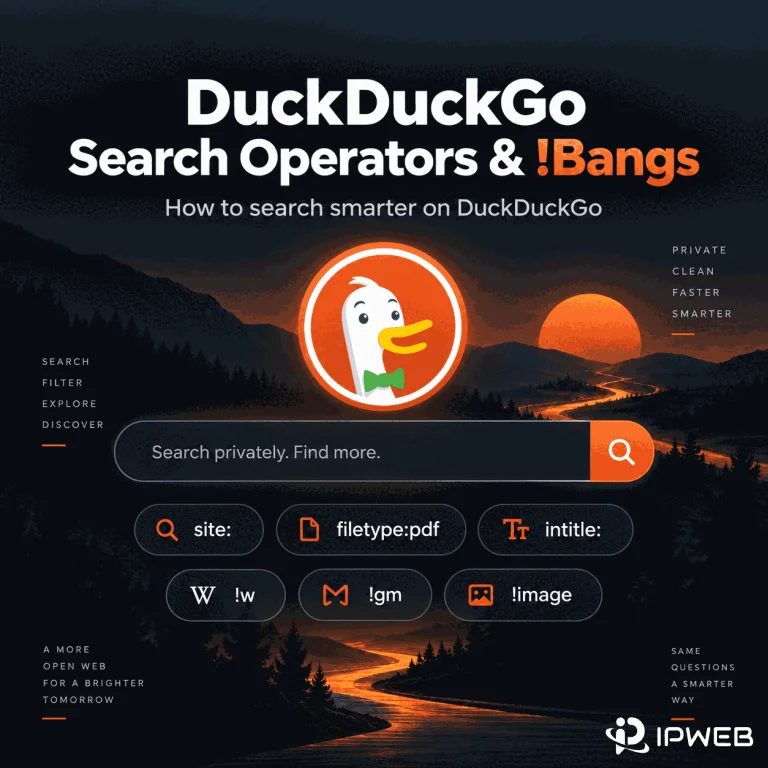
How to Use DuckDuckGo Search Operators and !Bangs
DuckDuckGo supports advanced search syntax for narrowing results by domain, file type, page title, URL, and phrase. It also has !bangs, a separate shortcut system that sends a query to another website's own search engine. The useful part is not memorizing every command. It is knowing which tool matches the search task, how far you can trust the syntax, and what to change when a query becomes too restrictive. This guide focuses on that practical workflow rather than treating DuckDuckGo operators as a list of commands. Quick Answer Use site:, filetype:, intitle:, inurl:, quoted phrases, and term modifiers when you...
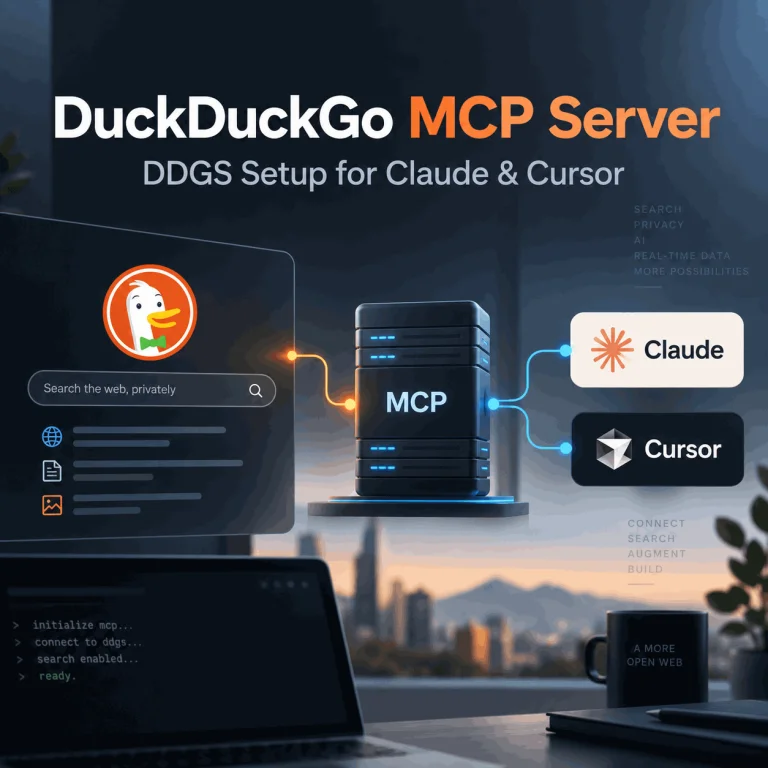
How to Use DuckDuckGo Search with an MCP Server
Searching for a DuckDuckGo MCP server can lead to several different projects and an easy misunderstanding: DuckDuckGo does not currently document an official MCP server for its search engine. The most reproducible setup today is the third-party ddgs package, which includes its own MCP server and can use DuckDuckGo as one of several search backends. This guide shows how to install the DDGS MCP server, connect it to MCP clients such as Claude Desktop or Cursor, use DuckDuckGo as your search backend, and resolve common local setup failures. Quick Answer You can expose DuckDuckGo-backed search to an MCP client by...
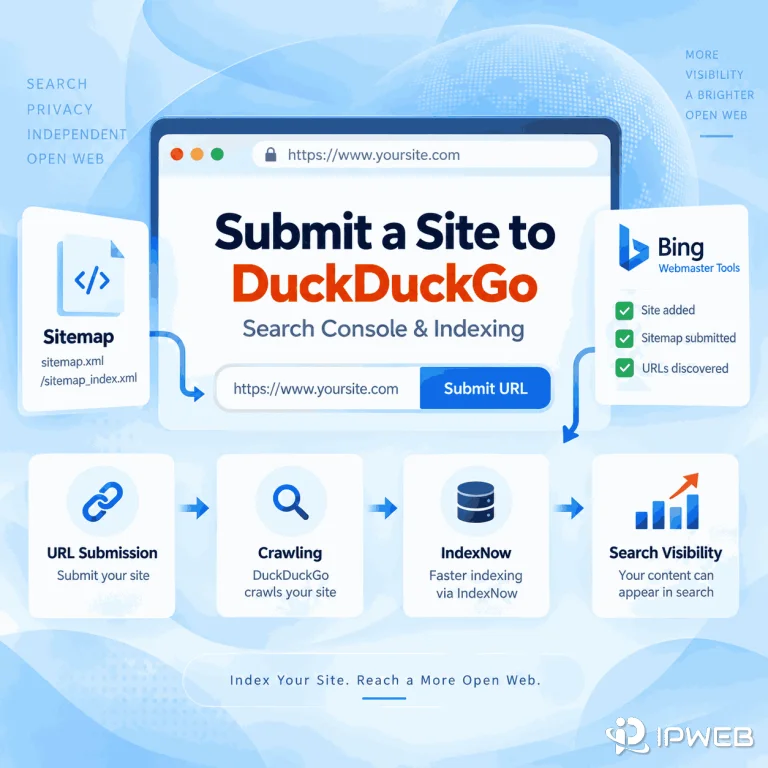
How Do You Submit a Website to DuckDuckGo?
You published a new page, searched for it on DuckDuckGo, and then discovered there is no obvious place to submit the URL. Unlike Google Search Console or Bing Webmaster Tools, DuckDuckGo's public help documentation does not currently provide a dedicated webmaster console or direct site-submission workflow. That does not mean site owners have no practical path. DuckDuckGo says it maintains its own crawler and indexes, while most traditional links and images in its search results are largely sourced from Bing. The useful question is therefore not simply "Where is the DuckDuckGo submit URL form?" but "Which discovery signals can help...
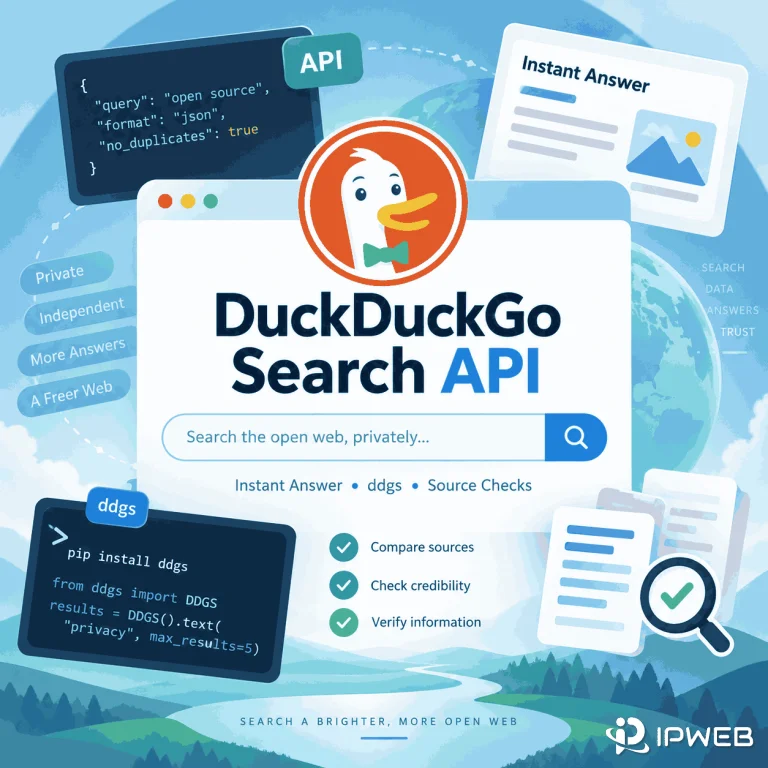
DuckDuckGo Search API: What It Can and Can’t Return
Searching for a DuckDuckGo Search API can lead to several very different tools. You may be looking for DuckDuckGo’s long-standing Instant Answer JSON endpoint, a Python package such as ddgs, or a third-party service that returns structured DuckDuckGo search-result fields. The important distinction is that these options do not return the same data. Before choosing one, define whether you need answer-style JSON, organic result URLs and snippets, region controls, or a lightweight Python search helper. Quick Answer DuckDuckGo has a long-standing Instant Answer JSON endpoint, but it should not be treated as a modern full-search developer API or an official...
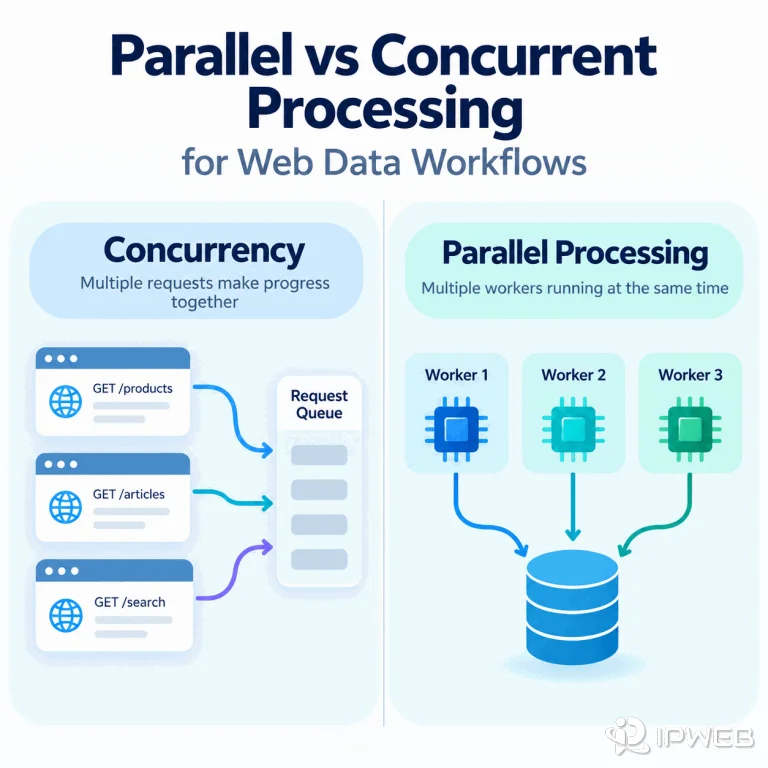
Parallel vs Concurrent Processing for Web Data Workflows
Web data workflows often slow down or fail because one stage spends time waiting while another becomes overloaded, retries too aggressively, or processes work faster than the next stage can accept it. For crawlers, APIs, browser rendering, parsing, and ETL-style data movement, the practical choice between concurrency and parallelism depends on whether the bottleneck is mostly network waiting, local compute, memory, or downstream capacity. Quick Answer Concurrent processing and parallel processing are related but not the same. Concurrency keeps multiple tasks in progress during the same period, which is useful when crawlers or APIs spend time waiting on network I/O....
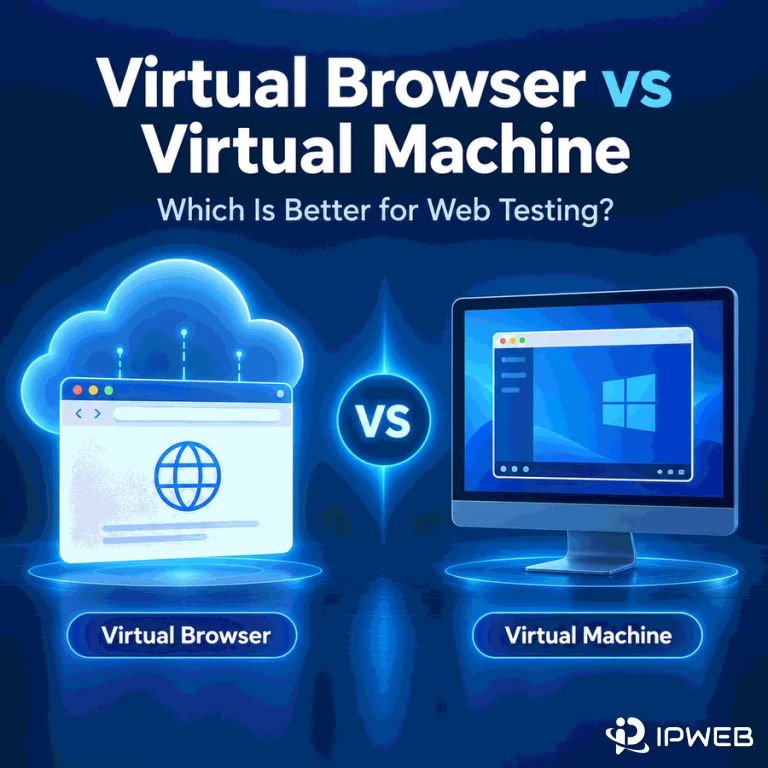
Virtual Browser vs Virtual Machine: Which Is Better for Web Testing?
A browser-specific bug can disappear when the browser version, operating system, or network path changes. That makes the test environment part of the evidence. A virtual browser can give you fast access to another browser or browser-and-OS combination, while a virtual machine gives you control over an entire guest operating system. The terms overlap, but they are not interchangeable. In web testing, virtual browser is best treated as an access model: you receive a browser session that runs in a provider-managed or isolated environment. The underlying session may run on a VM, container, real machine, or device depending on the...
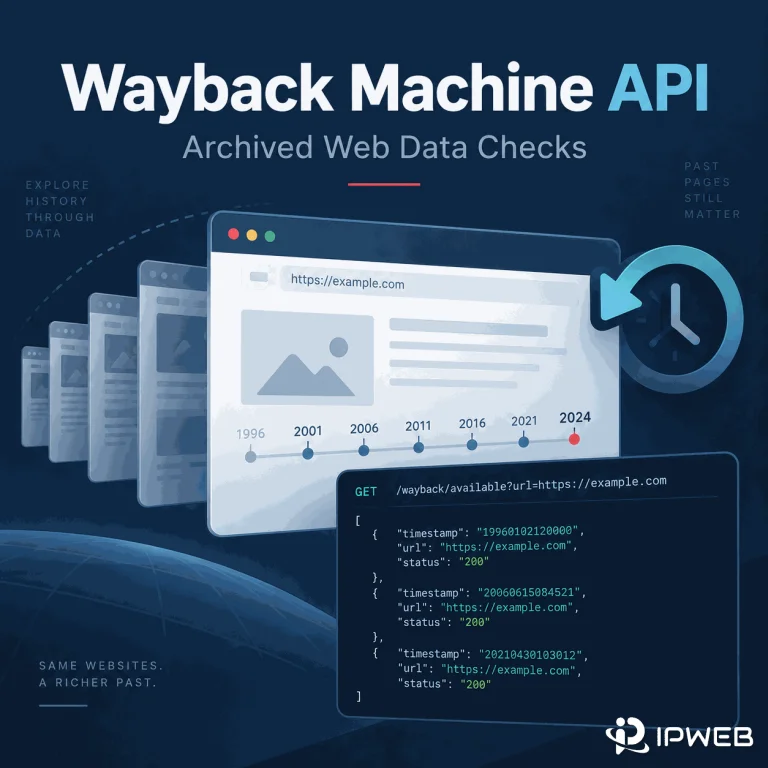
How to Use the Wayback Machine API for Archived Web Data
The Wayback Machine can help verify how a public page looked at an earlier point in time, but clicking through the calendar is slow when you need repeatable checks. The more practical approach is to query capture metadata first, narrow the result set, and then open the archived snapshot that matches the time window you need. For most archive-data work, the Wayback CDX Server API is the main interface because it can return multiple captures and filter them by date, status code, MIME type, and other fields. The simpler Availability API is useful when you only need a quick answer...
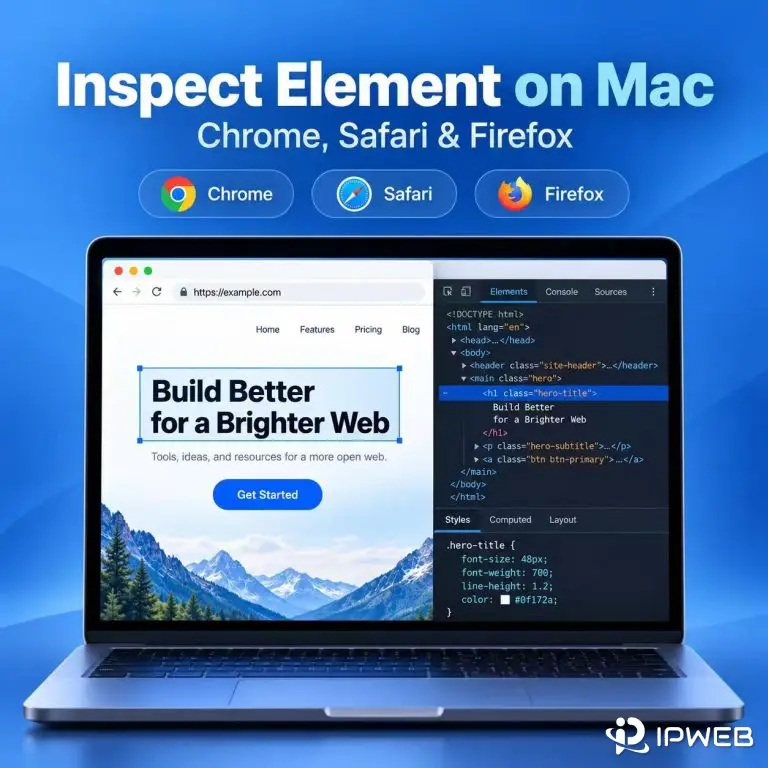
How to Inspect Element on Mac and Check Page Data
On a Mac, you can inspect a webpage in Chrome, Safari, or Firefox from the context menu or with a keyboard shortcut. Opening DevTools is only the first step: the Elements and Network panels can also show whether a visible field is already in the page HTML, added after JavaScript runs, or returned by a separate request. Use the browser and page state that match the task you are checking. A product price, search result, listing, or other public field can appear differently before and after filters, pagination, or client-side rendering. Quick Answer To Inspect Element on a Mac, Control-click...
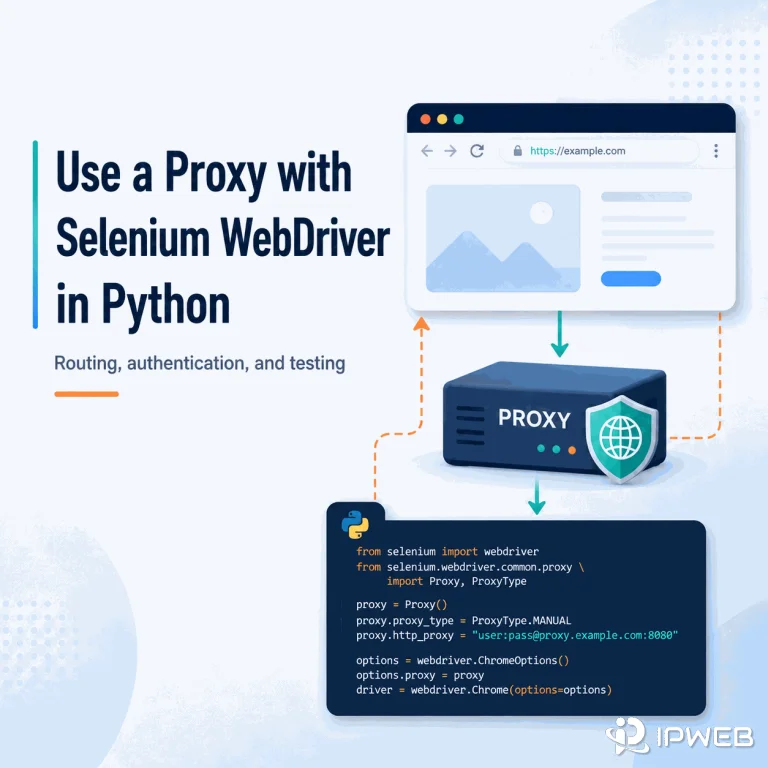
How to Use a Proxy with Selenium WebDriver in Python
A Selenium script can control Chrome correctly and still send every browser request through your normal internet connection. If the workflow needs a different network route for regional QA, public-web testing, or another authorized browser task, the proxy has to be attached to the WebDriver session itself and then verified inside that same browser. Quick Answer For a proxy that only needs a host and port, set Selenium's Proxy object on ChromeOptions before creating the driver. For a username/password proxy, current Selenium 4 can combine the proxy capability with a WebDriver BiDi authentication handler; Python's high-level BiDi network authentication API...
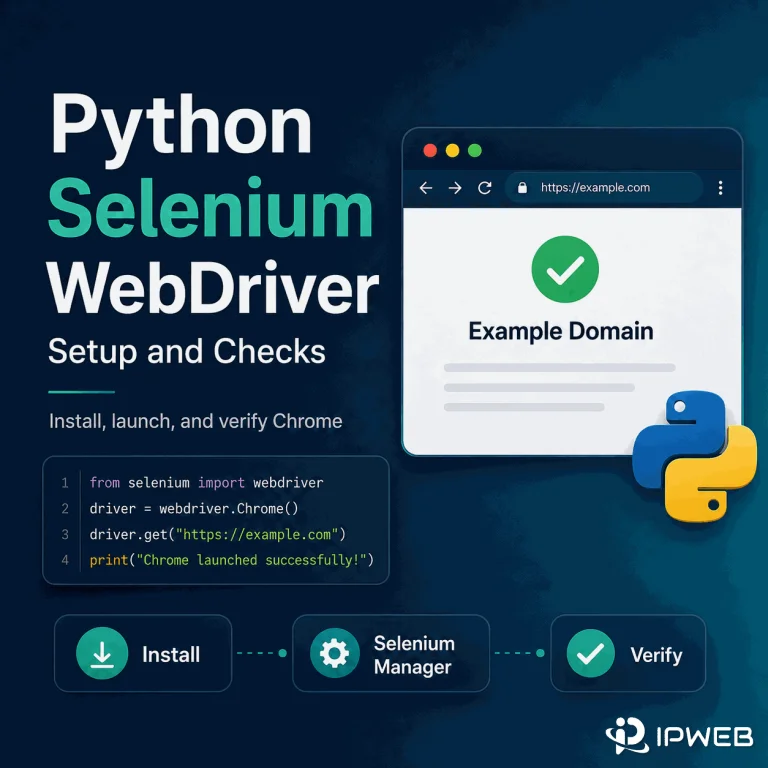
Python Selenium WebDriver: Setup and Checks
Setting up Selenium WebDriver with Python is simpler than many older tutorials suggest. Install the Selenium package, make sure a supported browser such as Chrome is available, then create a WebDriver session and verify that the browser can load and interact with a known page. Quick Answer Install Selenium with python -m pip install -U selenium, then start Chrome with webdriver.Chrome(). In modern Selenium, Selenium Manager usually handles driver discovery or download automatically when you do not provide a driver yourself. After the browser opens, confirm the URL, title, and a known element, then close the session with driver.quit(). Add...