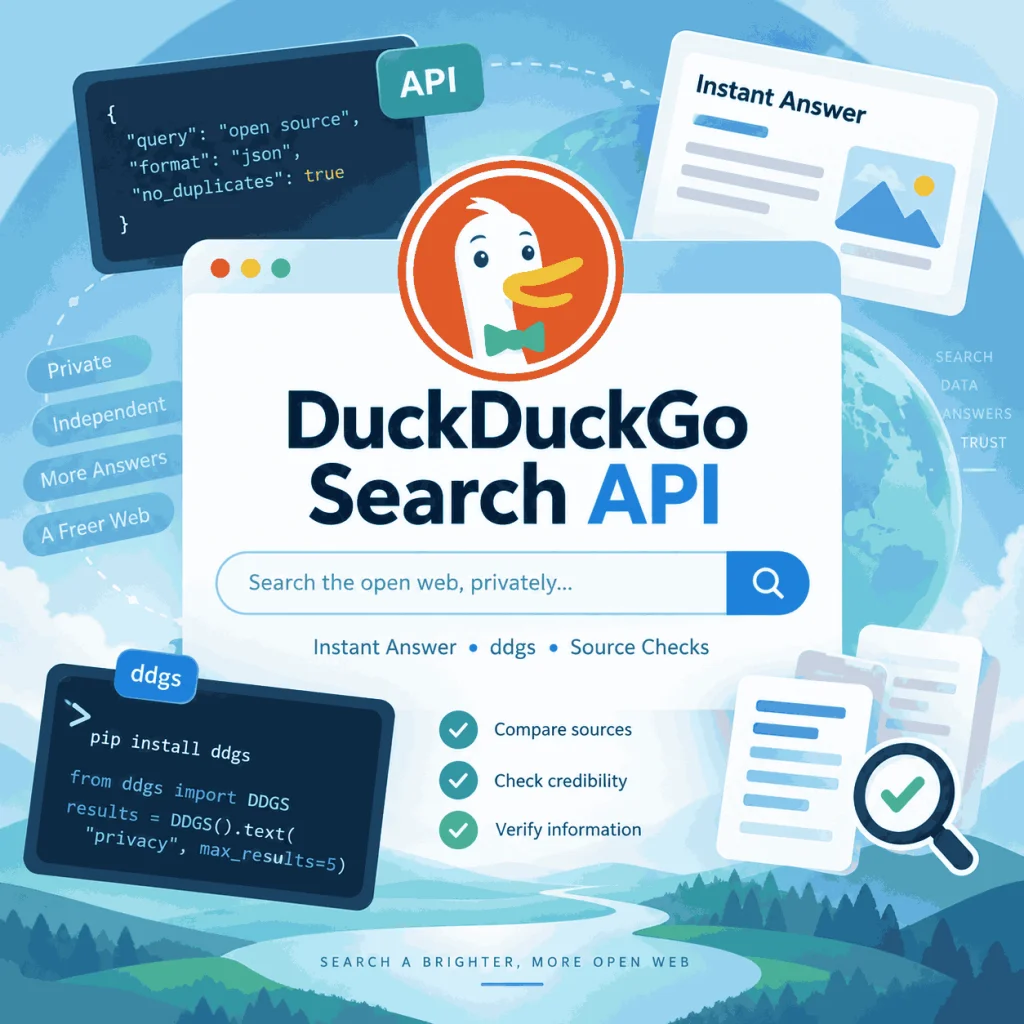
Searching for a DuckDuckGo Search API can lead to several very different tools. You may be looking for DuckDuckGo’s long-standing Instant Answer JSON endpoint, a Python package such as ddgs, or a third-party service that returns structured DuckDuckGo search-result fields.
The important distinction is that these options do not return the same data. Before choosing one, define whether you need answer-style JSON, organic result URLs and snippets, region controls, or a lightweight Python search helper.
DuckDuckGo has a long-standing Instant Answer JSON endpoint, but it should not be treated as a modern full-search developer API or an official organic SERP API. If you need ranked organic results, URLs, snippets, related searches, or reproducible market-specific search data, you need a source that explicitly returns those fields. For Python users, the older duckduckgo_search package has been renamed to ddgs; it is a third-party metasearch library, not an official DuckDuckGo API.
- DuckDuckGo’s Instant Answer JSON output is useful for some answer, abstract, definition, and topic-style data, but it is not a complete organic search-results feed.
- If your workflow needs ranked URLs, snippets, related searches, region settings, or other page-level fields, validate a DuckDuckGo SERP data source at the field level.
- The older Python package
duckduckgo_searchhas been renamed toddgs. ddgsis a third-party metasearch library and can use DuckDuckGo as one backend; it should not be described as an official DuckDuckGo API.- API key and pricing questions only make sense after you confirm field coverage, freshness, query context, quota behavior, and documentation quality.
What “DuckDuckGo Search API” Can Mean
The phrase “DuckDuckGo Search API” is ambiguous because several tools can satisfy part of that intent. Some developers want DuckDuckGo’s own JSON output. Others need organic search-result fields. Python users may instead be looking for the package historically called duckduckgo_search.
Start by separating the source types before comparing pricing or implementation effort.
| Source option | Best use | First check |
|---|---|---|
| DuckDuckGo Instant Answer JSON | Answer-style, abstract, definition, and topic data for supported queries | Whether the endpoint returns the exact fields your workflow needs |
| Third-party DuckDuckGo SERP data | Organic URLs, snippets, related searches, and other documented page-level fields | Field coverage, region controls, quota behavior, freshness, and response examples |
ddgs Python library |
Experiments, prototypes, scripts, and agent-side search helpers | Backend choice, maintenance status, output consistency, and compliance fit |
| Custom search-page collection | Narrow internal research where your team controls validation | Terms, legal basis, parser maintenance, retries, logging, and data minimization |
The key point is simple: an endpoint can be reliable for one type of output and still be the wrong source for another. A source that returns useful answer text is not automatically a source for organic rankings.
Does DuckDuckGo Have an Official Search API?
DuckDuckGo has a long-standing Instant Answer JSON endpoint. For some queries, the response can include fields such as answer text, abstracts, definitions, related topics, source names, and URLs.
That endpoint should not be confused with a modern full-search developer API that exposes every organic result shown on a DuckDuckGo search page. If your use case depends on ranked URLs, titles, snippets, related searches, market settings, or other SERP-level fields, test those requirements separately.
You can make a simple request without first building an API-key workflow:
curl "https://api.duckduckgo.com/?q=duckduckgo&format=json&no_html=1"A successful JSON response does not prove that the endpoint contains the organic-search fields you need. Inspect the returned keys and compare them with the output requirements of your project.
DuckDuckGo Search in Python: duckduckgo_search vs ddgs
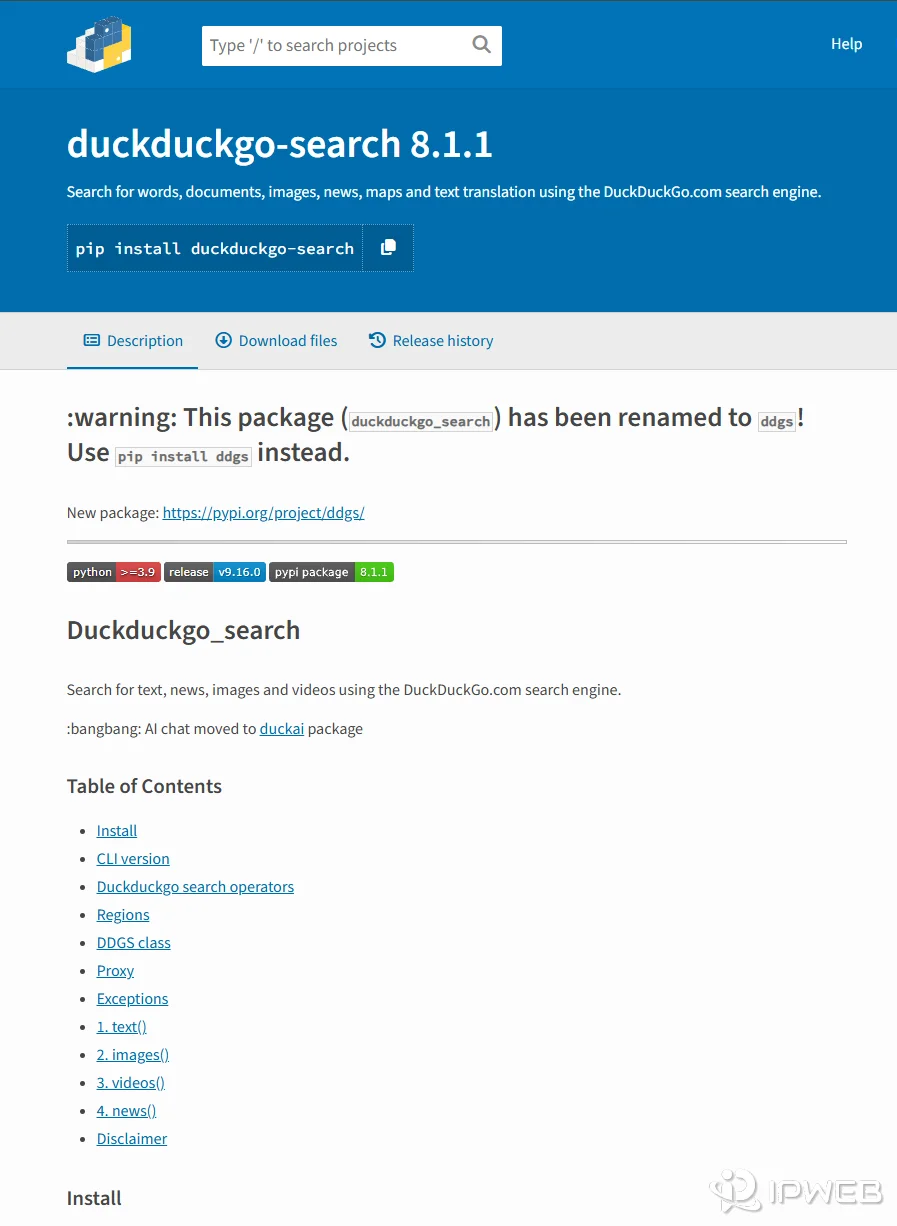
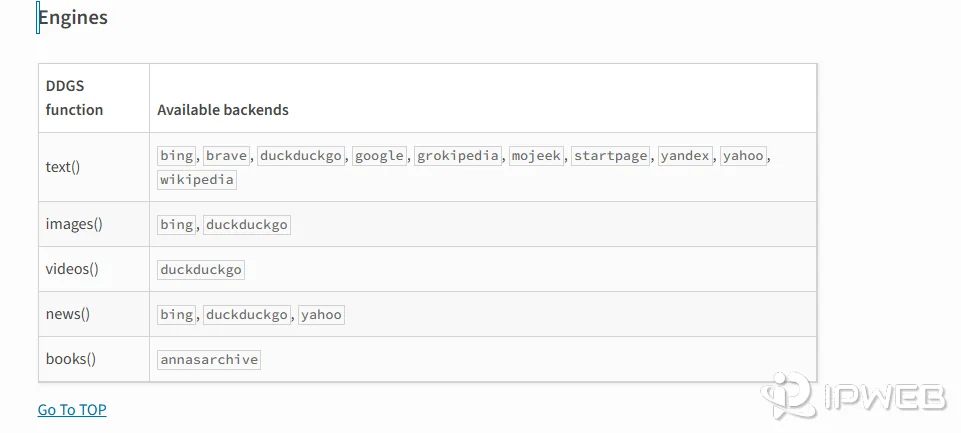
Python search intent deserves its own distinction. The older duckduckgo_search package now states that it has been renamed to ddgs. Current ddgs documentation describes it as a metasearch library that can use DuckDuckGo along with other search backends.
That means two things for developers. First, older tutorials using from duckduckgo_search import DDGS may be outdated. Second, ddgs should not be presented as DuckDuckGo’s official API just because it can return DuckDuckGo-backed results.
A minimal current-style example looks like this:
pip install -U ddgsfrom ddgs import DDGS
results = DDGS().text(
"python web automation",
region="us-en",
max_results=5,
backend="duckduckgo"
)
for item in results:
print(item["title"], item["href"])Use this type of library for testing only after checking its current documentation, output shape, backend behavior, and terms that apply to your workflow. DuckDuckGo’s Acceptable Use Policy applies to use of its services, and automated access can encounter rate limiting or HTTP 403 responses. Do not assume that a third-party library provides unlimited request volume.
The DuckDuckGo backend in ddgs also depends on DuckDuckGo web interfaces rather than a stable official Search API contract. Internal endpoint or frontend changes can therefore break a backend unexpectedly, even when your Python code has not changed. Treat backend availability as something to monitor and retest.
When Third-Party DuckDuckGo SERP Data Fits Better
A third-party DuckDuckGo SERP data source is a better fit when your workflow depends on what appears on the search results page rather than answer-style JSON. Typical requirements include ranked organic URLs, titles, snippets, related searches, result positions, region settings, and response metadata.
A SERP data source is useful because it converts search-page output into structured fields that software can store and compare. The important check is whether the source explicitly documents the fields and query context your workflow requires.
Before choosing any external provider, check its documentation and sample responses against your own field list. Pricing should come after field coverage, localization controls, freshness, quota behavior, and error visibility. If you are still deciding between a managed SERP provider and a workflow where your team controls the collection environment, see IPWeb's guide to SerpApi alternatives and proxy-based collection.
What Fields to Validate Before You Trust the Data
DuckDuckGo search data should be validated at the field level. Do not stop after a request returns HTTP 200 or a non-empty JSON object. A response can still be incomplete, stale, localized differently than expected, or missing a search module your workflow depends on.
| Validation area | What to check | Why it matters |
|---|---|---|
| Query context | Query text, spelling, Safe Search setting, market, language, device, and timestamp | Search output can change when context changes |
| Organic results | Position, title, URL, displayed domain, and snippet | SEO and public-data workflows often depend on these exact fields |
| Related searches | Exact related-query text and whether the source returns it consistently | A partial implementation can create misleading gaps |
| Optional modules | Whether ads, news, or other modules are present, absent, or unsupported | Unsupported modules should not be mistaken for missing organic data |
| Response metadata | Request ID, collection time, source context, and error details | Metadata makes later debugging and audits easier |
| Manual spot check | Compare sample output with a browser result under the same query context | Spot checks can reveal parser drift or localization mismatches |
The manual spot check is especially important. Save the query, region, language, time, and a small reference sample whenever the result is important enough to affect SEO reporting, research, or AI grounding. For a broader explanation of why search-result pages can change with location, language, device, and time, see IPWeb's guide to what a SERP is and how search context affects the result.
How to Choose the Right DuckDuckGo Search Data Source
| If you need... | Start with... | Main limitation to check |
|---|---|---|
| Answer, abstract, definition, or topic-style context | DuckDuckGo Instant Answer JSON | It is not a full organic SERP feed |
| A lightweight Python search helper | ddgs |
Third-party maintenance, rate limits, backend changes, and output consistency |
| Structured organic result fields | A documented third-party DuckDuckGo SERP source | Field coverage, localization, quota, freshness, and cost |
| Recurring position history | A rank-tracking workflow | This is a different problem from one-time source selection |
If the real requirement is recurring position history rather than one-time search data, move that work into a separate rank-tracking workflow instead of expanding this DuckDuckGo source-selection article into a general ranking tutorial.
Choosing DuckDuckGo as a search engine does not automatically change the IP address visible to every website. Search privacy, browser settings, cookies, account state, network routing, and proxy or VPN configuration are separate layers.
If you are validating whether public search results change by region or network route, frame the task as regional QA and source validation. Do not assume that the search engine itself changes the network identity presented to unrelated websites.
A Practical Source-Selection Workflow
Use this sequence before committing to a DuckDuckGo search data source:
- Define the exact output fields you need: answer text, ranked URLs, snippets, related searches, region settings, or response metadata.
- Test the Instant Answer JSON endpoint if answer-style fields may be enough.
- If you are using Python, confirm whether an older tutorial uses
duckduckgo_searchand update it to the currentddgspackage where appropriate. - If you need SERP-level fields, inspect third-party documentation and sample responses before comparing prices.
- Run a small sample across the regions, languages, and query types you actually care about.
- Compare returned fields with a browser result under the same query context.
- Record the query, timestamp, region, language, Safe Search setting, source, and response metadata.
The best source is the one that returns the fields you need with enough context to explain and reproduce the result later.
Frequently Asked Questions
duckduckgo_search Python package?duckduckgo_search has been renamed to ddgs. Older tutorials may therefore use an outdated package name or import path.ddgs an official DuckDuckGo API?ddgs is a third-party metasearch library. DuckDuckGo can be used as one of its search backends, but the package should not be described as an official DuckDuckGo developer API.ddgs have a fixed rate limit?ddgs workflows can encounter throttling or HTTP 403 responses from a backend. A fixed public request quota for the Instant Answer JSON endpoint is not documented in the sources checked here, so production workflows should use conservative request rates, backoff, caching, and error handling rather than relying on an assumed numeric limit.Final Thoughts
A DuckDuckGo Search API is not one single thing. The Instant Answer JSON endpoint is useful when answer-style fields are enough. The current ddgs package can help with Python experiments but remains a third-party metasearch library. If the job depends on ranked organic results and other search-page fields, use a source that explicitly documents those fields and validate it against the exact query context you care about.