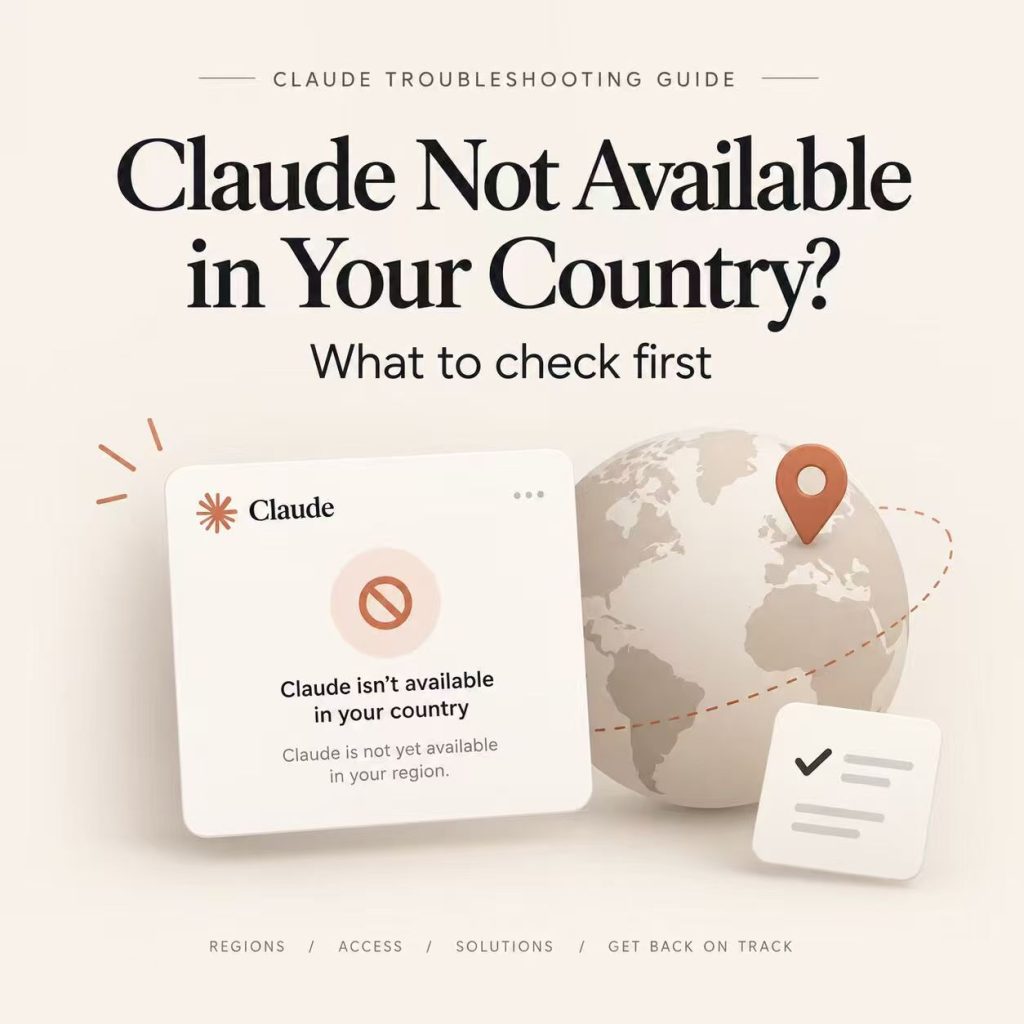
The message “Claude is not available in your country” is easy to misread as a browser problem. It is usually an availability or eligibility decision, and the right next step depends on where it appears. Claude on the web, the mobile app, Claude Code, and the Anthropic API do not share one interchangeable login path.
Before changing settings, capture the exact wording, product surface, account used, and time. That short record prevents a country-policy message from being mixed up with an expired session, a managed-account restriction, or a temporary incident.
Verify Anthropic's current supported-country information for the specific product first. Then rule out account and session problems separately. A network comparison can identify a routing or geolocation symptom, but it cannot alter Anthropic's availability policy, account eligibility, billing status, or an organization administrator's controls.
- Start with Anthropic's official availability information, not an IP lookup alone.
- Record whether the failure is in Claude web, mobile, Claude Code, or the API.
- A country message and a login failure are separate problems.
- Use a clean browser profile before escalating a web-session issue.
- Do not treat a proxy as a way to override official availability or account rules.
Where Is Claude Available?
Anthropic maintains separate official lists for Claude.ai and commercial API access. As of September 7, 2026, Claude.ai is officially available in the United States, Canada, Mexico, the United Kingdom, most of Europe, India, Japan, South Korea, Taiwan, Singapore, Australia, New Zealand, and many countries across Southeast Asia, Latin America, the Middle East, and Africa.
Mainland China, Hong Kong, Macau, and Russia are not listed on Anthropic's current Claude.ai supported-country list. Availability can change, so the official list should be the final reference before troubleshooting a country message.
| Region | Examples currently listed for Claude.ai |
|---|---|
| North America | United States, Canada, Mexico |
| Europe | United Kingdom, France, Germany, Italy, Spain, Netherlands, Switzerland, Poland and others |
| Asia-Pacific | India, Japan, South Korea, Taiwan, Singapore, Australia, New Zealand, Thailand, Vietnam, Malaysia, Philippines, Indonesia and others |
| Middle East | United Arab Emirates, Saudi Arabia, Qatar, Bahrain, Kuwait, Oman, Jordan and others |
| Latin America | Brazil, Argentina, Chile, Colombia, Peru, Uruguay, Costa Rica, Panama and others |
| Examples not currently listed | Mainland China, Hong Kong, Macau, Russia |
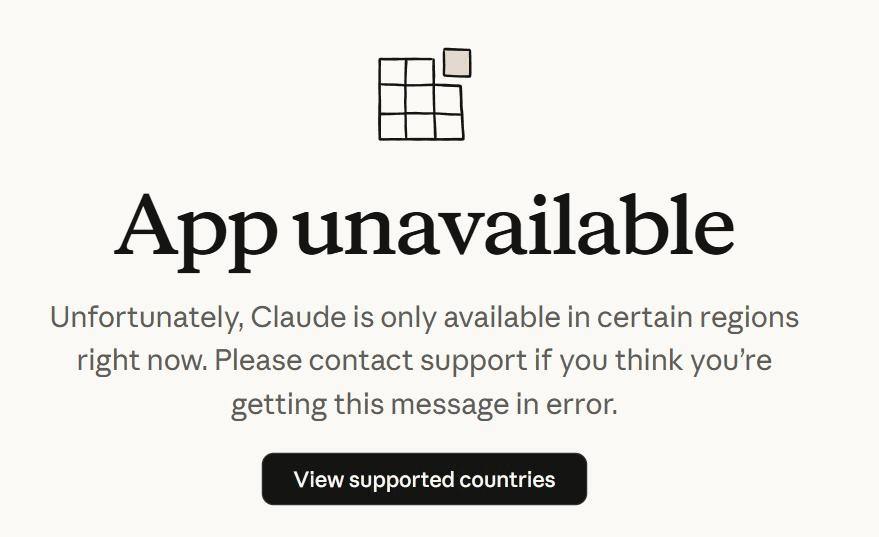
The practical rule is simple: if your location is not on Anthropic's current list, browser or network troubleshooting does not change the official availability policy. If your location is listed, continue with the account, session, service-status, and network checks below. If you are comparing a similar unsupported-country message on another AI platform, IPWeb's OpenAI country error guide keeps that platform-specific diagnosis separate.
Confirm the Product Surface and Exact Message
Anthropic publishes country availability guidance for Claude. Read it alongside the exact error, because “not available,” “unable to log in,” and an API authorization response do not point to the same layer. A web message can be an availability result; a terminal OAuth callback failure belongs to Claude Code; an API 401 or 403 belongs to a key, workspace, or request context.
Write down the URL or application, exact message, account type, and timestamp with time zone. This avoids broad claims such as “Claude is down in my country” when only one entry point is affected.
| Where the symptom appears | First question | Evidence to keep |
|---|---|---|
| Claude web | Is the country supported for web access? | Error text, account, browser profile |
| Claude mobile app | Is the app available for this region and device? | App version, OS version, device compatibility, store region |
| Claude Code | Did the sign-in or OAuth flow fail in the terminal? | CLI version, callback message, sign-in method |
| Anthropic API | Is it authentication, permission, or request context? | Status code, request ID, project context |
For mobile symptoms, region is only one variable. Claude's iOS installation guidance also points to device and operating-system compatibility, so an app-store or device issue should not automatically be classified as a country restriction.
If the symptom appears in the Anthropic API, capture the raw HTTP status and response body before changing credentials, models, or network settings. The request below follows Anthropic's current Messages API format and uses -i so the response headers and status are visible. Replace the environment variable with your own API key and do not paste real credentials into public logs or support screenshots.
curl -i https://api.anthropic.com/v1/messages \
  -H 'content-type: application/json' \
  -H 'anthropic-version: 2023-06-01' \
  -H "x-api-key: $ANTHROPIC_API_KEY" \
  -d '{
    "model": "claude-sonnet-5",
    "max_tokens": 64,
    "messages": [{"role": "user", "content": "Hello"}]
  }'
A 401 or 403 is evidence to classify, not proof of a country restriction. If a Python client is surfacing a 403 and you need a broader response-level checklist, see IPWeb's Python 403 Forbidden troubleshooting guide.
In short, the same country message can require different evidence depending on whether it appears on the web, in the mobile app, in Claude Code, or in an API request.
Separate Official Availability From Account Eligibility
Supported-country guidance answers only whether a product is officially offered in a location. It does not prove that every personal or managed account can use it immediately. An organization may control access, a subscription can have a billing issue, or the sign-in session may be attached to the wrong identity.
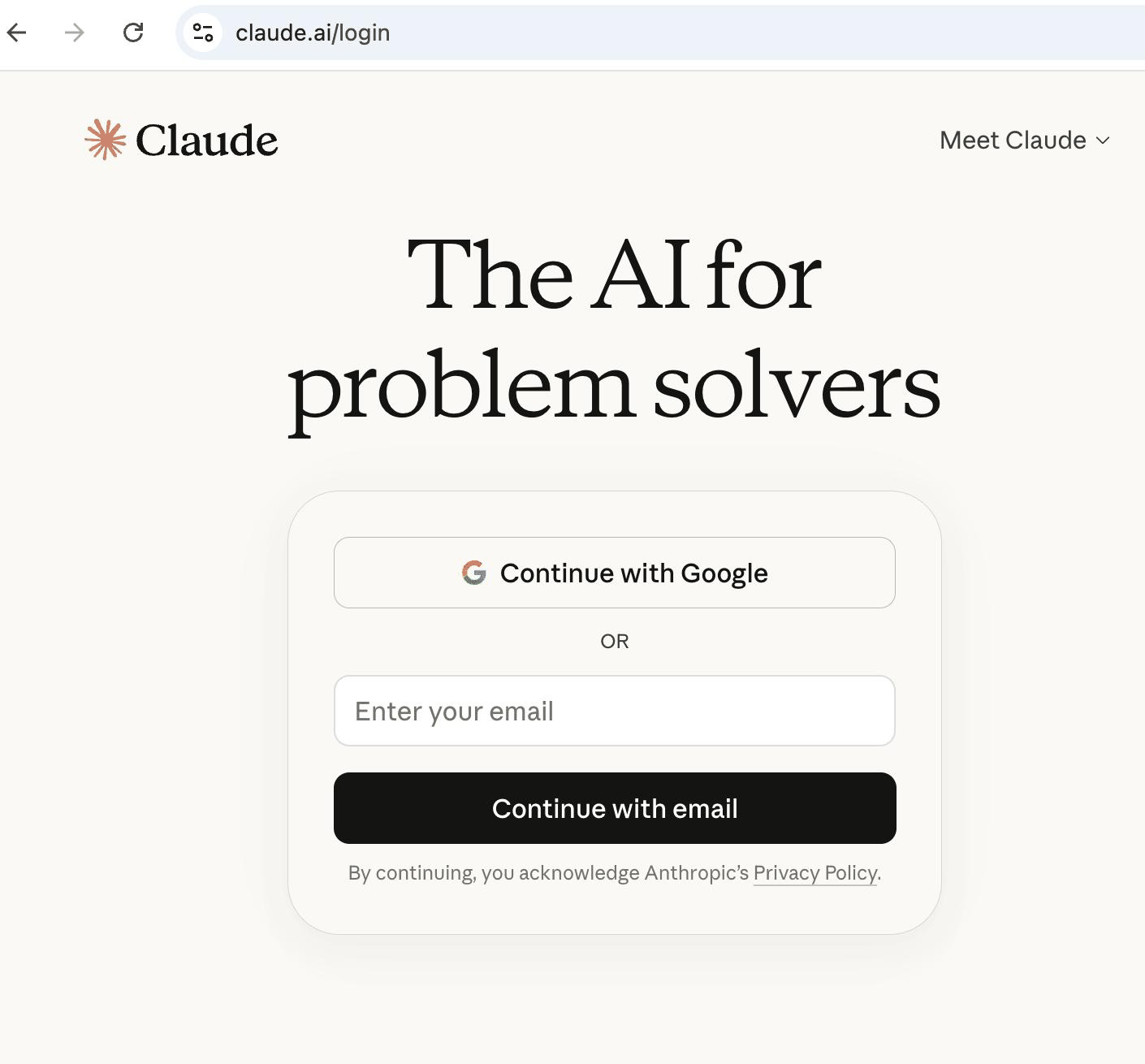
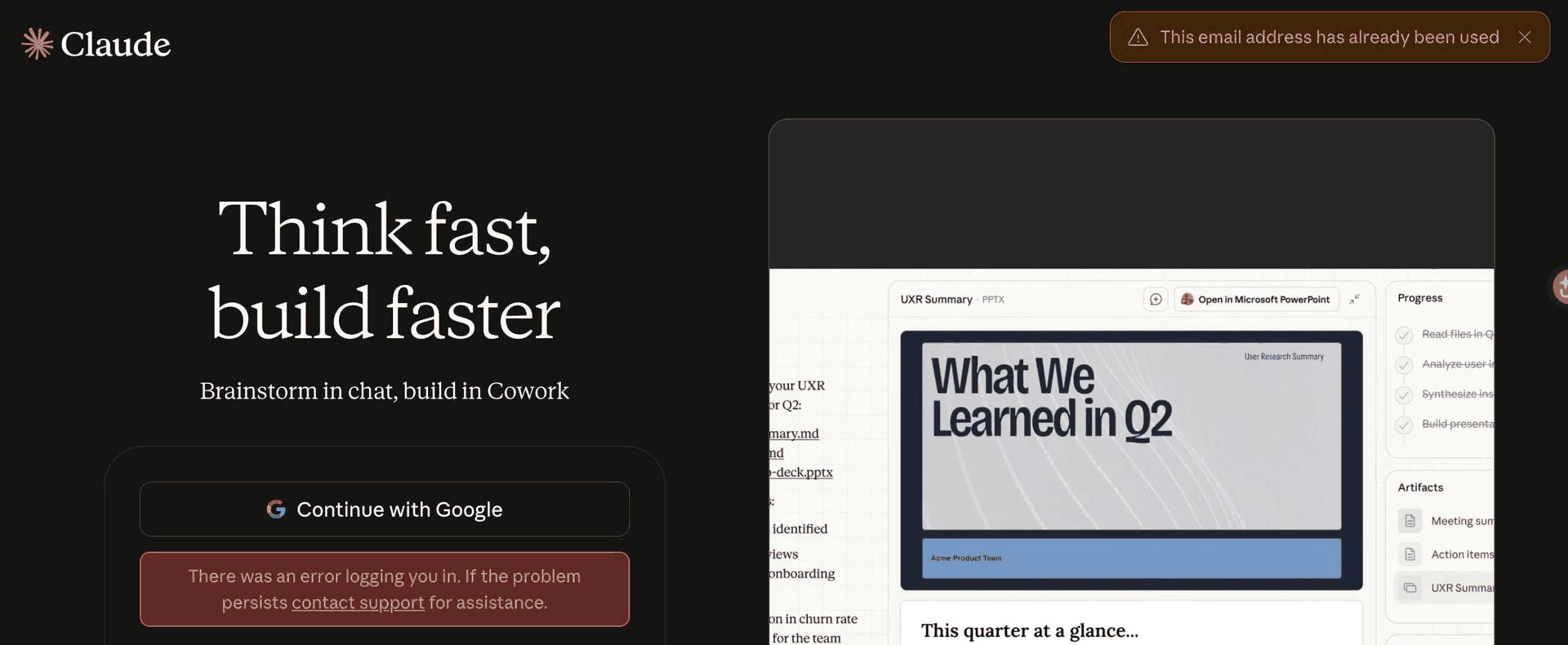
For a web symptom, sign out of every account, open a clean browser profile, and sign in with the intended account only. If the sign-in flow itself is failing, compare what you see with Claude's official login guidance before treating the problem as regional. Do not switch between personal and work identities during the same diagnosis. That creates cookie and account-switcher noise, then makes a clean availability result impossible to interpret.
Check for a Service or Session Problem
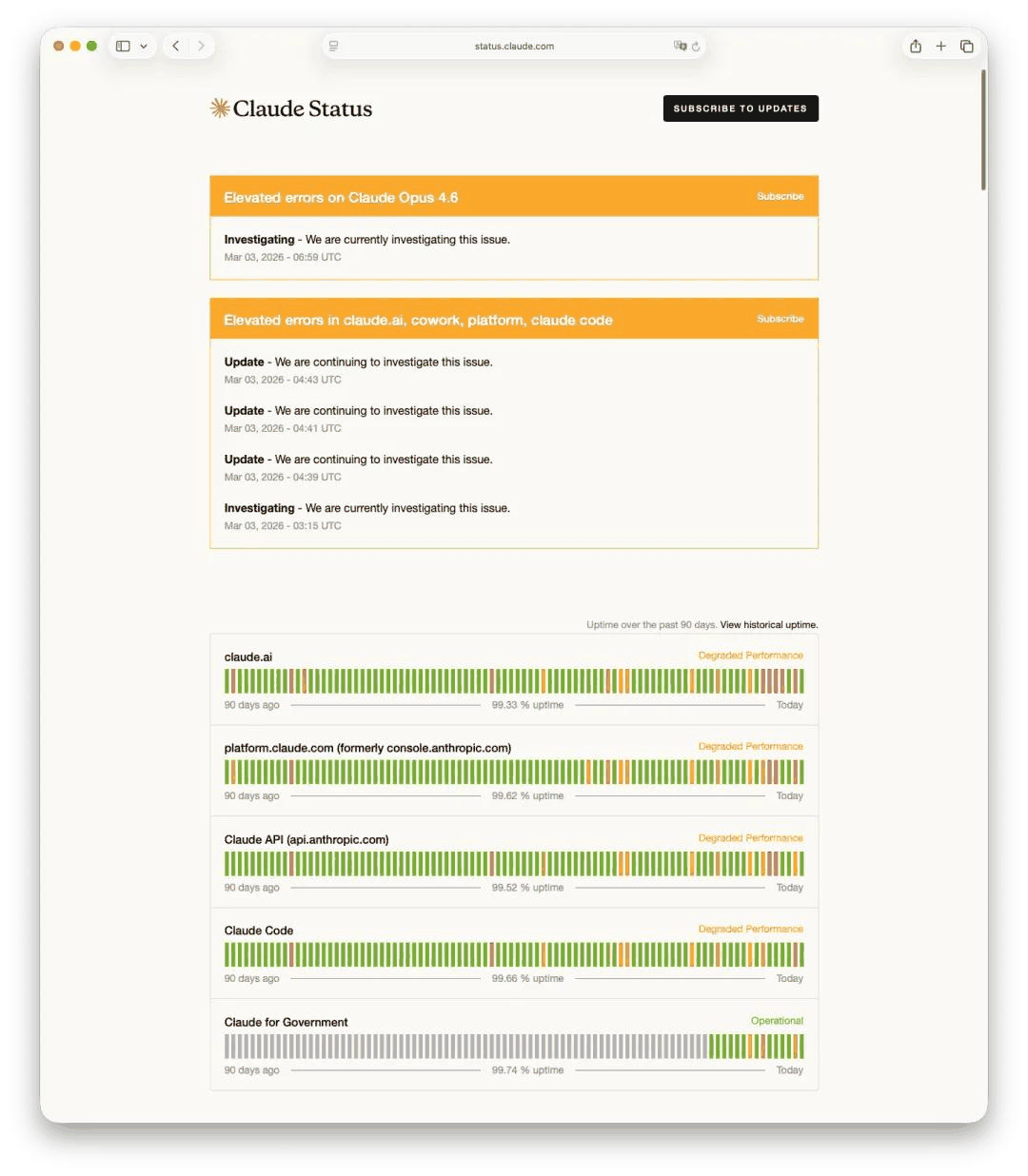
Before treating one failed attempt as regional, check Anthropic's status page. An active incident can affect authentication or an endpoint without changing the published country list. A clear status page, in turn, does not override an official availability message.
Use one clean profile with extensions disabled and one normal network path. Confirm that device date and time are correct. Do not share browser cookies, magic links, verification codes, session URLs, or API keys in a support request.
Use Network Checks as Diagnostic Evidence
Network evidence helps only when the country and account checks do not explain the result. Compare DNS resolution, TLS reachability, public-IP location from more than one database, and whether the connection is corporate, mobile, or privacy-routed. The goal is to describe an observable mismatch, not to claim that one lookup controls Claude's decision.
If the official country list and account checks look correct, compare one normal network path with another permitted connection only to document whether routing or geolocation differs. For approved regional QA that needs location-specific residential routes, IPWeb Dynamic Residential Proxies can provide a controlled network path for comparison. If a proxy is already part of the diagnostic setup, first confirm that the same browser, app, or script is actually using it with IPWeb's proxy validation guide. Treat route comparison as evidence, not as a way to override Anthropic's availability rules.
Build a Useful Support Record
Include the product surface, exact error, time zone, account type without credentials, browser or CLI version, whether the status page showed an incident, and high-level network context such as home, corporate, or mobile. Redact secrets. Support does not need your password, authentication cookie, magic link, API key, or a screenshot with private account details.
Frequently Asked Questions
No. Official availability is one requirement. Account eligibility, sign-in state, organization controls, billing, and product-specific technical problems can still prevent access.
They use different entry points and authentication flows. Diagnose the terminal or OAuth error as a Claude Code issue and record the CLI version and exact callback message.
Not reliably. A route comparison may expose a network mismatch, but it cannot change Anthropic policy, account eligibility, or administrator controls.
Send the product surface, exact error, approximate time with time zone, account type, relevant app or CLI version, and a redacted network description. Never send credentials or session secrets.
As of September 7, 2026, Mainland China is not listed on Anthropic's official Claude.ai supported-country list. Hong Kong and Macau are also not listed. Check Anthropic's current supported-country page before relying on any older list because regional availability can change.
A supported location does not guarantee that every session will work. Check the account you are using, organization controls, browser or app session state, the Anthropic status page, device compatibility for mobile, and whether your network is being geolocated differently from your actual location.
A VPN or proxy does not make an unsupported location officially supported. Anthropic's location-privacy guidance says it can use an IP address and other signals to infer coarse country or region information for terms compliance, security, and anti-abuse. If you are already in a supported location, a controlled route comparison can help diagnose a geolocation mismatch, but it should not be treated as a way to override Anthropic's Supported Regions Policy.
Final Thoughts
Start with the official country list before changing browser or network settings. If your location is supported, separate the problem into three layers: account and session eligibility, service or product-specific errors, and network evidence. That order prevents a regional availability message from being confused with a login problem or temporary incident.
If your location is not currently supported, technical troubleshooting does not change Anthropic's published availability policy. Recheck Anthropic's current supported-country list over time because regional access may expand or change.