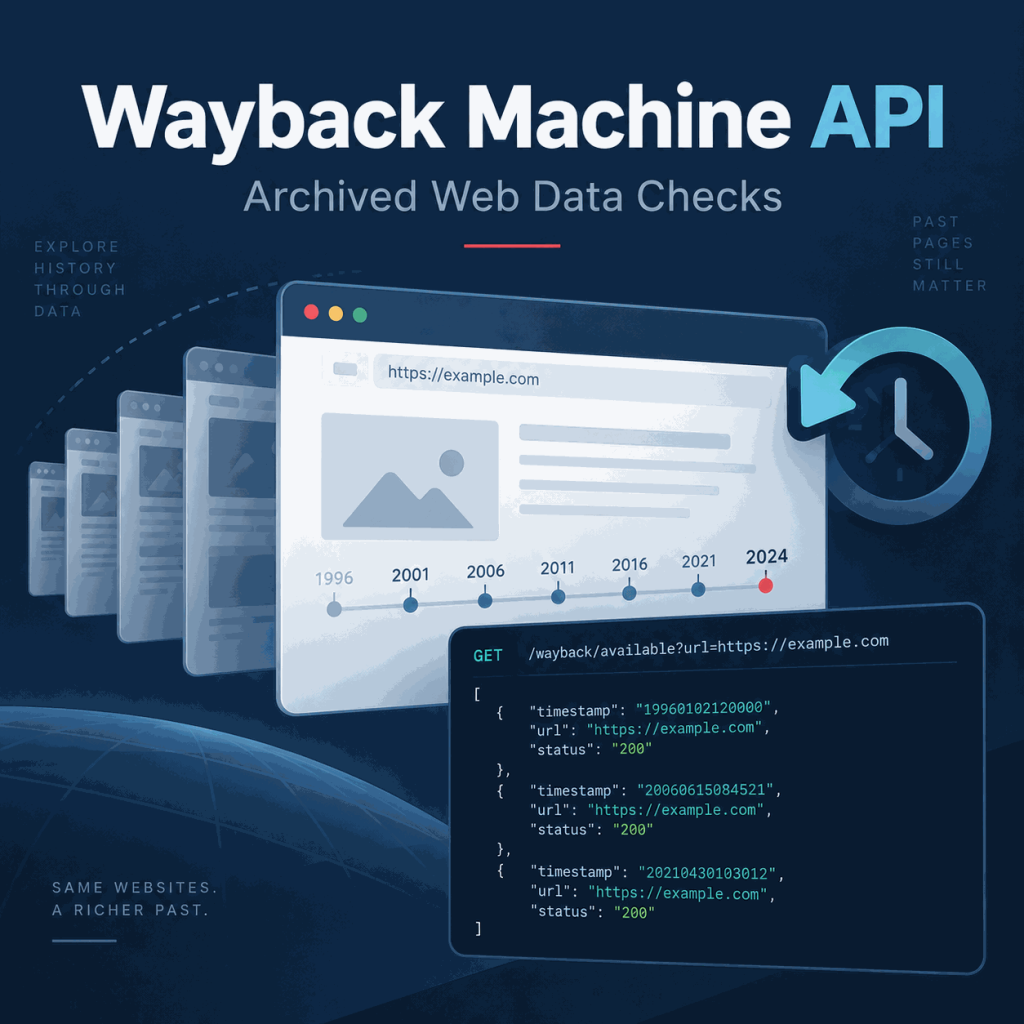
The Wayback Machine can help verify how a public page looked at an earlier point in time, but clicking through the calendar is slow when you need repeatable checks. The more practical approach is to query capture metadata first, narrow the result set, and then open the archived snapshot that matches the time window you need.
For most archive-data work, the Wayback CDX Server API is the main interface because it can return multiple captures and filter them by date, status code, MIME type, and other fields. The simpler Availability API is useful when you only need a quick answer about one accessible snapshot.
Use the Wayback Machine CDX Server API when you need a list of archived captures for a URL. Send the URL to https://web.archive.org/cdx/search/cdx, add output=json, then review fields such as timestamp, original, mimetype, statuscode, and digest. After choosing a capture, open it with the archived URL pattern https://web.archive.org/web/{timestamp}/{original}. Treat the result as historical evidence, not proof that the archive contains every past version of the page.
- The CDX Server API is the better choice for multi-capture lookup, filtering, and archive-data analysis.
- The
urlparameter is required;output=json,fl,from,to,filter, andlimithelp narrow the response. - Useful CDX fields include URL, timestamp, MIME type, status code, digest, and response length.
- A capture record does not guarantee that every script, image, style, or interactive state was preserved successfully.
- Keep the archived URL, timestamp, query method, and limitations with any downstream research or data record.
Wayback Machine API Options
The Internet Archive lists several Wayback Machine APIs. For archived web-data checks, two are especially useful: the CDX Server API and the Wayback Availability JSON API.
The Wayback CDX Server API documentation describes a capture index that can return multiple records for a URL and supports filtering, custom field selection, result limits, and JSON output. The Wayback Machine API help page also documents the simpler Availability API for checking whether an accessible archived snapshot exists near a requested time.
| Interface | Best use | Typical result |
|---|---|---|
| CDX Server API | Search and filter multiple captures | Capture index rows with timestamp, URL, status, MIME type, digest, and length |
| Availability JSON API | Check for one accessible snapshot near a date | A closest snapshot URL, timestamp, availability state, and status |
| Wayback web calendar | Manual visual browsing | Interactive capture calendar and snapshot navigation |
For repeatable research, SEO history checks, and data QA, start with CDX. Use the calendar or Availability API when a manual or single-snapshot check is enough.
Query Archived Captures with the CDX API
The only required CDX query parameter is url. Adding output=json makes the response easier to parse in scripts. A small limit is useful while testing so you do not request more capture rows than you need.
curl "https://web.archive.org/cdx/search/cdx?url=example.com&output=json&limit=5"For a URL that contains its own query string, encode the URL value before sending it as the url parameter. The CDX documentation also supports broader URL matching with matchType or wildcard patterns, but exact URL lookup is the safer starting point when you are validating one historical page.
Keep public CDX queries small while testing. For large or bulk lookups, use the CDX pagination mechanisms instead of sending unnecessary high-volume parallel requests to the public endpoint.
Read the CDX JSON Response
CDX JSON output is an array in which the first row identifies the returned fields and later rows contain capture values. Publicly documented fields include urlkey, timestamp, original, mimetype, statuscode, digest, and length.
[
  ["timestamp", "original", "mimetype", "statuscode", "digest"],
  ["20240115083000", "https://example.com/", "text/html", "200", "EXAMPLE_DIGEST"]
]| Field | Why it matters | Validation question |
|---|---|---|
timestamp | Places the capture in time | Is the snapshot close enough to the historical event or comparison window? |
original | Identifies the archived source URL | Is this the exact page you intended to check? |
mimetype | Describes the captured content type | Is this HTML, JSON, an image, or another asset? |
statuscode | Shows the recorded HTTP response status | Was the page captured successfully, redirected, or returned an error? |
digest | Provides a content identity value used by the archive index | Do adjacent captures appear to represent the same archived content? |
length | Records capture size in the index | Does the response size look materially different from nearby captures? |
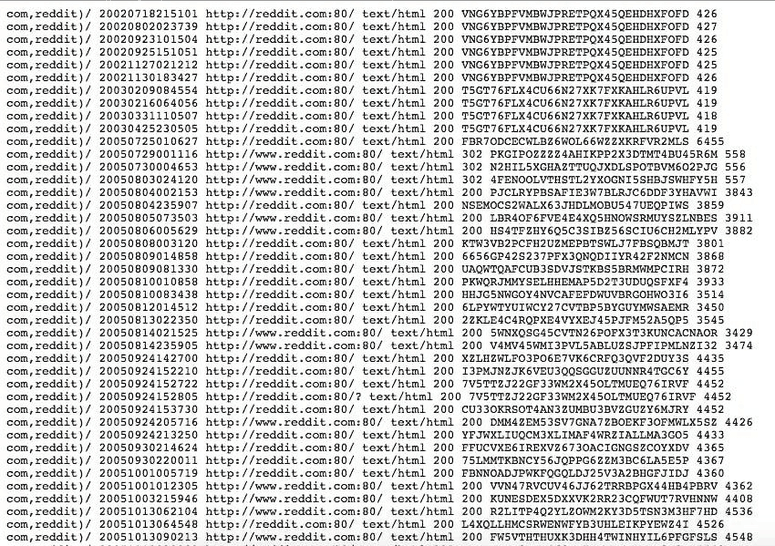
Filter Captures by Date, Status, and Type
A URL with years of history can return many captures. Use from and to to restrict the time window, filter to narrow a named field, fl to return only the columns you need, and limit to control response size.
curl "https://web.archive.org/cdx/search/cdx?url=example.com&output=json&from=2023&to=2024&filter=statuscode:200&filter=mimetype:text/html&fl=timestamp,original,statuscode,mimetype,digest&limit=20"Date filters accept the same timestamp style used by Wayback captures, from a year such as 2023 up to a full timestamp such as 20231231235959. When you only need unique or less-dense capture results, CDX also supports collapse options; use them carefully because collapsing changes which index rows are returned.
Open the Archived Snapshot
After choosing a capture, combine its timestamp and original URL to open the replayed page:
https://web.archive.org/web/{timestamp}/{original}For example, a capture with timestamp 20240115083000 and original URL https://example.com/ would use:
https://web.archive.org/web/20240115083000/https://example.com/Always review the replayed page before treating the CDX row as evidence of the page content. An index record can exist even when some linked assets, scripts, or interactive states do not replay cleanly.
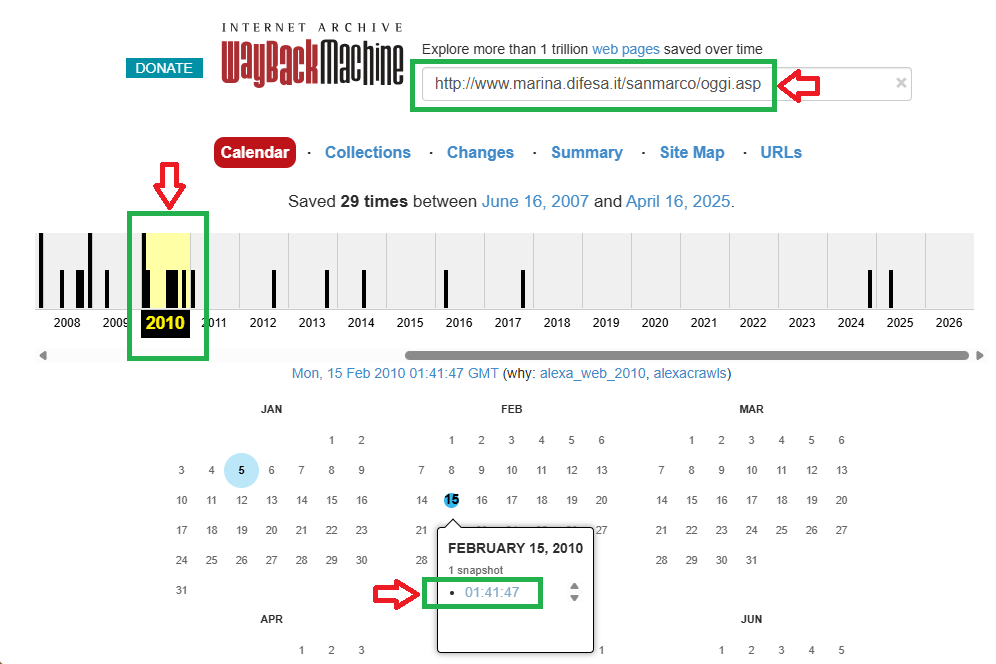
Quick single-snapshot check with the Availability API
When you only need to know whether an accessible snapshot exists, the Availability API can return the closest available capture for a URL. Adding timestamp asks for a result near a target date.
curl "https://archive.org/wayback/available?url=example.com×tamp=20240101"This endpoint is useful for a quick check, but CDX remains the better fit when you need a capture list, historical range, status filtering, or structured archive analysis.
Minimal Python Example
A small script can query CDX, convert the first capture row into named fields, and build a replay URL. Keep the response limit low until the query behavior is confirmed.
import requests

params = {
    "url": "example.com",
    "output": "json",
    "fl": "timestamp,original,statuscode,mimetype,digest",
    "filter": "statuscode:200",
    "limit": 5,
}

response = requests.get(
    "https://web.archive.org/cdx/search/cdx",
    params=params,
    timeout=30,
)
response.raise_for_status()
rows = response.json()

if len(rows) > 1:
    fields = rows[0]
    capture = dict(zip(fields, rows[1]))
    snapshot_url = (
        "https://web.archive.org/web/"
        f"{capture['timestamp']}/{capture['original']}"
    )
    print(snapshot_url)
else:
    print("No capture returned for this query.")
For production research, log the query parameters and the chosen capture instead of keeping only the final replay URL. That makes later review much easier when multiple snapshots exist for the same page.
Use Archived Pages in a Data Workflow
A repeatable historical-data check starts with the exact URL and a defined time window. Query the capture index, filter the candidate rows, open the selected snapshot, and record what was actually visible in the archived replay.
For SEO, market research, and public data QA, this can help verify historical page titles, product copy, redirects, policy wording, page removals, or other public changes. Keep the archive URL and timestamp with the observation so another reviewer can reproduce the check.
If the result moves into a structured pipeline, preserve source URL, capture timestamp, query parameters, extraction method, selected fields, and known limitations. An ETL workflow should label archived records separately from current web records instead of mixing the two without provenance.
Archive Limits That Matter
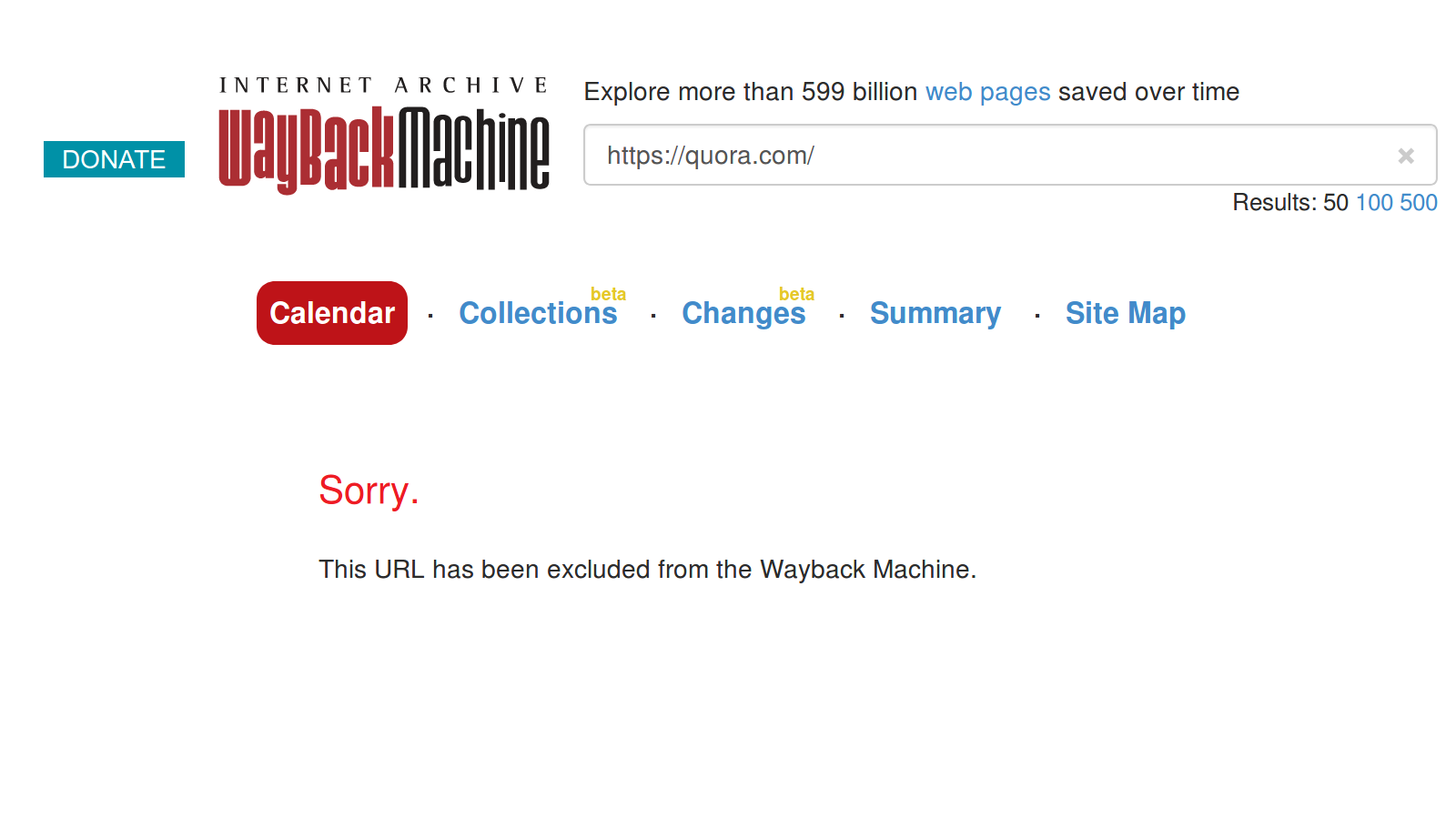
The Wayback Machine is not a complete copy of the web. A missing capture does not prove that a page never existed, and an available capture does not prove that every resource was preserved. Pages can be missing, blocked, delayed, partially captured, or difficult to replay.
JavaScript-heavy pages are especially important to review manually because a replay may load differently from the original live state. If the current version of a page also depends heavily on client-side rendering, compare the archive result with the same concepts used for web scraping dynamic content before assuming the historical snapshot contains the complete record.
Use archive evidence responsibly and keep source rights and access boundaries in view. The same general considerations described in web scraping legality still matter when archived public material becomes part of a research or data workflow.
When to Use Live Web Data Instead
Use Wayback archive checks when the question is historical: what a page showed, whether a URL was captured, when a change appeared, or what metadata accompanied an older capture.
Use live collection when the question is current pricing, present availability, current search results, active page structure, or fresh public-page monitoring. Do not mix live and archived records in the same dataset without a clear time label and source field.
Frequently Asked Questions
The Wayback Machine exposes multiple developer interfaces. The CDX Server API is designed for deeper capture lookup and filtering, while the Availability JSON API provides a simpler check for an accessible snapshot near a requested time.
Send the target URL with the url parameter to the CDX endpoint. Add output=json for structured output and use options such as limit, from, to, fl, or filter when you need a smaller result set.
CDX refers to the archive index format used to describe captures. A CDX result can include fields such as timestamp, original URL, MIME type, status code, digest, and length.
Not always. A capture may be missing scripts, images, styles, linked resources, or dynamic page states. Review the replay itself before treating it as complete historical evidence.
No. A page may have existed without being captured, or a capture may be unavailable, blocked, incomplete, or outside the query range.
Archived public data can be useful for research and validation when source rights and access boundaries are respected. Keep the original URL, capture timestamp, replay URL, query method, and archive limitations with the record.
URL-encode the url parameter when the target URL contains its own query string. For precise historical validation, start with the default exact match. Broader matchType values or wildcard patterns can return captures for a wider path, host, or domain scope, so use them only when that broader result set is intentional.
Use live data when freshness matters. Use Wayback archive data when the task depends on historical evidence, page changes, past availability, or a reproducible snapshot from an earlier date.
Final Thoughts
The Wayback Machine API is most useful when archive lookup is treated as a verification workflow rather than a simple snapshot link. Query CDX for the right URL and time range, inspect the capture metadata, review the replayed page, and preserve the source context before the result moves into research or a downstream dataset.