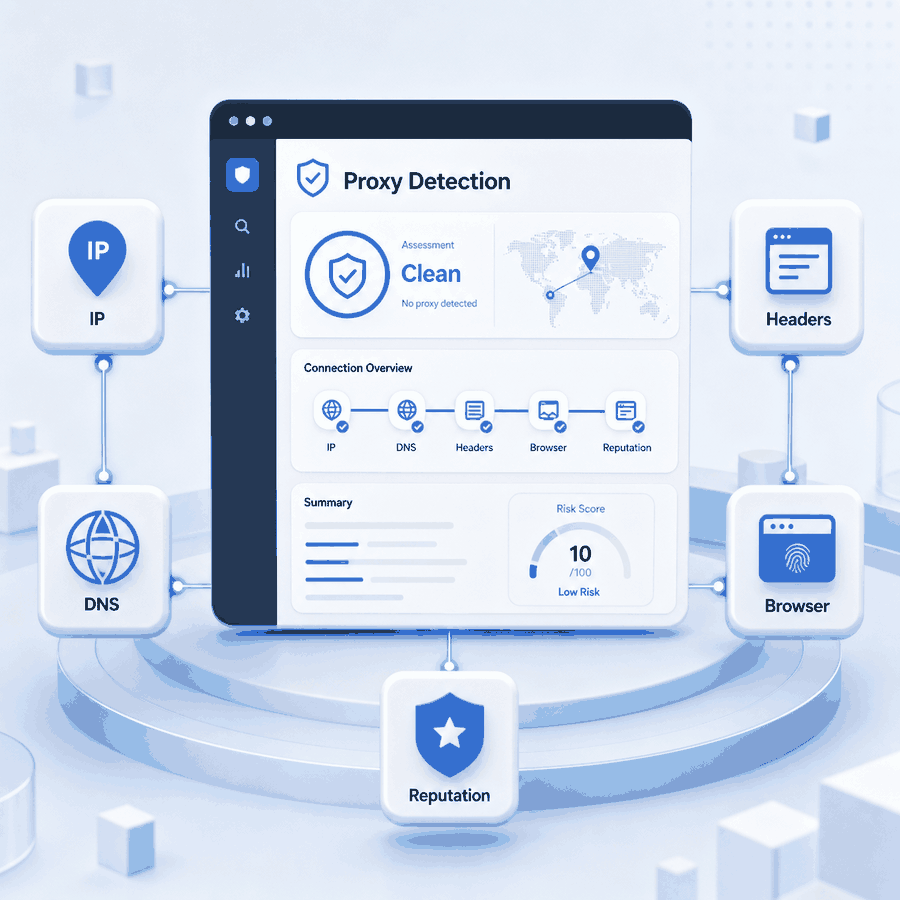
Proxy detection is the process of estimating whether a request is passing through a proxy, VPN, hosting network, or another intermediary. A website may examine the visible IP address, network owner, IP reputation, DNS behavior, browser signals, cookies, traffic patterns, and account context.
This article focuses on client-selected forward proxies. Reverse proxies operated by websites are part of a different server-side architecture and are not covered here.
Yes, websites can sometimes detect proxy use. They normally infer it from several network, browser, session, and behavior signals rather than from a single label. A proxy can change the visible network route, but it does not automatically change DNS settings, WebRTC behavior, browser metadata, cookies, or account history.
- IP reputation and network ownership are common starting points for proxy detection.
- DNS, WebRTC, browser, cookie, and account signals may affect the final result.
- A proxy-detected result does not necessarily mean the proxy connection failed.
- Confirm that the proxy works before investigating browser or session mismatches.
How Proxy Detection Works
When a browser, application, or script connects through a forward proxy, the destination usually sees the proxy exit IP instead of the user’s original public IP. A detection system can compare that visible IP with ASN ownership, hosting records, network type, reputation data, and known proxy ranges.
Some websites also evaluate browser and session information. Depending on the service, this can include DNS behavior, timezone, language, request headers, cookies, previous account locations, and JavaScript-accessible browser properties.
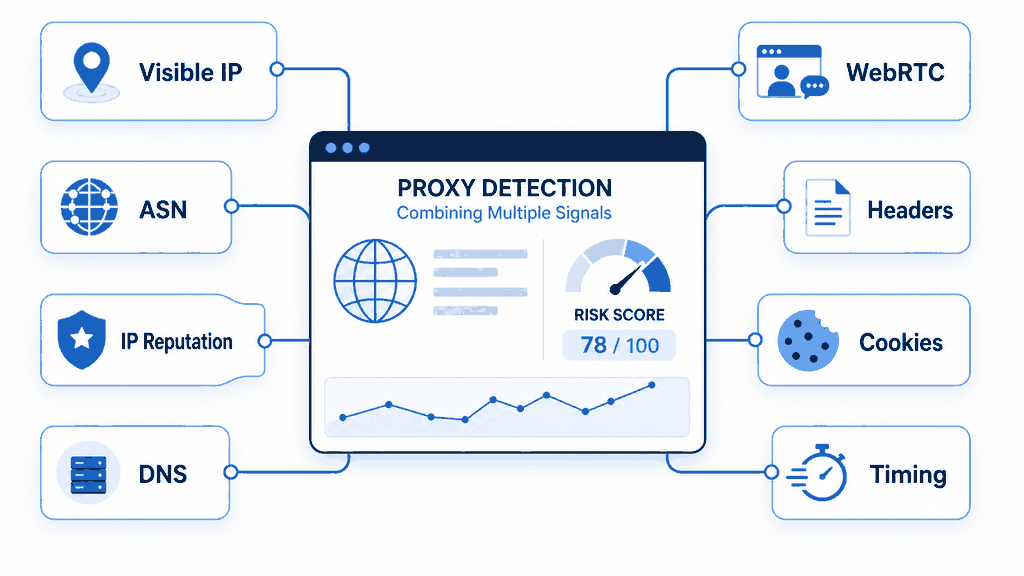
Different detection tools may return different labels for the same IP because their databases, update schedules, and scoring thresholds are not identical. The useful question is not only whether one tool says “proxy,” but which underlying signal may have produced that classification.
Can Websites Detect the HTTP CONNECT Method?
The HTTP CONNECT method asks a proxy to establish a tunnel to a destination server. The CONNECT request is sent to the proxy endpoint rather than to the target website.
After the tunnel is established, the website receives the traffic carried inside it. The target therefore cannot normally identify proxy use simply because the client used CONNECT. It must rely on information visible at the destination, such as the exit IP, TLS and request metadata, browser behavior, or session context.
The client-to-proxy CONNECT exchange can still be observed by the proxy and, where that connection is not separately encrypted, by parties able to inspect that network path. See the method definition in RFC 9110.
Signals Websites May Check
| Signal | What It May Show | What to Review |
|---|---|---|
| Visible IP address | The public IP address seen by the destination. | Confirm that the expected proxy exit IP is active before investigating other signals. |
| ASN and network owner | Whether the IP belongs to an ISP, mobile carrier, datacenter, hosting provider, or business network. | Compare the ASN, organization, and network category across several lookup sources. |
| IP reputation | Whether the address appears in proxy, VPN, hosting, abuse, or risk datasets. | Compare several databases instead of relying on one classification. |
| DNS behavior | Whether destination hostname resolution follows the intended network path. | Determine whether resolution happens locally, in the browser, or through the proxy. |
| WebRTC candidates | Whether the browser exposes local, server-reflexive, relay, or mDNS candidate information. | Inspect ICE candidates in the same browser profile used for testing. |
| Headers and user agent | Whether request metadata is consistent with the client making the request. | Review the User-Agent and other HTTP headers separately from the proxy route. |
| Browser environment | Whether timezone, language, storage, and browser settings fit the intended test environment. | Check browser configuration without assuming the proxy changes these values. |
| Cookies and account context | Whether the current session conflicts with earlier devices, locations, or account activity. | Compare logged-out testing with behavior inside the existing account session. |
| Request pattern | Whether traffic appears unusually repetitive, fast, unstable, or automated. | Review request intervals, concurrency, retries, and timeouts. |
Why a Working Proxy May Be Detected
A proxy may route traffic correctly while a website still classifies the request as proxy traffic. In that situation, the connection itself is not necessarily the problem. The classification may come from the exit IP, browser environment, session history, or another signal visible to the destination.
IP Reputation or Network Type
An IP may already be associated with a hosting provider, shared infrastructure, known proxy range, or earlier risk reports. A website can therefore classify the route as proxy traffic even when authentication, connectivity, and routing are working as expected.
A residential ASN removes an obvious datacenter signal, but it does not guarantee that every destination will treat the request as ordinary residential traffic. Reputation, session, browser, and request-pattern checks may still apply.
DNS Resolution Path
The visible IP can change while destination hostname resolution still occurs locally or through a browser-controlled resolver. This does not automatically prove a DNS leak, but it may create a path that differs from the intended test configuration.
Browser secure DNS, operating-system DNS, application-specific resolvers, HTTP proxies, and SOCKS proxies can handle hostname resolution differently. The important step is to identify which component is resolving the destination before interpreting the result.
WebRTC Candidate Exposure
WebRTC uses ICE candidates to discover possible communication paths. Depending on the browser, privacy controls, network setup, and STUN or TURN configuration, the browser may expose local network information, a NAT-mapped address, a relay address, or an mDNS hostname.
This does not mean WebRTC always reveals the user’s original public IP. Modern browsers may mask local host addresses, and relay-only configurations can restrict the available candidate types. The relevant question is whether the browser exposes information that conflicts with the intended test environment.
For technical background, see MDN’s RTCIceCandidate address documentation.
Browser and Session Context
A proxy does not automatically modify the user agent, language, timezone, screen properties, browser storage, cookies, or account history. These values remain controlled by the browser, application, or active session.
For a clearer distinction between network routing and client metadata, read the user agent vs proxy guide.
How to Investigate a Proxy-Detected Result
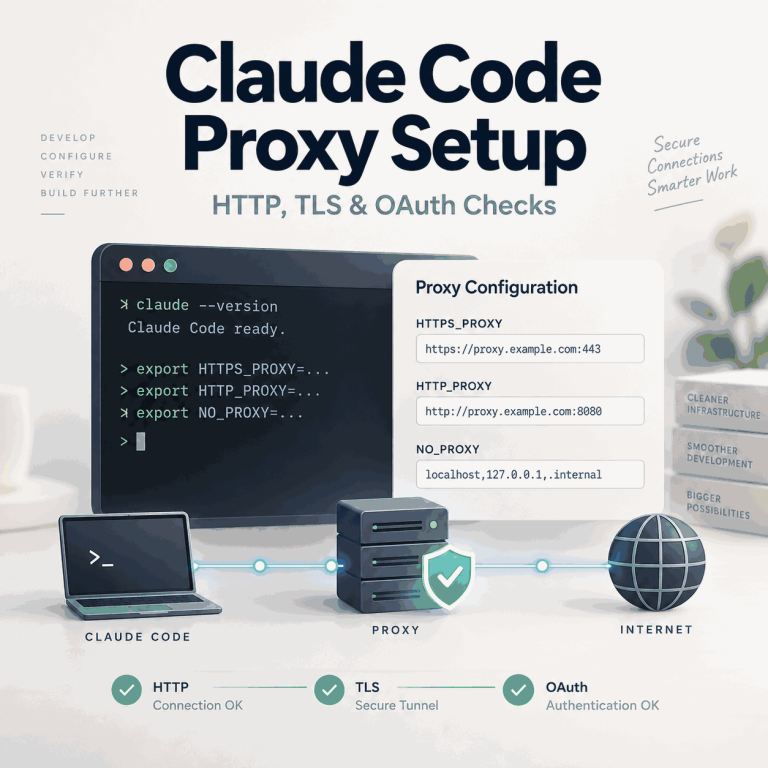
Before investigating detection signals, confirm that the proxy is active in the exact browser, application, or script being tested. The guide to checking whether a proxy is working covers exit IP verification, credentials, protocols, and basic connection problems.
Continue with the checks below only after the expected proxy exit IP is visible. Otherwise, a routing failure may be mistaken for a DNS, WebRTC, or browser-signal mismatch.
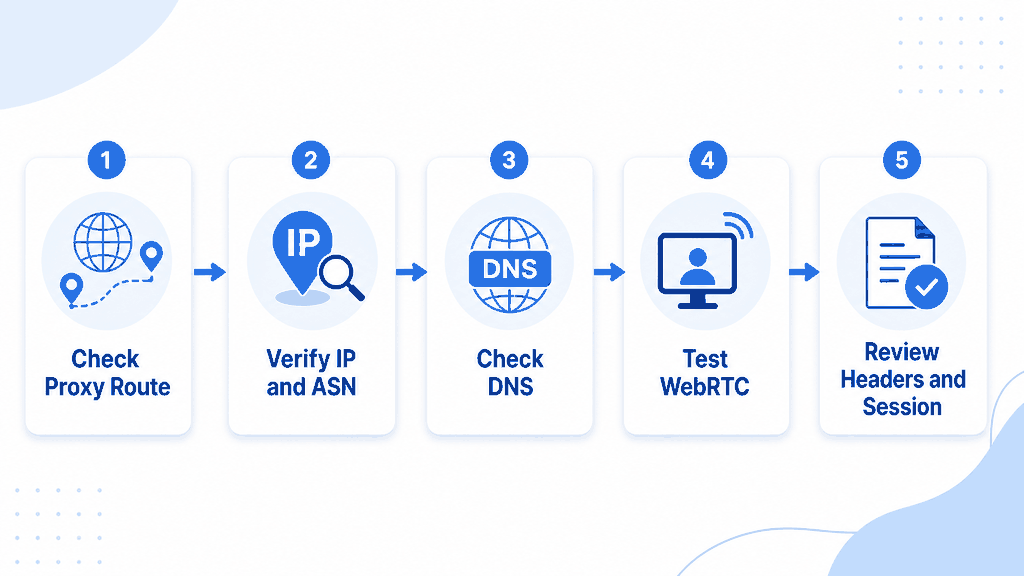
1. Compare the Underlying IP Classification
Do not compare only the final “proxy” or “not proxy” label. Review the ASN, network owner, connection type, hosting classification, and reputation details shown by each lookup source.
If two tools disagree, note which database classifies the IP as hosting, proxy, VPN, residential, or unknown. Different labels often reflect different datasets rather than a change in the connection itself.
2. Compare Local and Proxy-Side SOCKS5 Resolution
When using SOCKS5 with curl, --socks5 resolves the destination hostname locally. The --socks5-hostname option passes the hostname to the SOCKS5 proxy for resolution.
# Destination hostname resolved by the local client
curl --socks5 "USER:PASS@HOST:PORT" \
  "https://httpbin.org/ip"

# Destination hostname passed to the SOCKS5 proxy
curl --socks5-hostname "USER:PASS@HOST:PORT" \
  "https://httpbin.org/ip"
These commands compare where destination hostname resolution begins. They do not reveal the exact recursive DNS resolver used behind the proxy.
This comparison is useful for understanding resolver behavior after the proxy route has already been confirmed. It should not replace basic proxy connectivity testing.
See the official curl SOCKS5 hostname documentation for the full option behavior.
3. Inspect WebRTC ICE Candidates
Open the browser developer console on a page where running test code is permitted, paste the following snippet, and review the returned candidate types and addresses.
const pc = new RTCPeerConnection({
  iceServers: [
    { urls: "stun:stun.cloudflare.com:3478" }
  ]
});

pc.createDataChannel("proxy-detection-test");

pc.onicecandidate = ({ candidate }) => {
  if (!candidate) {
    pc.close();
    return;
  }

  console.log({
    type: candidate.type,
    address: candidate.address,
    protocol: candidate.protocol,
    candidate: candidate.candidate
  });
};

pc.createOffer()
  .then((offer) => pc.setLocalDescription(offer))
  .catch(console.error);
The console may show host, server-reflexive, or relay candidates. Some browsers replace local addresses with mDNS hostnames, and the output can vary with browser privacy settings.
A WebRTC candidate result alone does not prove that the original public IP was exposed. Interpret the candidate type, address format, browser settings, and network route together.
4. Compare a Separate Browser Profile
If IP, ASN, DNS, and WebRTC checks appear consistent but a logged-in website still shows a warning, repeat the test in a separate browser profile without the existing cookies or account session.
This comparison helps determine whether the result is tied to the network route or to saved browser and account context. It does not override platform policies or account restrictions.
- Confirm that the expected proxy exit IP is already active.
- Compare ASN, network owner, and reputation details across multiple sources.
- Identify whether hostname resolution occurs locally or through the proxy.
- Inspect WebRTC candidates in the same browser profile used for testing.
- Review browser metadata separately from the network route.
- Compare logged-out behavior with the existing account session.
- Change one setting at a time and record the result.
How to Interpret Detection Results
| Detection Result | Likely Signal | Next Check |
|---|---|---|
| The exit IP is active, but detectors still report a proxy | IP reputation, ASN, or network classification | Compare the underlying network owner and reputation evidence across several sources. |
| The visible route is correct, but hostname resolution differs from the intended setup | DNS or SOCKS resolution behavior | Review browser secure DNS, local resolution, and proxy-side hostname resolution. |
| Only the browser shows inconsistent network information | WebRTC or browser configuration | Inspect ICE candidate types, extensions, privacy controls, and browser settings. |
| Only a logged-in website shows a warning | Cookies, device history, or account context | Compare the same network route outside the existing account session. |
| Different detectors return different labels | Database or scoring differences | Compare the underlying ASN and ownership data rather than relying on one label. |
| The warning appears only during high-volume requests | Traffic pattern or application behavior | Review concurrency, retries, intervals, and request consistency. |
If the warning specifically says anonymous proxy detected, read the related anonymous proxy detected guide for message-specific interpretation.
What Proxy Detection Cannot Prove
A detector can classify technical signals, but it cannot reliably determine user intent or explain every account and platform decision.
A “proxy detected” result may mean that an IP appears in a known database, belongs to a particular network type, or conflicts with another visible signal. It does not automatically mean that the proxy is broken, the connection is unsafe, or a specific browser setting is responsible.
A “no proxy detected” result is also limited. It means the tested signals did not match that detector’s current data and rules. Another website may use different data, thresholds, or session information.
The practical goal is not to obtain one perfect score. It is to identify what the destination can see and determine which network, browser, or session layer explains the result.
Frequently Asked Questions
Final Thoughts
A proxy-detected result is a classification signal, not a complete diagnosis. First confirm that the proxy is working, then inspect IP reputation, DNS resolution, WebRTC, browser metadata, and session context only where relevant.
For authorized browser automation, application testing, and public web data workflows, consistent proxy routing combined with a browser configuration that accurately reflects the intended test environment can reduce accidental signal mismatches and make failures easier to diagnose.
A proxy can change the network path, but it cannot erase account history or override platform policies and compliance requirements. Identify the affected layer before replacing the proxy or changing several settings at once.