
DuckDuckGo supports advanced search syntax for narrowing results by domain, file type, page title, URL, and phrase. It also has !bangs, a separate shortcut system that sends a query to another website's own search engine.
The useful part is not memorizing every command. It is knowing which tool matches the search task, how far you can trust the syntax, and what to change when a query becomes too restrictive. This guide focuses on that practical workflow rather than treating DuckDuckGo operators as a list of commands.
Use site:, filetype:, intitle:, inurl:, quoted phrases, and term modifiers when you want to refine results inside DuckDuckGo. Use a !bang when you already know the website you want to search and want DuckDuckGo to send the query there. When an advanced query produces weak or empty results, remove constraints and add them back one at a time instead of assuming the operator is unsupported.
- Operators refine a DuckDuckGo result set;
!bangsmove the search to another site's search engine. site:is useful for finding pages on a domain, but it should be treated as a spot check rather than a complete index-coverage report.- Quoted phrases,
+term, and-termcan influence results without acting like strict Boolean database rules in every query. - Combining operators works best progressively: test the base query first, then add one constraint at a time.
- If a
!bangis used, the destination site's search behavior and privacy policies apply once the query is handed off.
Which DuckDuckGo Search Operators Are Useful?
DuckDuckGo's official advanced search syntax documentation includes exact phrases, term weighting, file types, domains, page titles, and URLs. The table below is more useful as a decision guide than as a list to memorize.
| Syntax | Example | Best used when |
|---|---|---|
| Exact phrase | "model context protocol" |
You want results centered on a specific phrase rather than loose keyword matches |
| Semantic phrase | ~"model context protocol" |
You want semantically similar phrasing rather than only the literal phrase |
| Reduce a term | proxy -vpn |
An unwanted concept is dominating the visible result set |
| Increase a term | proxy +python |
You want to bias results toward a secondary concept |
| File type | mcp filetype:pdf |
The information is more likely to be in a report, document, slide deck, or spreadsheet |
| Site | duckduckgo site:example.com |
You want pages from one known domain |
| Exclude site | duckduckgo -site:example.com |
One domain is crowding out other useful sources |
| Title | intitle:duckduckgo |
The keyword should appear in the page title |
| URL | inurl:duckduckgo |
The keyword should appear in the page URL |
The important limitation is that some of these behave more like search signals than rigid database filters. DuckDuckGo notes that exact-phrase and advanced syntax can produce related results when too few direct matches are available. That is why visible-result validation matters.
Practical DuckDuckGo Search Recipes
The easiest way to use advanced syntax is to start with the task, not the operator. The examples below show a progressive approach that makes it easier to tell whether a weak result comes from the topic itself or from an overly restrictive filter.
1. Find a specific topic on one website
site:ipwebai.com duckduckgoIf the result set is broad, add a phrase:
site:ipwebai.com "proxy vs vpn"This is a good pattern for finding known content or checking whether a site already has material on a topic. It is not a complete indexing audit, because a search result page does not expose every indexing state or every discoverable URL.
2. Find documents instead of ordinary web pages
mcp security filetype:pdfIf that returns too little, test mcp security first. If the broader query works but the file-filtered query does not, the file constraint is probably narrowing the result set too aggressively for that topic.
3. Search for a topic where the term appears in the title or URL
intitle:duckduckgo search operatorsinurl:duckduckgo bangsThese are useful when ordinary keyword matching returns many pages that only mention the topic in passing. They can make the result set more focused without forcing an exact phrase everywhere.
4. Combine operators gradually instead of all at once
A query like this may be valid but unnecessarily restrictive:
site:example.com filetype:pdf intitle:report "exact phrase"A better diagnostic workflow is:
- Run the plain topic first.
- Add
site:if the domain matters. - Add
filetype:,intitle:, orinurl:only if the current result set is still too broad. - Add an exact phrase last when wording precision is important.
- If results disappear, remove the latest constraint before changing everything else.
This approach gives you a useful failure signal. If the base query works but the final query does not, the problem is usually the combination of constraints rather than proof that DuckDuckGo has no relevant pages.
How to Use site: Without Misreading the Results
The site: operator is one of the most useful DuckDuckGo filters because it narrows results to a known domain. It is especially handy for locating an article when a site's internal search is weak or for checking whether a domain already has content around a topic.
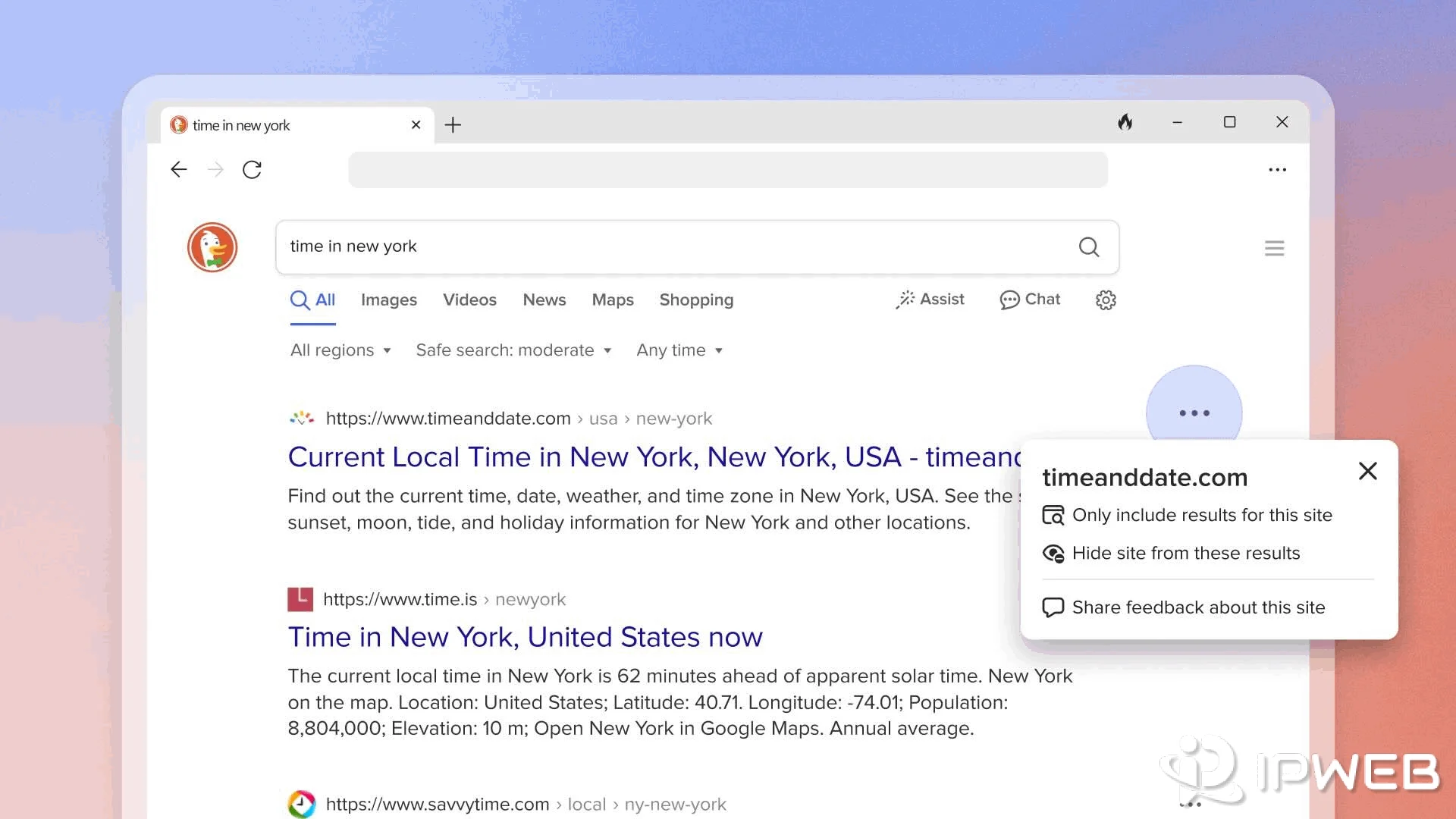
The mistake is treating site: as a full index-coverage report. A search operator tells you what DuckDuckGo is willing to show for that query; it does not expose a complete diagnostic view of crawlability, discovery, or indexing status.
If your actual question is whether a page can be discovered or indexed for DuckDuckGo Search, see our guide to submitting a site for DuckDuckGo discovery and indexing. That workflow covers Bing Webmaster Tools, sitemaps, IndexNow, and DuckDuckBot instead of relying on a result-page spot check.
What Are DuckDuckGo !Bangs?
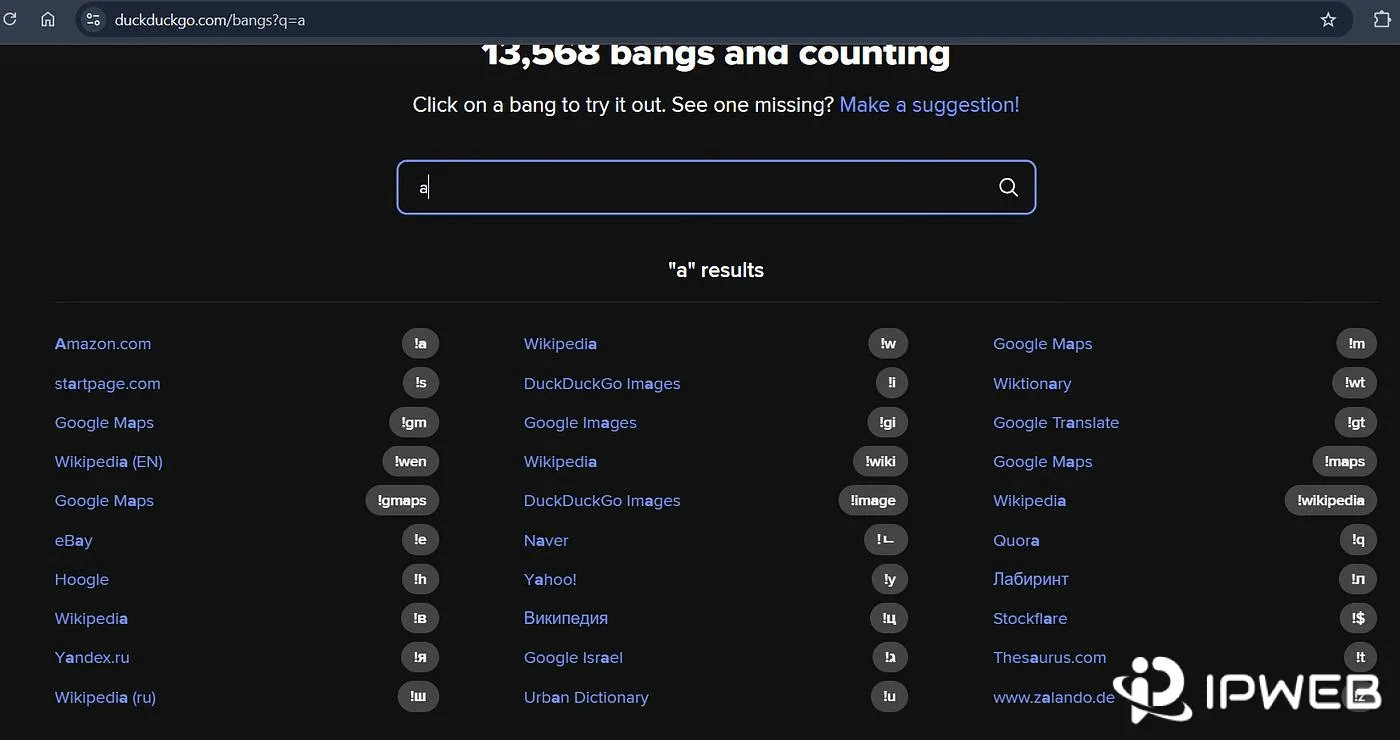
DuckDuckGo !bangs are shortcuts that hand your query to another website's own search engine. The key distinction is that a bang does not refine DuckDuckGo results; it changes where the search is performed.
For example:
!w model context protocolsends the query to Wikipedia, while:
!gh ddgssends the query to GitHub. This is most useful when you already know the destination and want to skip the step of opening that site and locating its search box.
Search Operators vs !Bangs: Which Should You Use?
| Goal | Use | Why |
|---|---|---|
| Find results from one domain inside DuckDuckGo | site: |
Keeps the search inside DuckDuckGo while narrowing the source domain |
| Find PDFs, spreadsheets, or presentations | filetype: |
Filters toward a specific document format |
| Make title or URL matching more important | intitle: / inurl: |
Focuses the query on page metadata rather than any mention in the body |
| Search a known website's own search engine | !Bang | Hands the query to that external site |
A useful rule is: if you still want DuckDuckGo to choose the results, use an operator. If you already know which site should perform the search, use a bang.
That also explains why mixing the two can be misleading. Once a bang redirects the query, syntax such as site: or filetype: is handled by the destination site's search engine. It may be ignored, interpreted differently, or treated as ordinary text.
Do DuckDuckGo !Bangs Keep Your Search Private?
A bang does not keep the query inside the same privacy boundary as a normal DuckDuckGo Search. DuckDuckGo notes that the search happens on the destination website, so that site's own privacy and data-collection practices apply after the handoff.
That makes a bang a navigation shortcut, not a privacy layer for the destination site. If you want the broader distinction between DuckDuckGo Search privacy, browser private mode, public IP visibility, and DuckDuckGo VPN, see our guide to how DuckDuckGo private search differs from IP and browser privacy.
Why DuckDuckGo Operators Sometimes Don't Work as Expected
DuckDuckGo itself warns that some advanced syntax does not operate perfectly for every query. Its search-source documentation also explains that results can come from multiple sources, including DuckDuckGo's own crawler and indexes as well as Bing for many traditional links and images.
The query is too restrictive
If a plain query works and a four-operator version does not, remove constraints in reverse order. This is more informative than assuming the operator itself is broken.
Exact phrases can still produce related results
When too few exact matches exist, DuckDuckGo may show related results. A quoted query is therefore useful for precision, but the visible result set should still be checked rather than treated like a rigid database response.
+ and - are not always strict include/exclude rules
DuckDuckGo describes -term as returning fewer results with that term and +term as returning more. That wording matters. If a result absolutely must exclude or include a concept, verify the returned pages instead of assuming the modifier guarantees it.
Different result sources can behave differently
Advanced syntax is being applied across a search experience assembled from multiple sources rather than one uniform index for every feature. That helps explain why a syntax pattern may look consistent on one query and looser on another.
- Confirm the base query returns useful results before adding syntax.
- Add one operator at a time so you know which constraint changed the result set.
- Remove exact phrases first when a query becomes too narrow.
- Check visible results when using
+or-; do not assume strict Boolean behavior. - If a bang is present, remember that the destination site's search rules now matter more than DuckDuckGo's operator rules.
Other Useful DuckDuckGo Shortcuts
Two shortcuts are useful but do not need to drive your search strategy.
Backslash: a query such as \futurama opens the first result directly. It is convenient when you are confident about the top result, but you skip the normal step of reviewing the result list first.
Safe Search shortcuts: DuckDuckGo supports !safeon and !safeoff for changing Safe Search behavior for an individual query without changing the broader setting.
Can You Create Your Own DuckDuckGo !Bang?
Yes. DuckDuckGo provides a Submit a new bang form for proposing a new shortcut or updating an existing one. The form asks for information such as the destination site, bang command, search URL, example query, and category.
For a custom search URL, DuckDuckGo uses 该字段不存在!
https://example.com/search?q=该字段不存在!
}A bang submission is a shortcut proposal, not an SEO ranking signal or a URL-indexing request. If the goal is search discovery, use a crawl and indexing workflow instead.
When Manual Search Syntax Is No Longer Enough
Operators and !bangs are designed for human, one-off searches. If you repeatedly run the same query pattern, need structured output, or want an AI client to call search as a tool, manual browser syntax becomes the wrong layer.
At that point, the useful question is no longer “which operator should I add?” but “do I need a search library, API-style workflow, or MCP tool?” For the boundaries of DuckDuckGo programmatic search, see whether DuckDuckGo has a Search API. For agent-based search, see how to use DuckDuckGo-backed search with an MCP server.
Frequently Asked Questions
site: show every page DuckDuckGo has indexed?site: as a search filter and spot check, not as a complete index-coverage report. A search results page does not expose every crawl, discovery, or indexing state for a domain.site: and a !bang?site: keeps the search inside DuckDuckGo while limiting the result set to a domain. A !bang sends the query to the destination site's own search engine.Final Thoughts
DuckDuckGo search operators are most useful when they reduce search noise without making the query so strict that useful results disappear. Start with a plain query, add one constraint at a time, and validate what the result page actually shows.
Use site:, filetype:, intitle:, inurl:, and phrase modifiers when DuckDuckGo should still choose the results. Use a !bang when you already know which external site should perform the search. And when the workflow becomes repetitive, structured, or agent-driven, move beyond browser shortcuts instead of forcing manual syntax into an automated process.